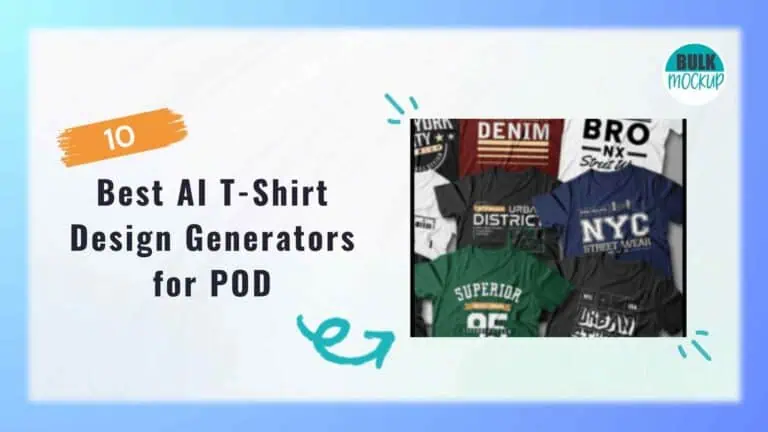
Explore the best AI for t-shirt design with our top 10 tool reviews, use cases, and mockup automation using Bulk Mockup.


AI T-shirt design generators can help turn a rough concept, short prompt, reference image, or existing graphic into something you can build on. Some are best for bold artwork. Others give you more control over text, colours, layout, vectors, or mockups. The difference matters when you are designing for print-on-demand rather than creating images for fun.
A design may look impressive on screen and still fail when printed because the background is wrong, the text is distorted, or the file is too small. Licensing and commercial use terms also need a closer look.
This guide compares 10 tools for different design styles, budgets, printing methods, and selling workflows.
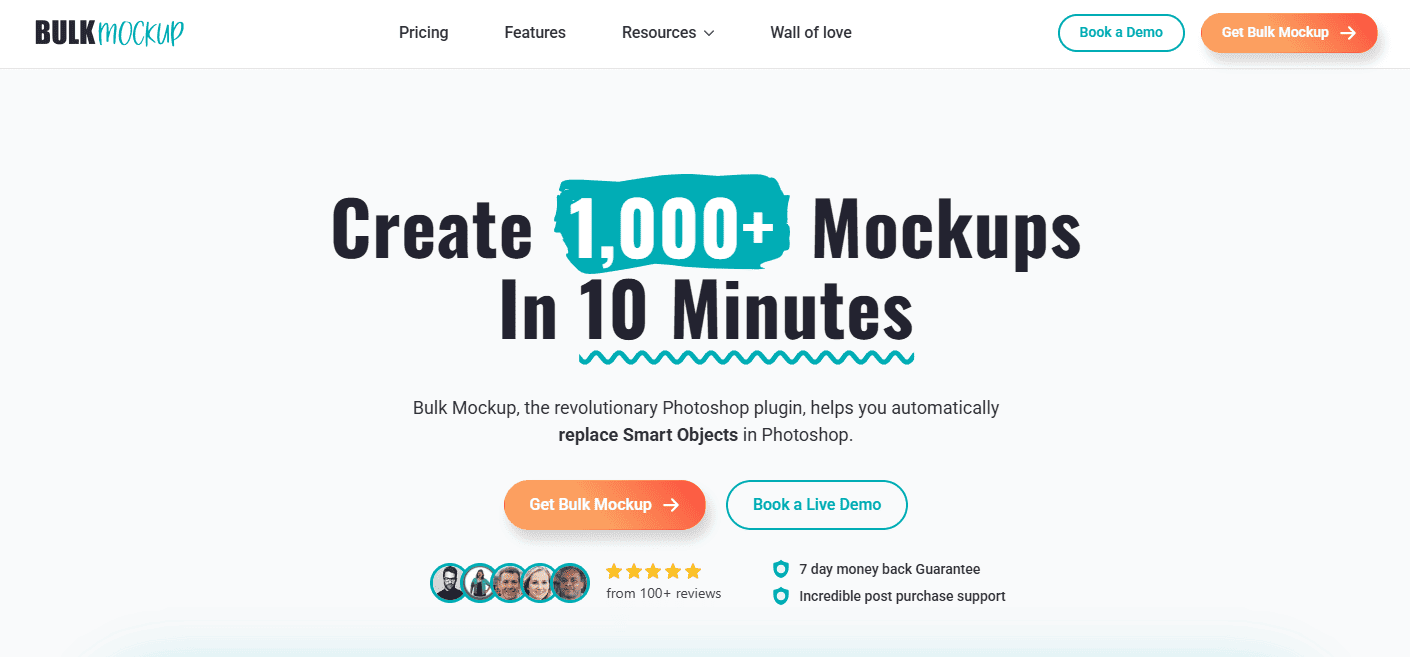
Bulk Mockup suits print-on-demand sellers who already have finished artwork and need to create consistent product images at scale. It does not generate T-shirt designs from written prompts. Its role begins after the artwork is ready, when you need mockups for Etsy, Shopify, advertisements, social posts, or collection launches.
Bulk Mockup works inside Adobe Photoshop and replaces Smart Objects in compatible PSD templates. You can connect a folder of completed design files and apply them across several T-shirt mockups. Automatic resizing and alignment help keep every design positioned consistently within the Smart Object area.
Key features include:
The latest version supports Photoshop CC 2022 and later. Older releases are available for Photoshop CC 2017 through 2021. It does not work inside Canva or Photopea.
Pricing: Bulk Mockup currently costs $15 per month or about $77 per year. Each subscription supports installation on two devices.
It works well for Etsy sellers, agencies, and large POD stores, while smaller catalogues may not need this level of automation.
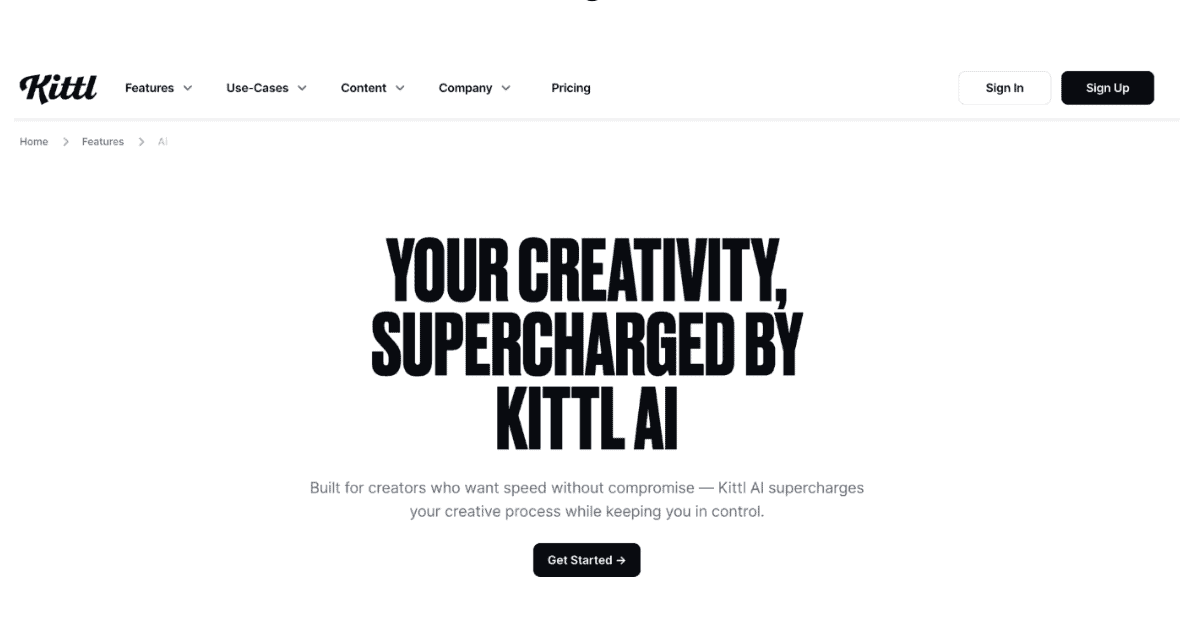
Kittl combines AI artwork generation with practical editing tools, which makes it useful for sellers who want to create and refine designs in one place. It works especially well for vintage badges, distressed graphics, logos, flat illustrations, decorative typography, and slogan-based T-shirt designs.
Instead of downloading the first result, you can adjust colours, move elements, remove backgrounds, and improve the composition inside the editor. Its typography controls support curved text, outlines, shadows, textures, and distortion effects.
Useful features include:
SVG files still need inspection before printing. Check whether the export contains editable shapes, embedded raster elements, converted text, or unnecessary anchor points. AI generated wording should also be reviewed carefully, especially in longer slogans.
Pricing: Kittl offers a Free plan at $0 per month, while Pro costs $19 per month and Expert costs $45 per month. Paid plans provide higher AI token limits, more storage, premium templates, mockups, and advanced design features.
Kittl suits sellers who want artwork generation, typography, editing, and mockups within one platform.
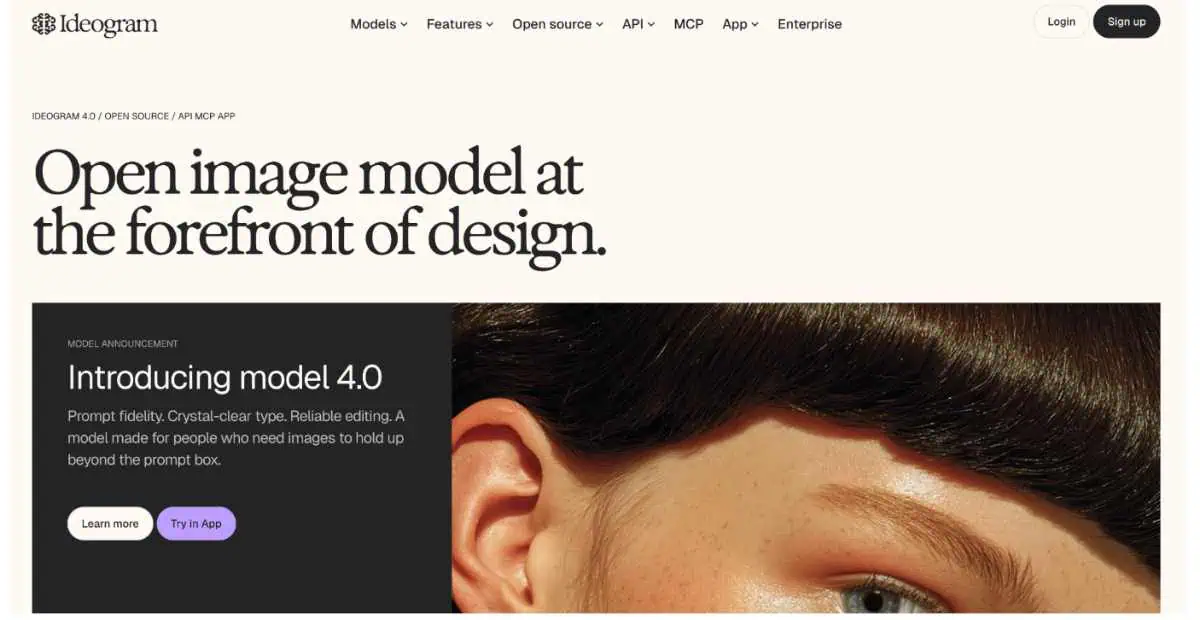
Ideogram is useful for slogan shirts, quotes, retro badges, club merchandise, and poster style graphics where typography takes centre stage. It generally renders visible wording more accurately than many AI image generators, although longer phrases and small supporting text can still break down.
Key features include:
Always inspect spelling, punctuation, repeated letters, alignment, and letter shapes before printing. Recreating the wording in Photoshop, Illustrator, Canva, or Kittl may produce a cleaner result. Ideogram is less suitable when you need editable vector paths or detailed control over individual layers.
Pricing: The Free plan includes 10 slow credits each week. Plus costs $20 per month and Pro costs $60 per month, with lower effective rates available through annual billing. Paid tiers add private generation, PNG downloads, image uploads, and larger credit allowances.
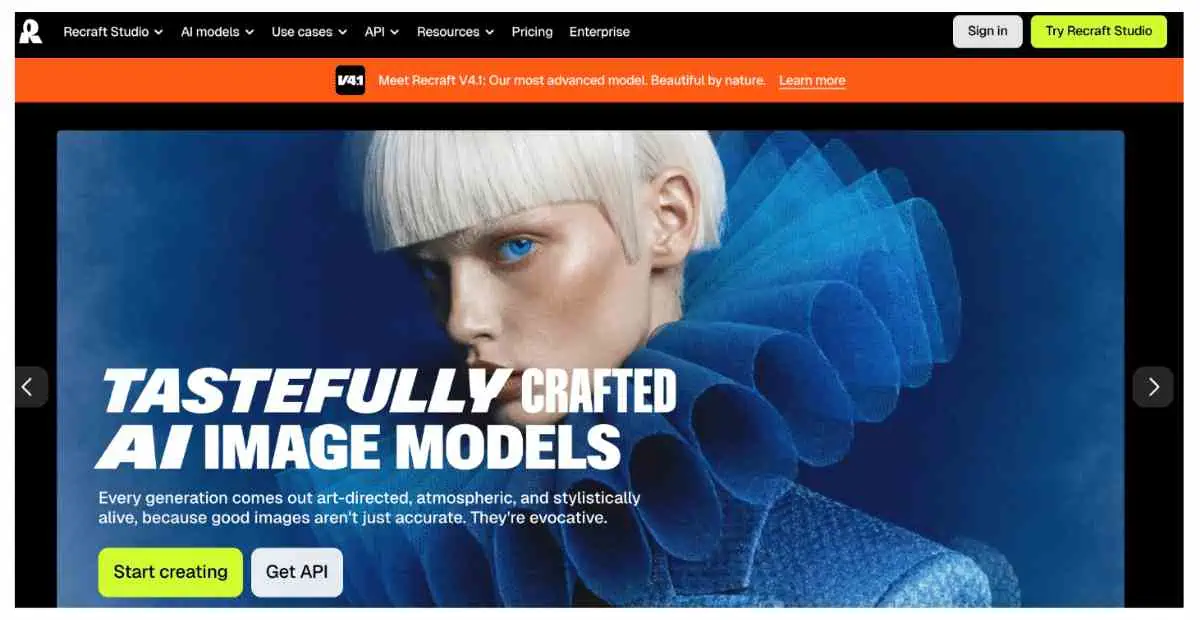
Recraft suits logos, badges, icons, flat illustrations, and screen print graphics that need to stay sharp at different sizes. It creates native vector artwork rather than raster images that only imitate a vector style.
Key Features:
Recraft works particularly well for artwork built with a small number of solid ink colours. Before production, inspect each SVG for broken paths, overlapping shapes, embedded raster elements, excessive anchor points, outlined lettering, and colours that cannot be edited separately.
The free plan keeps generations public and does not permit commercial use. Paid subscriptions provide private output and commercial rights under the current terms.
Pricing: Recraft offers a free plan with daily credits. Basic starts at $12 per month, while Pro starts at $20 per month with a larger credit allowance.
Midjourney works well for fantasy, gothic, botanical, surreal, retro science fiction, and fictional travel poster designs. Its main strength is creating detailed illustrations with strong composition, texture, and visual character.
Key Features:
Midjourney is better for creating the main artwork than the final print file. It does not provide native SVG exports, reliable typography, detailed layer control, or precise colour limits. Transparent backgrounds and fine details often need cleanup in Photoshop, Illustrator, or Kittl.
Pricing: Plans cost $10 per month for Basic, $30 for Standard, $60 for Pro, and $120 for Mega. Businesses earning over $1 million annually need Pro or Mega for commercial use. Private generation is also limited to those tiers.
Adobe Firefly works best for designers already using Photoshop or Illustrator. It can generate artwork, remove objects, change backgrounds, and support further editing inside Adobe applications.
Key Features:
Firefly mainly creates raster images, while Illustrator handles editable vector output. Adobe positions Firefly for commercial use under its current terms, but you still need to check trademarks, characters, logos, and other protected material.
Pricing: Firefly Standard costs £9.98 per month including VAT, while Firefly Pro costs £19.99. Pro Plus is currently £33.58 per month, and Premium is £140.20 per month.
Leonardo AI is useful when you want to test several visual directions for the same T shirt concept. Its model choices, presets, reference images, canvas tools, and background controls make it easier to develop related designs with a consistent look.
Key Features:
Typography remains unreliable, so create the illustration first and add the final wording in a separate design editor. Upscaled files also need close inspection because added pixels can introduce false texture, rough edges, or distorted lines.
Free generations are public, although Leonardo grants commercial use through a nonexclusive licence. Paid subscribers can create privately and retain ownership under the current terms.
Pricing: The Free plan includes 150 daily tokens. Essential costs $12 per month, Premium costs $30, and Ultimate costs $60, excluding tax.
Canva works well for beginners creating designs for T-shirts with AI artwork, templates, and manual text tools. Magic Media can generate the graphic, while the editor helps you correct wording, change colours, remove backgrounds, and adjust the layout.
Key Features:
Manual text editing reduces spelling errors often found in AI shirt designs. Check the licences for fonts, templates, stock graphics, premium elements, and generated images before selling. Since many users access the same templates, customise them enough to create a distinct result.
Canva suits quick previews and small catalogues. Bulk Mockup is better for automating larger PSD mockup collections.
Pricing: Canva offers a Free plan, while Pro unlocks premium templates, background removal, resizing, Brand Kit features, and wider export options. Pricing varies by region.
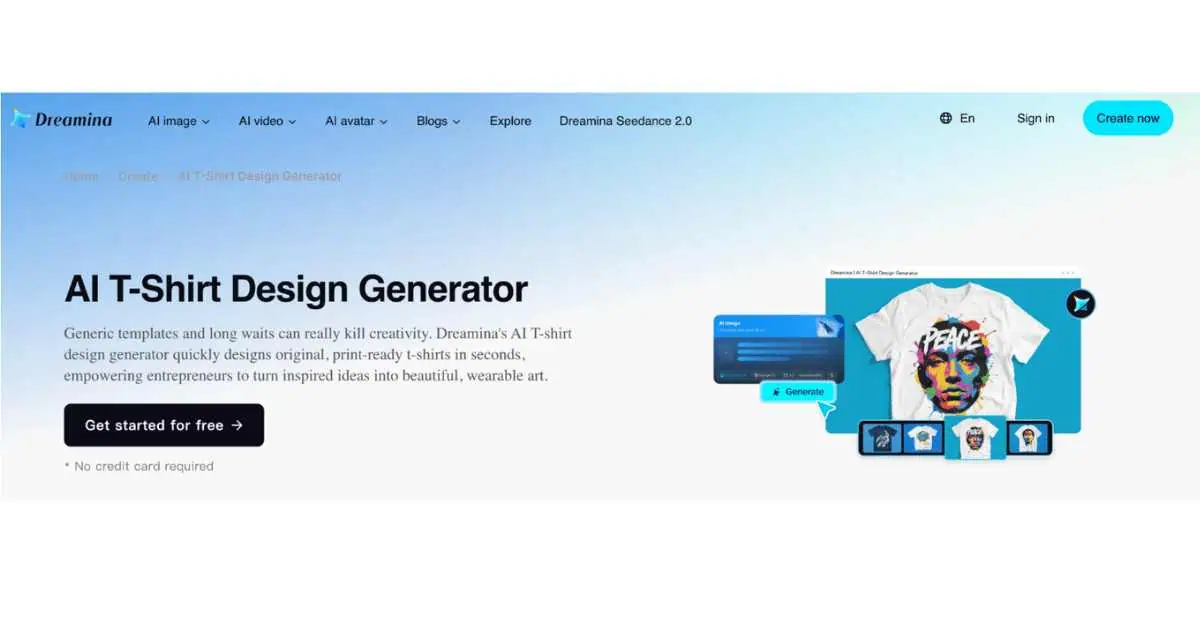
Dreamina combines prompts, reference images, style transfer, and targeted editing. Its inpainting tool helps fix incorrect objects, missing details, weak backgrounds, or awkward sections without replacing the full design.
Key Features:
Dreamina highlights DTG, screen printing, and sublimation use cases, but every file still needs checking for dimensions, transparency, edge quality, text, line thickness, colours, and export format. Most downloads are flattened raster images rather than editable vectors.
Commercial use depends on the current terms and the rights attached to any uploaded material.
Pricing: Dreamina offers free credits, while paid access and allowances vary by account and region. Check the live platform before publication.
Pixelcut is better described as an AI image editor than a dedicated T shirt design generator. Its prompt tool can create basic raster graphics, while the background remover and upscaler help prepare files for simple merchandise projects.
Key Features:
Check every downloaded PNG against both dark and light backgrounds. White boxes, haze, glows, rough edges, shadows, and stray pixels can remain even when the preview shows transparency. Wording also needs inspection before printing.
Pixelcut does not create editable vector files. A high resolution export may still fall short if the dimensions, edge quality, or transparency do not match your printer’s requirements.
Pricing: Pixelcut offers a Free plan with limited tools. Pro costs $10 per month, while Business starts at $30 per month with higher credit limits and commercial use rights.
| Factor | What to Check | Suitable Tools |
| Artwork type | Use vectors for logos, badges, typography, flat illustrations, and screen printing. Raster tools suit detailed artwork, texture, and shading. | Recraft or Kittl for SVG files. Midjourney or Leonardo AI for illustrations. Ideogram for text led concepts. |
| Artwork or mockup | Artwork is the isolated graphic sent to a printer. A mockup shows how it may look on a T shirt. Confirm that the artwork can be downloaded separately. | Create the artwork first, then use Bulk Mockup for product mockups. |
| Printing method | Screen printing suits limited colours and thicker lines. DTG and DTF allow more detail. Sublimation works mainly on polyester. Embroidery needs simpler shapes. | Follow your printer’s file requirements before exporting. |
| Typography | Check spelling, repeated letters, fake words, uneven forms, and small text. Generate the illustration without wording when accuracy matters. | Add final text in Kittl, Canva, Illustrator, or Photoshop. |
| Export format | Use transparent PNG for raster artwork. SVG, EPS, AI, or PDF suit scalable graphics. JPG does not support transparency. | Inspect SVG files for embedded raster elements and outlined text. |
| Commercial use | Review free plan rights, public generations, ownership, cancellation terms, reproduction limits, and separate asset licences. | Record the date when terms were reviewed. |
| Cost per usable design | Include failed outputs, text fixes, cleanup, editing, upscaling, and licence checks. | Total generation cost ÷ usable designs gives a clearer comparison. |
The best tool depends on the type of artwork you want to create, whether that means typography, vectors, detailed illustrations, or manual editing. Whatever you choose, review the final file for spelling, dimensions, transparency, format, licensing, and protected content before sending it to print.
Once the artwork is approved, you still need product images for your listings. Bulk Mockup does not create the original design or the PSD template. It automates the process of placing finished artwork into compatible Photoshop mockup templates, including files with one or more Smart Objects.
Before publishing, inspect the placement, scale, contrast, and template accuracy, then order a sample to compare the printed result with your listing images.