Explore the top 15 best clothing mockup websites to transform your POD workflow with professional templates and mockup generators.


One design can produce twenty product images and somehow still leave you wondering whether any of them look convincing enough to publish.
The problem is rarely the artwork itself. A mockup can make the print look naturally embedded in the fabric, or make it seem pasted onto a shirt five minutes before the listing went live. And once you start comparing clothing mockup sites, you quickly discover that each one approaches the job differently.
Some are better when you need hundreds of images. Others give you more control over a single carefully styled product shot.
We reviewed 15 options with those differences in mind, so you can choose according to the kind of apparel visuals you actually need rather than whichever tool happens to have the biggest template library.
See how 5,000+ POD sellers automate their entire mockup workflow
Discover the automation advantageIf you want to narrow the list before reading each review, use this comparison to match the platform with the type of mockup workflow you need.
| Site | Best For | Type | Photoshop Needed? | Bulk Creation | Video | Free Option | Pricing |
| Bulk Mockup | High volume mockup creation | Bulk mockup automation | Yes, depends on workflow | Yes | Yes | No | Check current plans |
| Placeit | Lifestyle and model mockups | Browser generator | No | Limited | Yes | Some templates | From $7.47 per month |
| Envato Elements | Large premium PSD library | Asset subscription | Usually | Through external tools | Video assets available | No | From $16.50 per month with annual billing |
| Etsy | Distinctive lifestyle and garment mockups | Marketplace | Depends on file | Depends on asset | Some sellers offer video | Rare | Per asset |
| Creative Market | Premium independent mockup templates | Marketplace | Usually | Depends on asset | Some assets | Monthly design drops | Assets sold individually, memberships from $9.95 per month |
| Mockey | Affordable online mockup creation | Browser generator | No | Multiple design upload on paid plans | Yes on Max | Yes | Free, Pro from $9.99 per month |
| Mockup World | Free editable PSD resources | PSD directory | Usually | No native automation | Limited | Yes | Free |
| Magnific | Mockups plus broader creative production | AI creative platform and asset library | Depends on asset | AI workflows available | Yes | Yes | Premium from $14.50 per month with annual billing |
| Creatsy | Premium apparel PSD mockups and named blanks | PSD mockup marketplace | Usually | Through reusable templates | Limited | Yes | Per asset, many apparel mockups around $19 |
| Printify | Mockups tied to Printify products | POD Product Creator | No | Product workflow | Limited | Yes | Free |
| Printful | Mockups tied to Printful products | POD platform | No | Product workflow | Product dependent | Yes | Free |
| Artboard Studio | Custom scenes and motion mockups | Browser mockup editor | No | Workflow dependent | Yes | Yes | Paid plans from $9 per month with annual billing |
| MyDesigns | High volume POD catalog workflows | Ecommerce production platform | No | Yes | Yes on Pro | Yes | Starter from $19.99 per month with annual billing |
| Pixel Sauce | High resolution mockups of specific apparel blanks | PSD mockup library | Yes | Through reusable PSDs | Limited | No | Individual sets from $29, full site bundle $109 |
| Dynamic Mockups | Automated mockups at scale | Browser and API mockup platform | No | Yes | Yes | Yes | Free, Pro from $15 per month annually |
We evaluated each platform based on factors that matter specifically when creating and selling apparel:
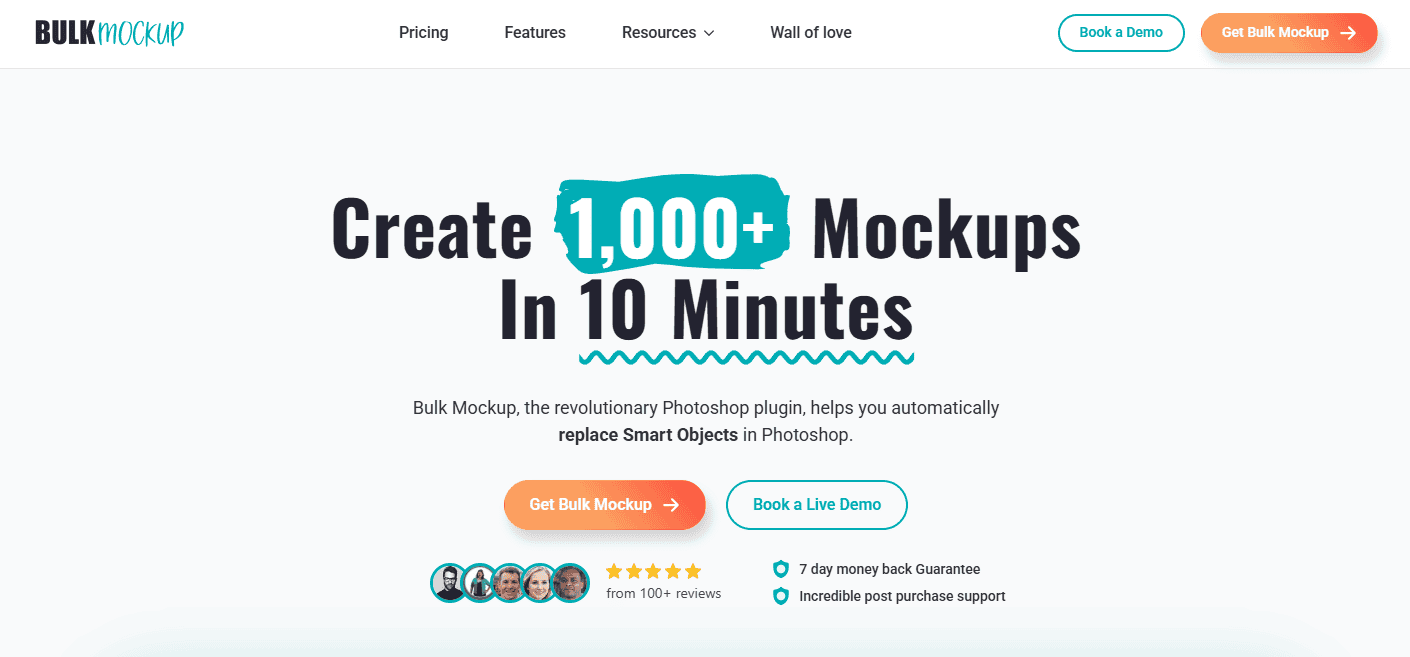
Best For: Bulk Mockup is best for POD sellers, designers, and ecommerce stores that need to create large volumes of consistent apparel visuals.
Bulk Mockup provides tools and mockup resources for speeding up product image production. Its current ecosystem includes bulk automation alongside downloadable clothing mockup templates for categories such as T shirts, hoodies, tops, and caps.
Key Features
For scale, 20 designs × 8 colors × 4 scenes = 640 images, which makes automation far more useful than editing every mockup individually.
Pricing: Check the official pricing page for the latest plan details.
Limitation: Bulk Mockup has a short setup stage when you use a new PSD template, since the design area and Smart Object need to be configured correctly before batch generation.
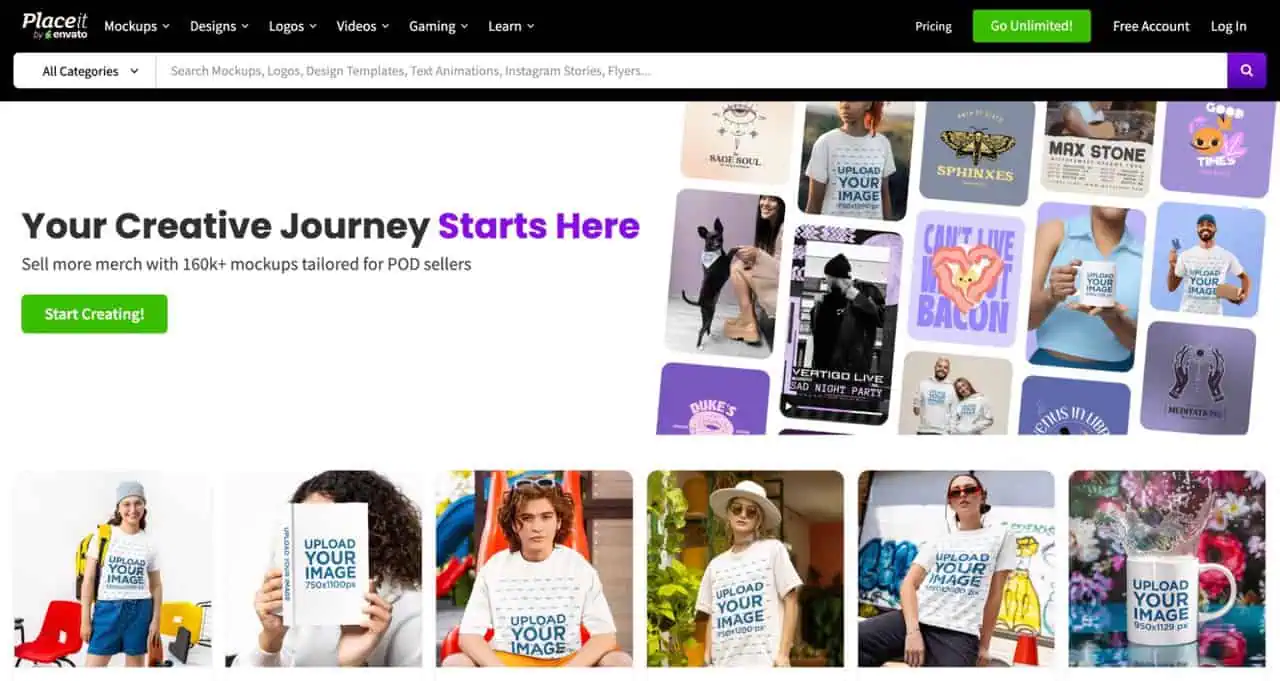
Best For: Placeit is best for sellers who want realistic clothing mockups quickly without opening Photoshop. It works especially well for Etsy thumbnails, collection launches, Instagram posts, Pinterest creatives, and ads.
Placeit is a browser based clothing mockup generator. You choose an apparel scene, upload your design, adjust available garment or background settings, then download the finished image. Its library includes models wearing apparel, lifestyle scenes, isolated products, transparent mockups, and video templates.
Key Features
Pricing: As of September 2026, Placeit advertises unlimited downloads from $7.47 per month equivalent when billed annually at $89.69.
Limitation: Its strongest lifestyle mockups prioritize presentation, so exact blank matching is not available across every apparel scene.
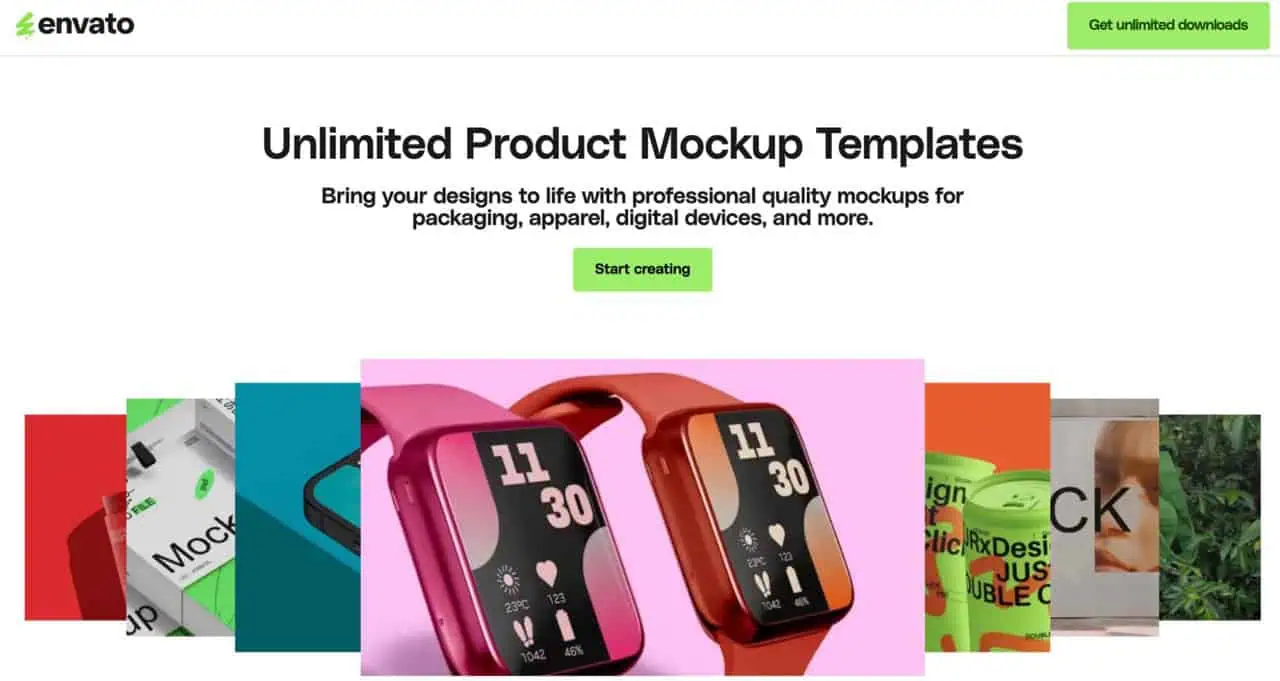
Best For: Envato Elements works well for designers, clothing brands, and POD sellers who want a large library of editable clothing mockup templates alongside other creative assets.
Unlike Placeit, Envato is primarily an asset library rather than a one click clothing mockup generator. You download the source files, customize them in software such as Photoshop, and reuse suitable PSD mockups across future collections.
Key Features
You can find:
For larger catalogs, those PSD files can also be paired with Bulk Mockup automation instead of editing every design manually.
Pricing: Envato Core costs $16.50 per month with annual billing or $39 monthly. It includes unlimited downloads from more than 28 million creative assets under Envato’s licensing terms.
Limitation: Envato provides the creative assets, so you still need to choose and customize the mockup files yourself.
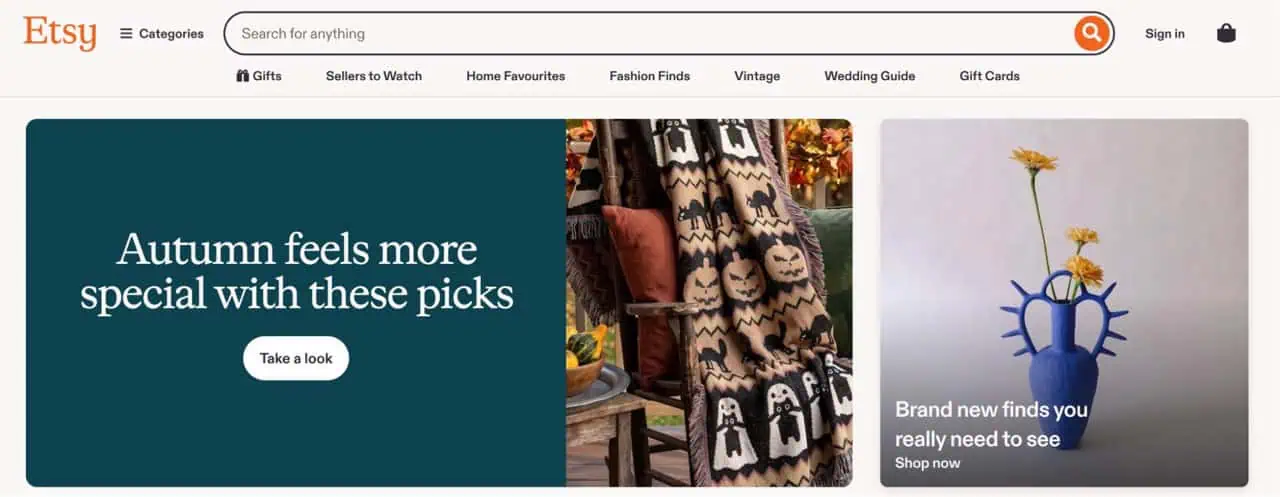
Best For: Etsy works especially well for sellers who want visuals that feel less standardized. Its marketplace includes streetwear, boho, cottagecore, bridal, gym, oversized T-shirt, Christmas, seasonal, and niche model scenes.
Unlike dedicated mockup software, Etsy connects you with independent creators selling ready-made digital packs. Many listings focus on specific blanks such as Bella Canvas 3001, Gildan 18000, or Comfort Colors 1717, which can help when product accuracy matters.
Key Features:
Formats vary by seller and may include:
Pricing: There is no standard subscription price. Assets are sold individually, with costs set by each shop.
Limitation: Quality, file organization, editing options, and licensing vary considerably. Commercial use is not universal, so check each listing for finished image rights, modification permissions, template sharing, and resale restrictions. One seller may allow commercial use while another imposes tighter conditions.
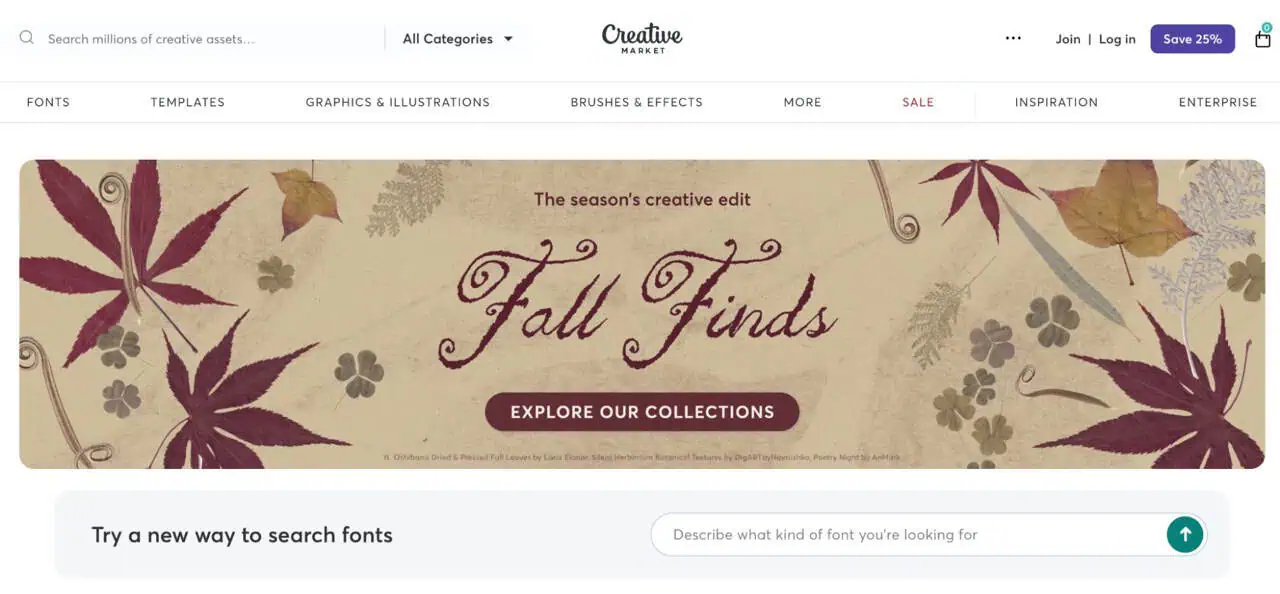
Best For: Creative Market suits fashion brands that care more about distinctive art direction and polished source files than having the largest possible library.
Independent creators sell carefully styled apparel assets covering studio photography, flat lays, branding presentations, lifestyle compositions, and model scenes. This makes the marketplace useful when you want a stronger visual identity instead of imagery that appears across many storefronts.
Key Features:
Pricing: Products are priced individually by creators. Current apparel examples commonly sit around $9 to $30, although larger bundles can cost more. Commercial license pricing also varies by asset.
Limitation: Buying several separate collections can become expensive, and each license should be checked for the intended commercial use.
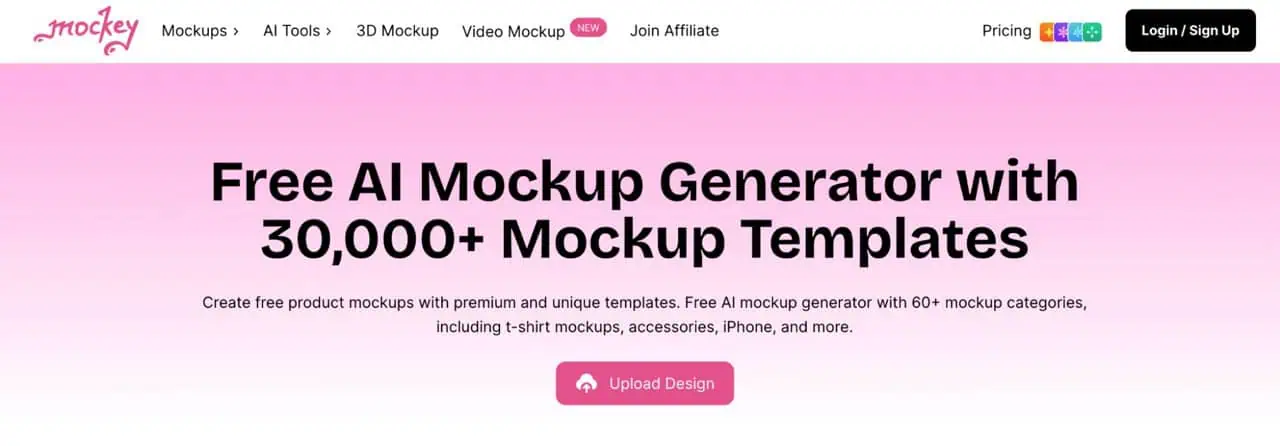
Best For: Mockey is a practical starting point for new POD sellers, smaller catalogs, and creators testing designs before committing to paid software.
Everything runs online. Choose a garment scene, upload your artwork, adjust placement or color, and export the result. Current apparel categories include T shirts, hoodies, sweatshirts, jackets, caps, tank tops, and related products.
Key Features:
That mix works well for quick listing visuals, early product validation, and budget-conscious stores.
Pricing: Mockey offers a free tier. Paid access currently starts around $7 to $9.90 per month, depending on region, while the Creator plan is listed at $19 per month.
Limitation: Features and plan allowances change relatively often, so choose based on the scenes and export options you actually need rather than headline library counts.
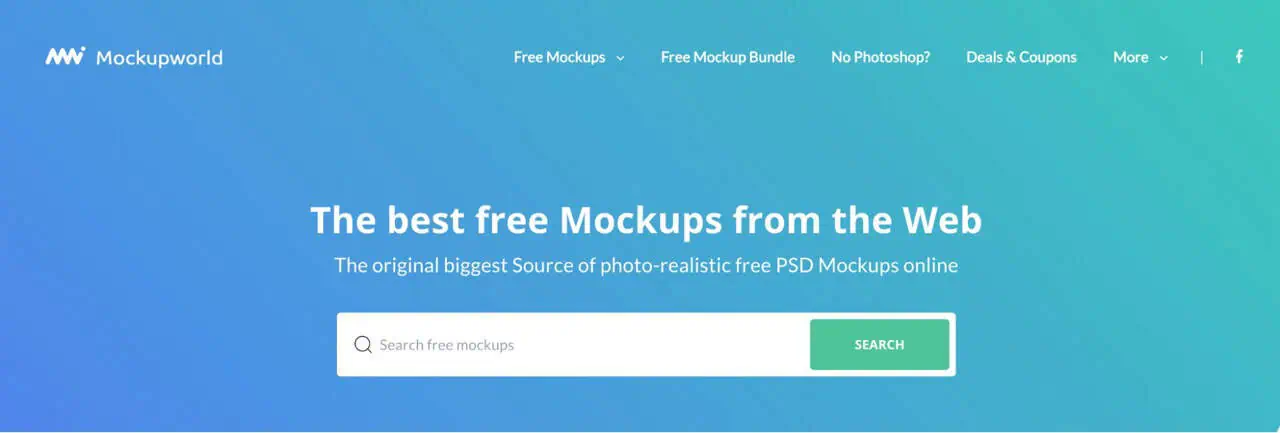
Best For: Mockup World is useful when you want free editable apparel files before paying for a larger asset subscription.
It works as a directory of downloadable resources rather than an online editor. The fashion section includes T shirt, oversized shirt, hanger, flat lay, label, and other presentation files, many supplied as layered Photoshop documents.
Key Features:
The typical workflow is simple:
Some files also include editable garment colors, backgrounds, sleeves, collars, and labels.
Pricing: Mockup World provides these listed resources free of charge.
Limitation: Files come from different creators and source sites, so layer organization, image quality, usage rights, and editing flexibility can vary from one download to another.
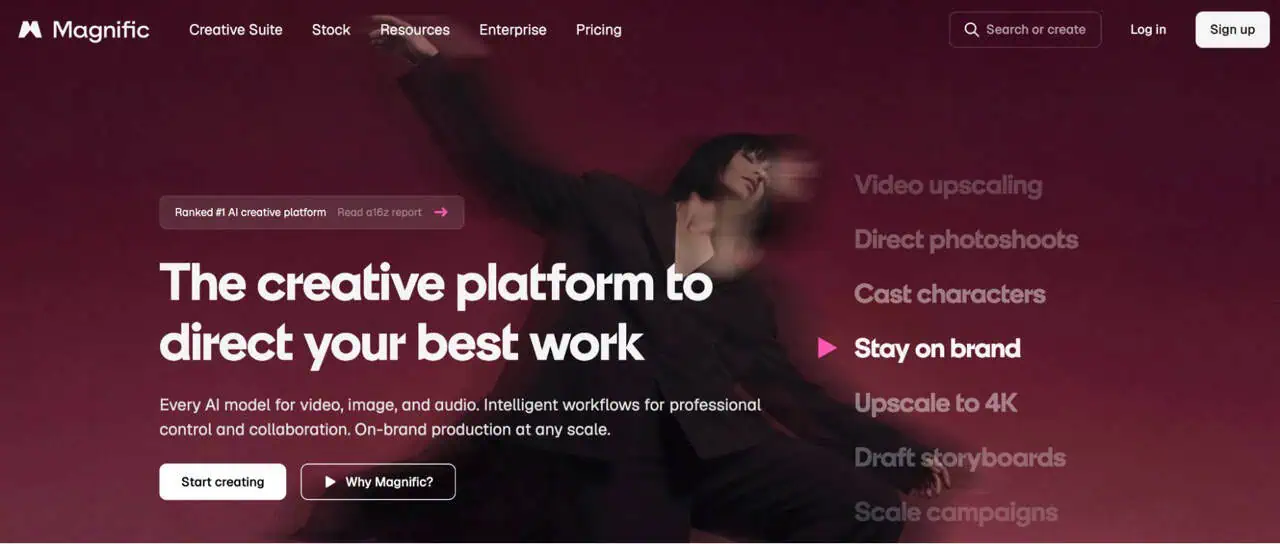
Best For: Magnific suits designers who want apparel resources and broader creative tools in one subscription, especially when product visuals also need supporting graphics for ads, banners, or social content.
Freepik is now Magnific. The platform combines more than 250 million stock assets with AI creation and editing tools, while retaining access to photos, vectors, PSDs, videos, templates, fonts, and mockups.
Key Features:
Pricing: Premium costs $14.50 per month with annual billing or $20 monthly and includes premium stock access plus 240,000 annual AI credits.
Limitation: The experience varies by asset and tool. Free content also requires attribution, while Premium includes commercial licensing without attribution.
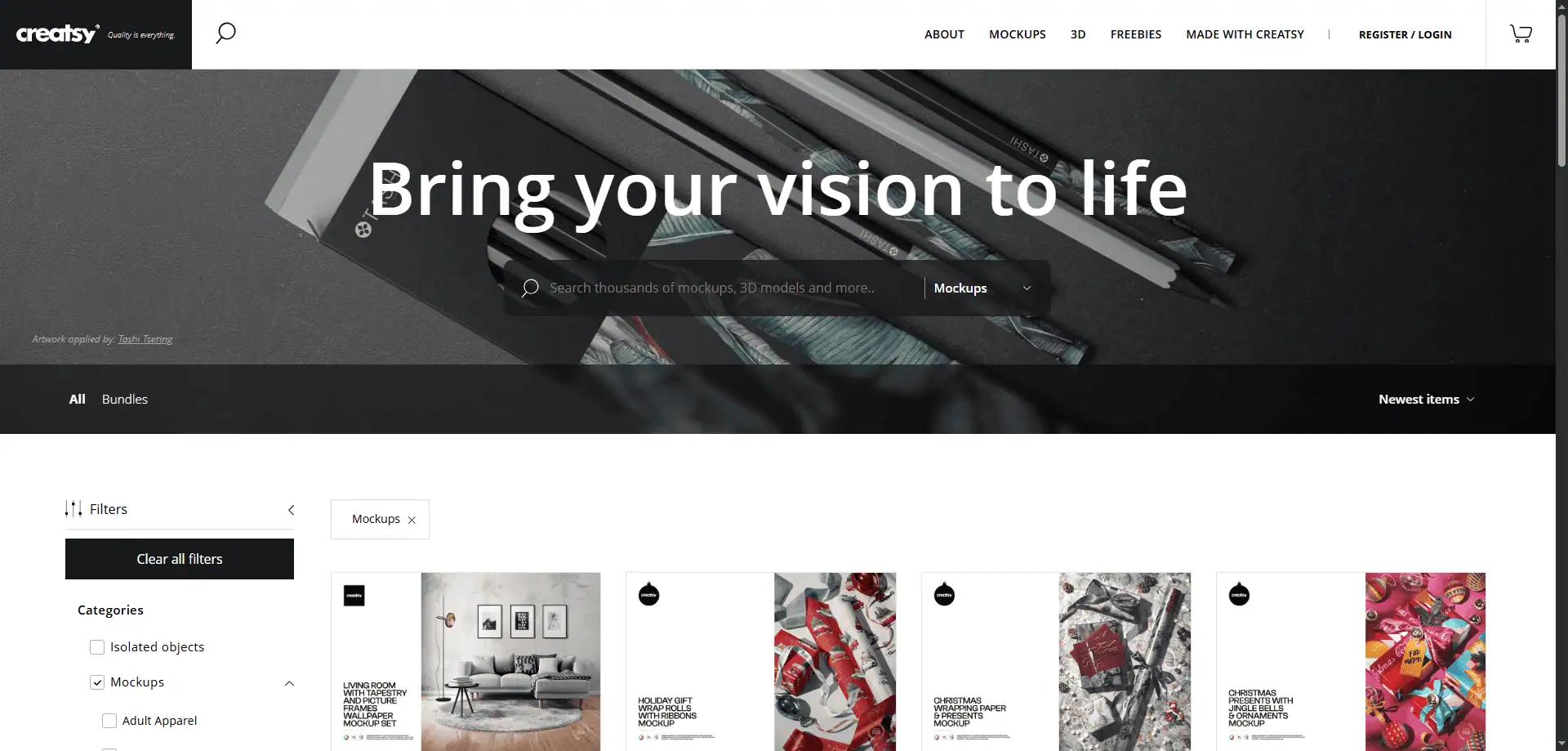
Best For: Creatsy is a strong choice for clothing brands and designers who want polished product scenes with more control over the final presentation.
Creatsy specializes in layered mockup files across apparel and fashion categories such as T shirts, hoodies, headwear, menswear, womenswear, swimwear, footwear, socks, and accessories. Its files are built for editing rather than simple one click generation, and many use Smart Objects to place artwork while preserving perspective, shadows, and highlights.
Key Features:
Pricing: Creatsy mainly sells mockups as individual purchases rather than through a standard subscription. Many current products are listed around $19, while bundles cost more.
Limitation: The workflow is more hands on than an instant browser generator because you still need to edit the source file and manage the composition yourself.
Best For: Printify becomes most valuable when the product shown in your image is also the one you intend to fulfill through its network.
Its free Product Creator, formerly called Mockup Generator, lets you choose a catalog item and Print Provider, upload artwork, then preview how the print sits on that specific product.
Key Features:
Because the visual is connected to the selected item and provider, it gives sellers a practical baseline for checking placement before publishing.
Pricing: The Product Creator is free and can also be used as a standalone design tool.
Limitation: The available scenes may feel less distinctive than imagery created primarily for lifestyle merchandising.
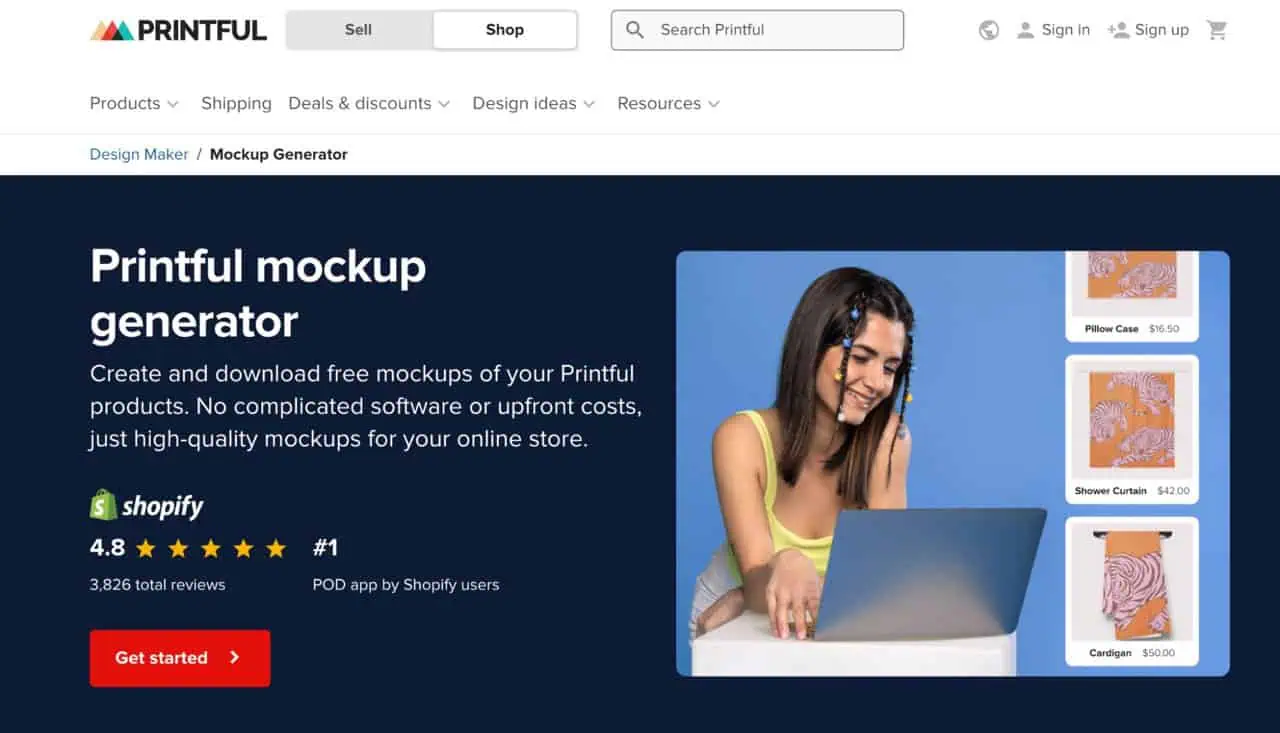
Best For: For sellers already building products inside Printful, its own previews provide a natural foundation for catalog imagery.
Printful lets you create a product template, apply artwork to an item from its catalog, and download finished previews directly from the browser. Since the images originate from the same product setup used for fulfillment, they work well for communicating print placement and available garment variants.
Key Features:
These functional previews can cover the core listing gallery, while more stylized photography can be added for campaigns or collection launches.
Pricing: Printful states that its mockup generator is free, with unlimited high-resolution downloads.
Limitation: The visuals remain tied to Printful products, so brands seeking highly customized campaign scenes may want an additional creative source.
Best For: Artboard Studio fits designers and marketers who want to build an entire campaign composition rather than simply place artwork onto a ready made model image.
The browser editor combines apparel presentation with scene building, animation, and motion. You can arrange objects, adjust compositions, add artwork or video to supported surfaces, and create visuals for product launches, portfolios, ads, and social media.
Key Features:
Pricing: A free plan is available. Paid access starts at $9 per month with annual billing, while Pro is listed at $19 per month annually.
Limitation: Its deeper creative controls may be unnecessary when your priority is producing hundreds of straightforward listing images as quickly as possible.
Best For: MyDesigns makes more sense for sellers who want mockup creation to sit inside a wider product publishing system.
Rather than stopping at product imagery, MyDesigns connects design creation, product setup, mockups, listing content, publishing, and fulfillment. It can publish across Etsy, Shopify, WooCommerce, TikTok Shop, Amazon, and MyDesigns Stores.
Key Features:
Its current workflow can process up to 120 products in one batch on Pro Plus and generate multiple visuals for each design.
Pricing: A free plan supports four products per batch. Starter begins at $19.99 per month with annual billing, Pro at $39.99, and Pro Plus at $79.99.
Limitation: The platform includes far more than image creation, so sellers who only need occasional product visuals may find the wider ecommerce toolset unnecessary.
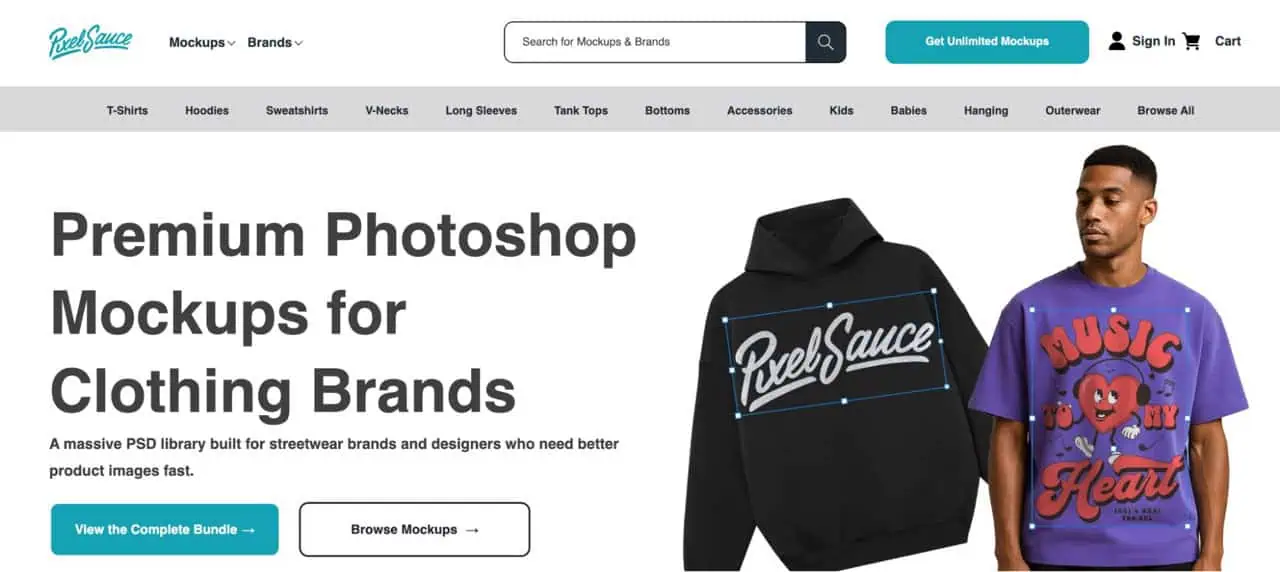
Best For: Pixel Sauce suits clothing brands, POD sellers, and merch businesses that want detailed mockups of recognizable apparel blanks such as Bella Canvas, Comfort Colors, Gildan, Next Level, Los Angeles Apparel, and Shaka Wear.
Pixel Sauce focuses specifically on apparel mockups rather than general design assets. Its collection covers T shirts, hoodies, sweatshirts, tank tops, outerwear, hats, bottoms, kidswear, and accessories. Individual sets commonly include eight views with four front and four back options.
Key Features:
Pricing: Individual apparel sets commonly cost $29, while the complete mockup bundle is listed at $109 as a one time purchase.
Limitation: Pixel Sauce primarily provides editable source files, so you still need to customize and export the finished product images yourself.
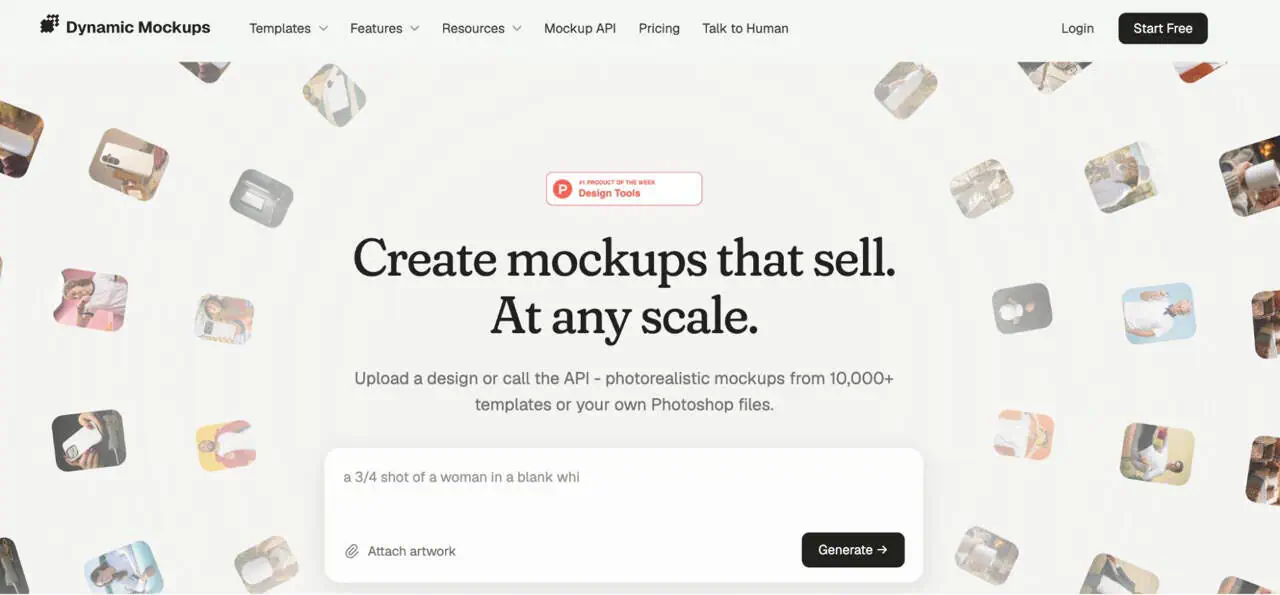
Best For: Dynamic Mockups suits POD sellers, ecommerce teams, and platforms that want to generate large numbers of product visuals through batch creation, reusable templates, or API driven workflows.
Dynamic Mockups combines a browser based editor with more than 10,000 ready to use templates, custom PSD uploads, AI generated scenes, and ecommerce integrations. Its Batch Create feature can apply one design across multiple templates and colorways in a single run.
Key Features:
Pricing: A free plan includes 50 starter credits and watermark free exports. Pro starts at $15 per month with annual billing.
Limitation: The credit system requires some planning when generating very large batches, especially when AI images or motion mockups consume more credits than standard static exports.
The right choice depends less on the size of a template library and more on how closely the workflow matches your actual catalog.
If you fulfill a named POD blank, confirm whether the visual represents that specific product or only a generic garment. Fit, neckline, sleeve length, silhouette, and drape can differ noticeably. Provider-linked tools are useful when accuracy matters.
Zoom into the finished image and check:
A perfectly flat graphic sitting over heavily wrinkled fabric usually looks artificial.
Use this formula:
Number of designs × color variants × scenes = total mockups
For example:
Once production reaches hundreds or thousands of images, scalability matters far more. PSD automation can reduce repetitive editing when the same layouts need to be reused across many combinations.
A huge library does not guarantee distinctive branding. Check whether competing shops use the same models or scenes, how much you can customize the setting, and whether the visuals can support a recognizable style across your catalog.
Curated PSD packs or original photography may suit brands that want stronger differentiation.
No Photoshop
Photoshop preferred
Do not judge value from the monthly subscription alone. Someone creating ten images each month has a very different cost structure from a store preparing 5,000 seasonal visuals.
Consider the subscription, individual asset purchases, editing time, software requirements, manual work per image, and whether batch creation is available. The cheapest plan can become expensive if every image still requires several minutes of repetitive editing.
A mockup workflow that feels simple with five designs can become surprisingly heavy once the same collection expands across multiple colors, products, and scenes.
At that point, the challenge is no longer creating one good image. It is producing hundreds of consistent visuals without repeating the same manual steps every time.
Bulk Mockup helps you create mockups in bulk, automate repetitive parts of the process, and produce product visuals faster. Its current capabilities include automated resizing and alignment, structured exports, custom naming, multiple design areas, and support for static, video, and animated mockups.
If mockup production is becoming one of the slowest parts of managing your catalog, Bulk Mockup can help you reduce repetitive work and keep larger batches moving more efficiently.
The right choice depends on your workflow. Placeit suits lifestyle visuals, Creatsy and Pixel Sauce offer editable apparel assets, Printify and Printful provide product linked previews, while Bulk Mockup and Dynamic Mockups are better suited to larger production volumes.
For quick lifestyle scenes, Placeit is a strong option. Printify works well when you need previews tied to a selected product, Mockey suits budget conscious testing, and Bulk Mockup is more practical when your catalog requires hundreds of outputs.
Placeit can work well for POD sellers who need model based and lifestyle presentation. Just remember that some scenes use generic garments, so fit, neckline, drape, and other details may not exactly match the blank you fulfill.
Using both can be useful. Printify gives you product linked previews based on the item and Print Provider you select, while Placeit can add more varied lifestyle imagery for listings, campaigns, and social media.
Yes. Bulk creation becomes valuable when designs expand across many colors and scenes. Larger catalogs can benefit from automated generation, consistent placement, organized exports, and workflows such as Dynamic Mockups or Bulk Mockup instead of editing images one by one.
Some AI generated mockups can look convincing, especially for campaign visuals. Before publishing, inspect logos, typography, seams, hems, hands, fabric folds, repeated textures, and garment edges because generated details can sometimes differ from the intended product.