Creating product mockups can be time-consuming. AI mockup tools use artificial intelligence to instantly place your designs into realistic scenes or on product photos, saving you time and effort.
In this comprehensive buyer’s guide, we’ll review the 12 best AI mockup generator tools available in 2026. Each tool is assessed for what it’s best for, along with key features, pros and cons, pricing, and user ratings. Let’s dive in!
Stop wasting time on manual mockup creation. Join the POD sellers who’ve already made the switch.
Make the switch today| Rating: 4.9/5 (Trustpilot) |
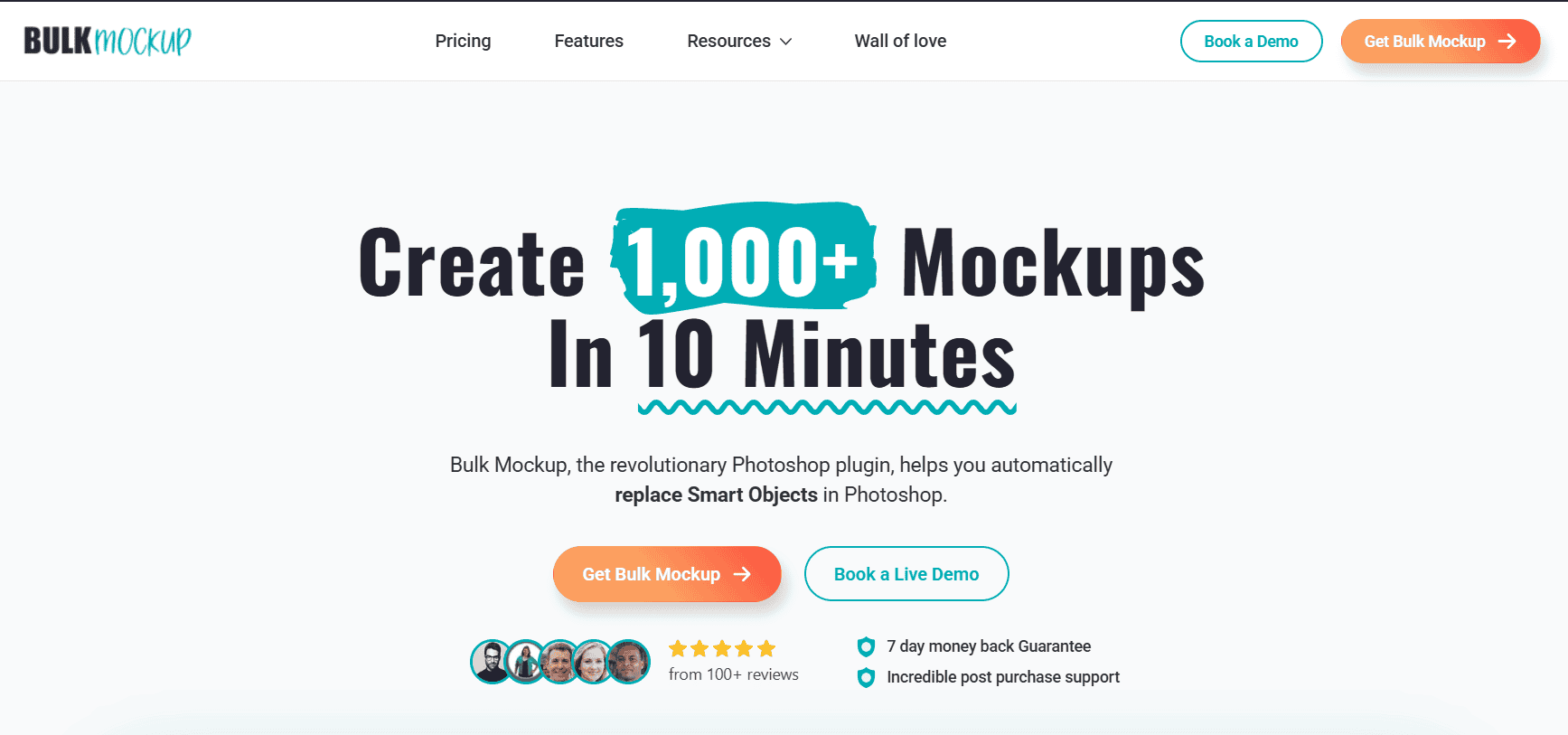
Bulk Mockup is a powerful Adobe Photoshop plugin that automates the process of applying designs onto mockup templates in bulk. It’s ideal for print-on-demand sellers and designers who need to create hundreds of product mockups quickly without manual editing.
Simply prepare your PSD mockup templates with smart object layers, point Bulk Mockup to your folder of designs and templates, and it will automatically generate all combinations – e.g., 100+ mockups in seconds. Our plugin is trusted by over 2,000 sellers and has a proven track record for saving time.
| Pros | Cons |
| Huge time-saver. Turns hours of manual work into minutes | Requires Adobe Photoshop |
| Supports unlimited templates and designs in batches | Learning curve if you’re completely new to Photoshop |
| Highly customizable | |
| Excellent support and tutorials for POD users |
Bulk Mockup offers a 7-day money-back guarantee trial period. The subscription is $15 per month (monthly) or $77 per year (billed annually, which is ~66% off). One license covers use on up to 2 devices. There’s no per-mockup fee – you can create unlimited mockups.
If you already use Photoshop and need scale, Bulk Mockup is unmatched for pumping out product images in bulk. It’s popular with Etsy and Shopify sellers who have dozens or hundreds of listings to update.
For a detailed comparison between Bulk Mockup and a cloud alternative,
See our in-depth Bulk Mockup vs Dynamic Mockups analysis.
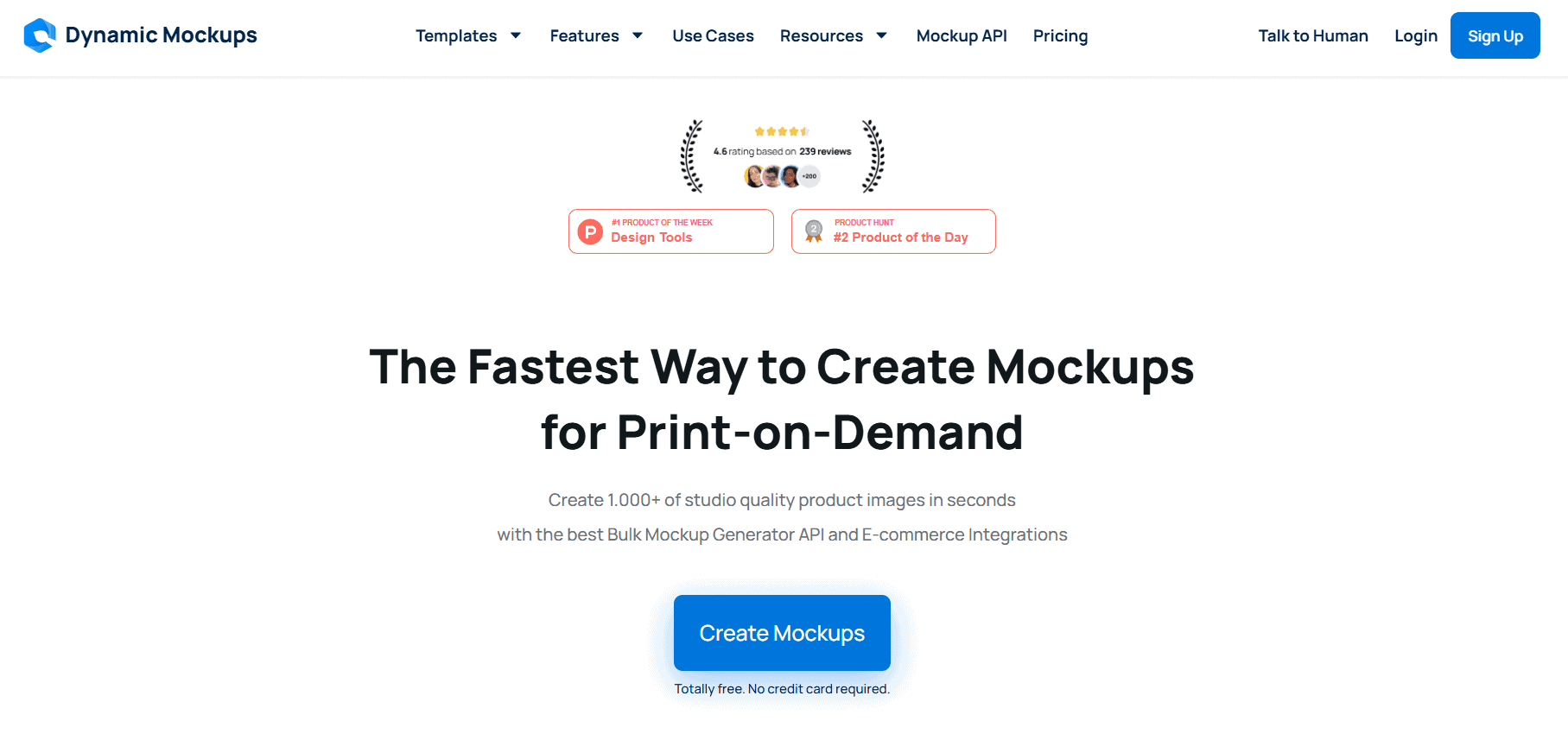
Dynamic Mockups is a cloud-hosted mockup generation platform (and API) built for speed and convenience. Unlike Bulk Mockup, it runs entirely in your browser.
Dynamic Mockups stands out by offering an AI Mockup Generator feature: you can describe a background or scene, and the AI will create a unique lifestyle backdrop for your product. This allows sellers to produce not just studio shots but also AI-generated lifestyle images with minimal effort.
| Pros | Cons |
| No Photoshop needed | The template library is still growing |
| AI scene generation adds creative, unique backgrounds | AI-generated scenes can be hit-or-miss if prompts are unclear |
| Bulk generation is fast and automatic | Template library is still growing |
| API and integrations for automation in your shop workflow |
Dynamic Mockups has a freemium model. You can start with a Free account (no credit card required), which allows limited mockups and watermark previews to test it out.
For full capabilities, their Pro plan is around $10/month for unlimited high-res mockups without watermarks. Higher-tier plans or credits may apply if you use extensive AI generation, but the pricing is designed to be affordable for small sellers.
It’s perfect for those who prefer a browser-based solution.
| Rating: 4.8/5 (G2) |
MyDesigns is an all-in-one platform tailored for print-on-demand sellers. MyDesigns allows you to bulk upload designs, generate mockups, write SEO-optimized listings with AI, and publish directly to marketplaces like Etsy, Shopify, WooCommerce, and more.
It includes a feature called “Mockup Profiles” which lets you create photorealistic mockups at scale using either their library or your own templates. MyDesigns even incorporates AI for design generation and listing content, making it a one-stop solution.
| Pros | Cons |
| One-stop solution – covers design, mockups, and publishing in one tool | The web interface can feel complex due to many features |
| Bulk operations are very efficient | Mockup customization is less hands-on |
| Includes AI for design & copywriting | Cloud-based speed depends on the internet and the servers |
| Continually updated with new features | Pricing jumps to higher tiers if you need a lot of storage or team seats |
MyDesigns has a Free tier, which lets you try it with a limited number of listings and storage. For serious sellers, the Pro plans start around $12/month (billed annually).
If you’re running a print-on-demand business and want to streamline everything from generating designs to creating mockups to listing products, MyDesigns can replace multiple tools with one platform.
| Rating: 4.5/5 (Capterra) |
Placeit by Envato is one of the most popular online mockup generators, known for its huge library of mockup templates for nearly any scenario.
With Placeit, you don’t deal with Photoshop or any complex editing. There are thousands of apparel, tech, packaging, and digital device mockups. While Placeit doesn’t use AI to generate scenes, its library is so extensive that you can find a mockup for almost any use case. It’s extremely beginner-friendly and fast for one-off mockups.
| Pros | Cons |
| Huge variety | Templates are static – no control beyond what’s provided |
| Very easy and quick – perfect for beginners or quick marketing visuals | An unlimited subscription can be pricey if you only need a few images |
| Constantly updated with new templates | Some mockups can look “stock” |
| Also includes design templates for logos, videos, etc. | Rendering speed can sometimes be slow |
Placeit offers two main ways to pay: Pay per mockup (around $0.99 per image download, or $3.99 for a video mockup), which is great if you just need a couple of mockups; or the Unlimited Subscription at $14.95/month or $89.69/year, which comes out to ~$7.47 per month on annual plan.
If you value variety and simplicity, Placeit is hard to beat. It’s loved by entrepreneurs, POD sellers and marketers who want nice-looking mockups fast without learning new software.
MockupMark is a browser-based mockup generator focused on apparel and merchandise. It’s loved by many POD sellers for its straightforward, no-frills approach and the fact that you can use it without even creating an account.
You simply go to the website, pick an apparel item, upload your design, and download the mockup. It supports shirts, hoodies, tank tops, sweatshirts, and more – including lifestyle mockups.
While MockupMark doesn’t leverage AI, it offers a quick solution for those who need to visualize their designs on real products without buying templates or subscriptions. It strikes a good balance between quality and cost (free).
| Pros | Cons |
| Free to use – great for hobbyists or testing designs | Focused mainly on apparel |
| No software needed, runs in your browser | Lacks advanced features |
| Offers popular POD product mockups with realistic models | Smaller template selection compared to paid competitors |
| Simple interface with just the essentials |
MockupMark’s free version lets you try a limited number of mockups at no cost. For extended use, the Premium plan is $14.99 monthly (or $9.99 per month if billed yearly).
If you’re an Etsy or Print-on-Demand seller on a tight budget, MockupMark is a gift. It allows you to create professional-looking t-shirt or hoodie mockups for free, which you can then use in your shop. It’s also handy for quick one-off needs.
Check out our review of BulkMockup Vs MockUp Mark Vs Mock-It
| Rating: 4.0/5 (Trustpilot) |
Mockey.ai is a newer platform that leverages AI to produce realistic product mockups, particularly for apparel, with minimal effort. You upload your t-shirt or merchandise design, and Mockey’s AI will generate a mockup template combined with a relevant background automatically.
Mockey.ai offers 5,000+ AI-generated mockup templates and even has some 3D mockups. It’s like having a smart mockup assistant that not only applies your design but also suggests how to present it.
| Pros | Cons |
| AI does the heavy lifting – creates an attractive scene for you, great for non-designers | Results can sometimes be a bit random – AI might choose an odd background (requires re-tries) |
| Very affordable pricing tiers and even lifetime deal (no high recurring cost) | Library is apparel-centric; if you need non-clothing items, options are fewer |
| Continually improving – new templates and features added frequently | Not yet an “industry standard” tool – some minor bugs or limitations as it’s newer |
| Has free plan to test out (no commitment) | Web interface, while simple, isn’t as polished as big-name tools (but functional) |
Mockey.ai’s Free plan gives you 3 mockups per day to play with, which is great for trying it out.
Starter at ~$4.10/month, Creator at ~$15.20/month, and Elite at ~$39.20/month – each increasing the number of mockups you can generate per month and the features available. Uniquely, they also offer a “Forever” Lifetime plan for $199, which grants ongoing Pro access without subscription.
It’s especially suited for solo entrepreneurs or small businesses who want creative, eye-catching product images without hiring a photographer.
| Rating: 4.6/5 (Capterra) |
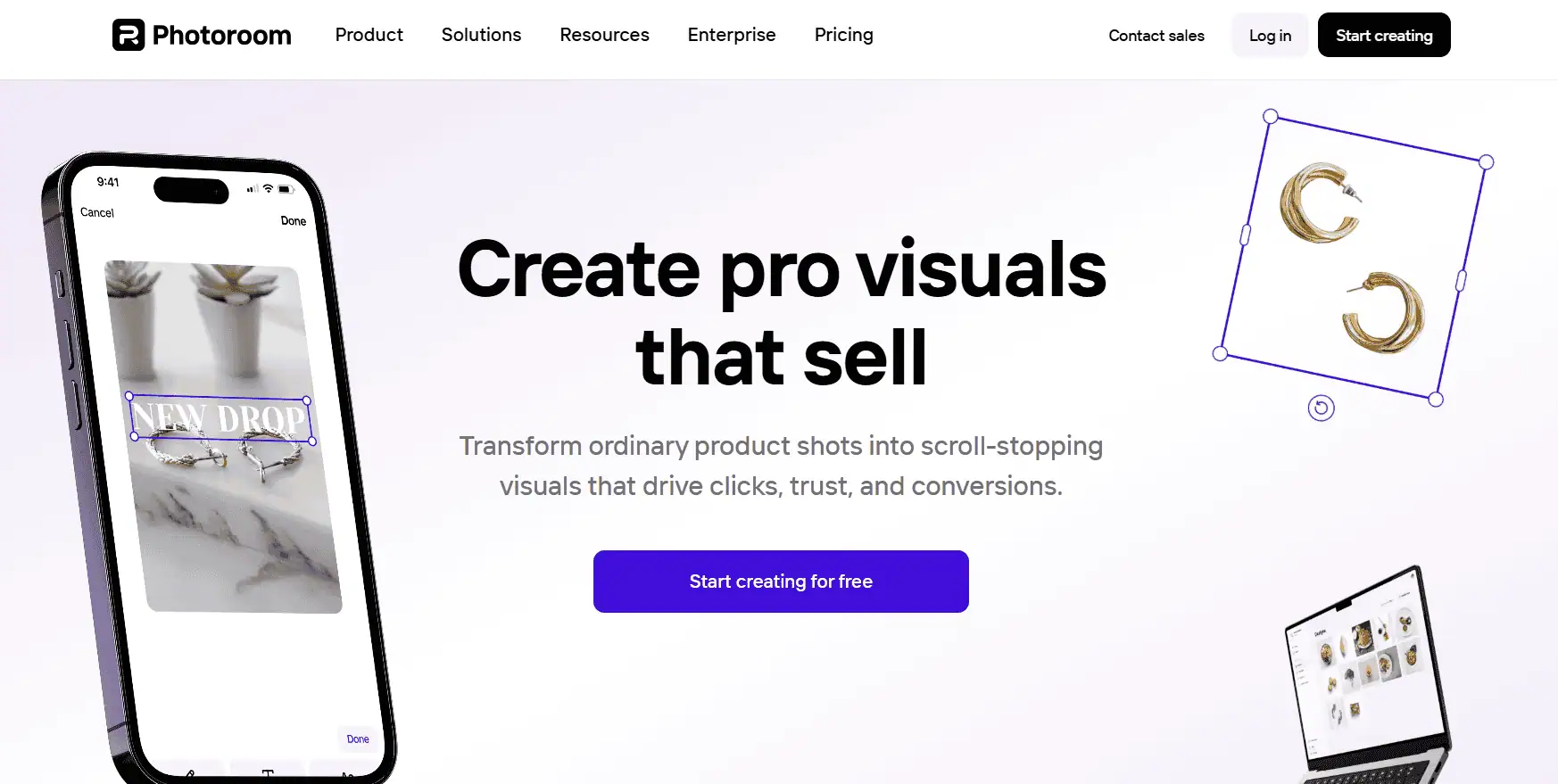
PhotoRoom is a popular AI-powered photo editor that specializes in removing backgrounds from images and then allowing you to place the subject on new backgrounds. It’s widely used by e-commerce sellers to create clean product shots or promotional images.
While not a traditional “mockup generator” with pre-made templates, PhotoRoom’s AI can take a photo of your product and generate a realistic background or shadow automatically.
It also has features to add reflections, adjust lighting, and batch edit multiple images, which is why many consider it essential for product image workflows.
| Pros | Cons |
| Top-notch background removal | Not a classic “mockup library” – you have to supply the product image |
| Mobile app convenience – create mockups right from your phone | Free version outputs are somewhat limited |
| Can batch edit, which is great for marketplace sellers updating many photos | Some users report occasional app glitches, and customer support is not very hands-on |
PhotoRoom has a Free tier which offers unlimited background removals but with some limitations . The Pro plan is $9.99 per month or $69.99 per year if paid annually
If you have actual product images and you want to make them retail-ready, PhotoRoom is your friend. It won’t generate a product mockup from scratch, but it will take an existing product image to the next level, which is a crucial step in creating compelling visuals.
| Rating: 4.7/5 (iOS App Store) |
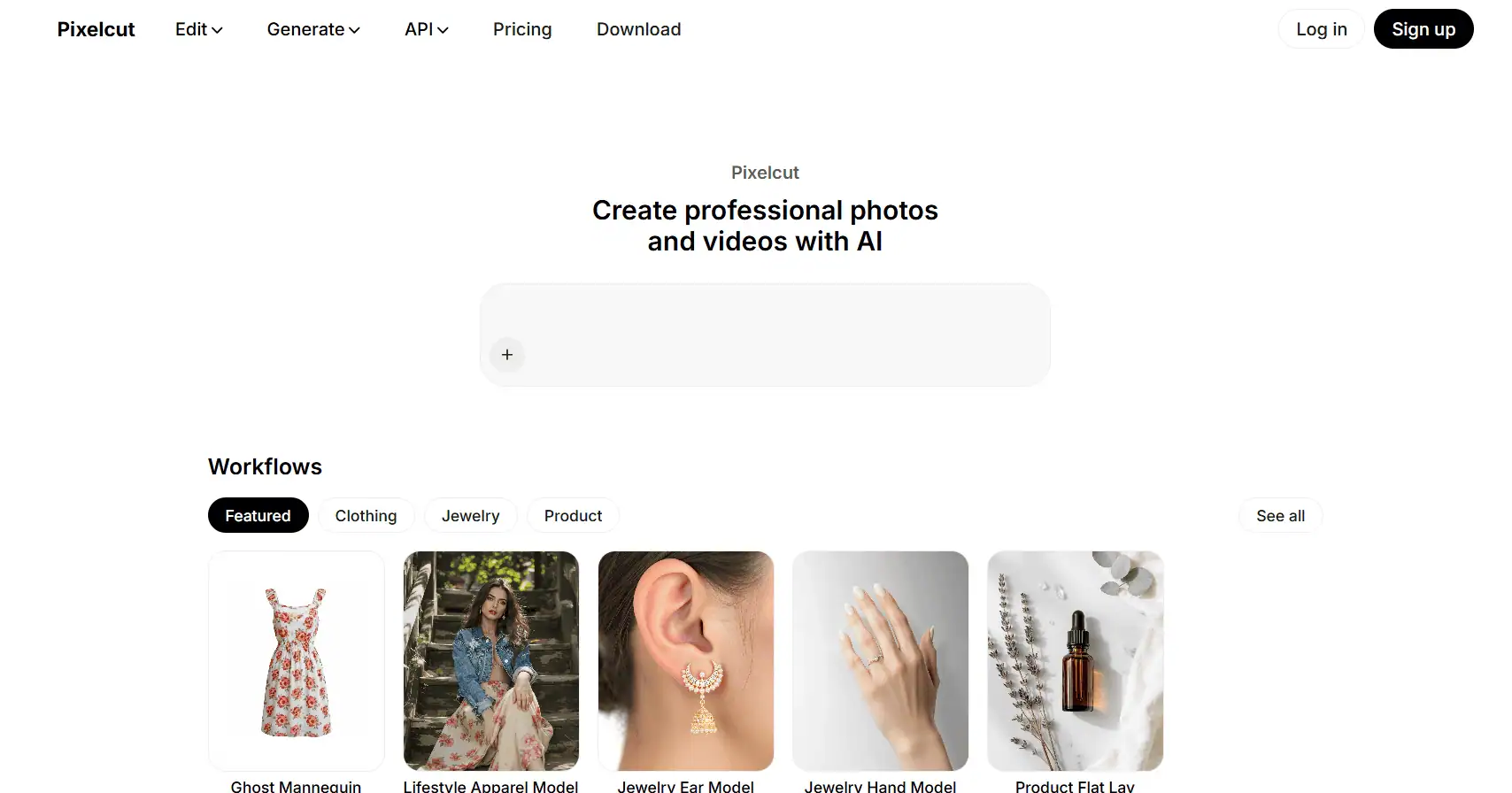
Pixelcut is an AI-powered design app, primarily known as a mobile app (iOS/Android) but also with a web version, that helps entrepreneurs and small businesses create product images, social posts, and promotional graphics easily.
For mockups, Pixelcut excels at taking a photo of your product (or design) and automatically removing the background, then offering ways to present it, such as adding backdrop colors, gradients, or placing it into pre-made scene templates.
One standout Pixelcut feature is Magic Retouch, which lets you remove unwanted objects from a photo with AI. Pixelcut also provides device mockups and lots of creative templates, making it quite versatile.
| Pros | Cons |
| Great for sellers who take product photos with a phone and want to edit/upload quickly | Desktop/web version is less mature than the mobile app |
| AI tools like background removal and object eraser are very handy and intuitive | The free version is limited so you’ll likely need Pro for heavy use |
| Provides both product-centric features and general design templates for marketing | Not specialized in providing a large library of model mockups like some dedicated tools |
| High app store ratings and frequent updates |
Pixelcut’s app is free to download. The pricing is around $9.99 per month. They often have an annual plan around $59.99/year which lowers the monthly cost.
Pixelcut is ideal for entrepreneurs on the go. It’s also fantastic for creating quick device mockups for app designers or for making marketing visuals in a pinch. While the heavy lifting of AI is similar, Pixelcut’s all-in-one approach has won many fans, making it an App Store Editor’s Choice in many regions.
| Rating: 4.0/5 (G2) |
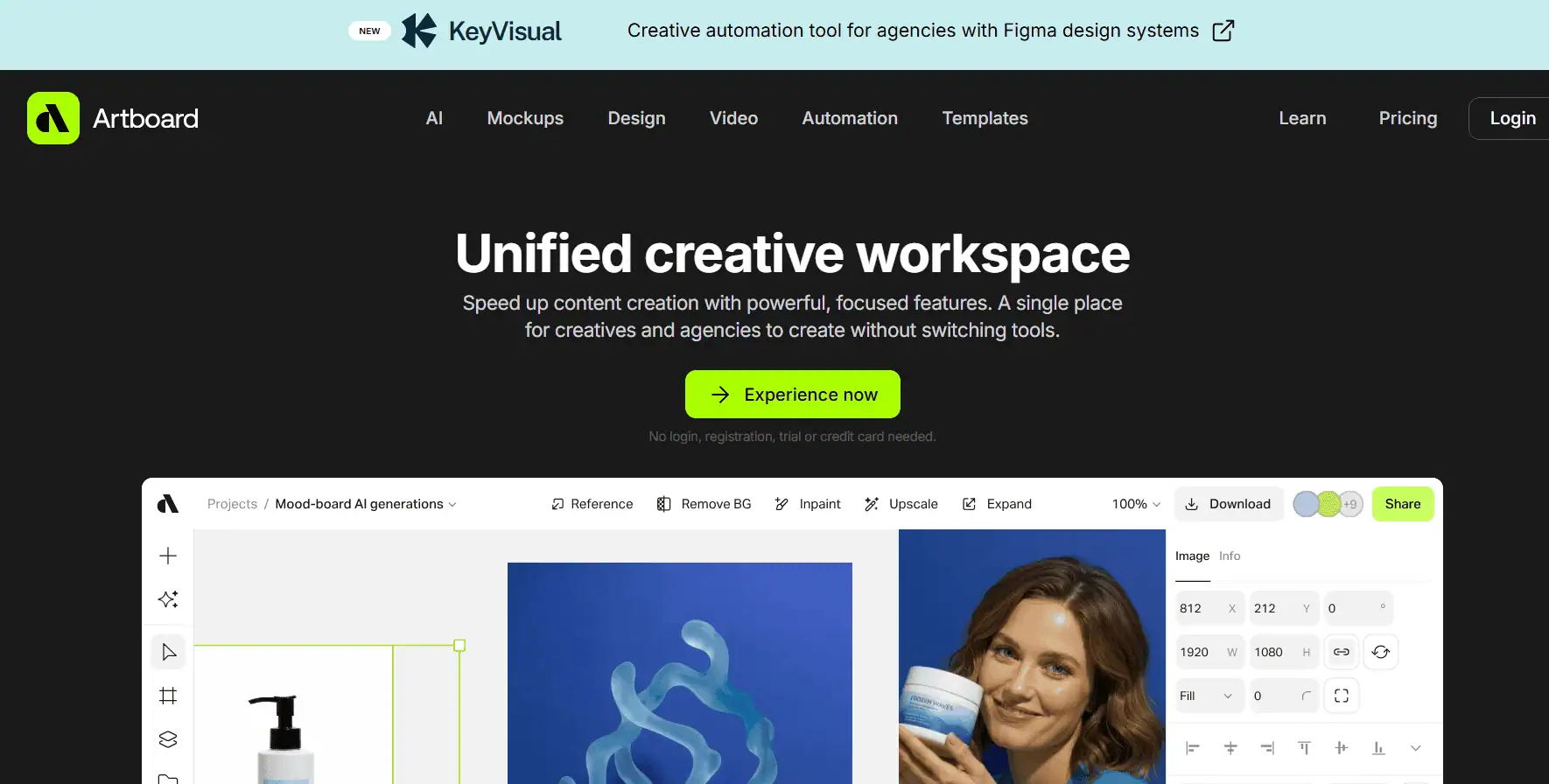
Artboard Studio is a robust online design tool specifically focused on creating realistic mockups and product visualizations, including 3D elements and animations. Artboard Studio provides a powerful canvas where you can add objects, customize materials, apply your designs to various surfaces, and even record videos or GIFs of the mockups.
Importantly, Artboard Studio introduced some AI features recently to assist with generating 3D mockup elements. They have a large library of assets like 3D models that you can use in your projects.
| Pros | Cons |
| Extremely powerful and flexible | Learning curve is higher |
| Web-based app with no installs, yet pro-grade output including videos | Pricing is higher than basic tools. |
| High-quality output: realistic lighting, shadows, and material customization | Not focused purely on AI generation |
| Regularly updated with new templates and features. | If you only need simple mockups, it can be overkill in complexity |
Artboard Studio has a free plan where you can create a limited number of projects and exports . The Pro plan at $15/month gives you unlimited projects, high-res exports, and access to premium templates. The Team plan at $30/month per editor adds real-time collaboration and more brand storage, which is aimed at agencies or larger businesses. There’s also enterprise licensing.
If you’re a designer or brand agency looking to create stunning product visualizations or dynamic mockups that go beyond static images, Artboard Studio is your playground. Artboard Studio is for those who want total control and realism in mockups.
| Rating: 4.8/5 (Trustpilot) |
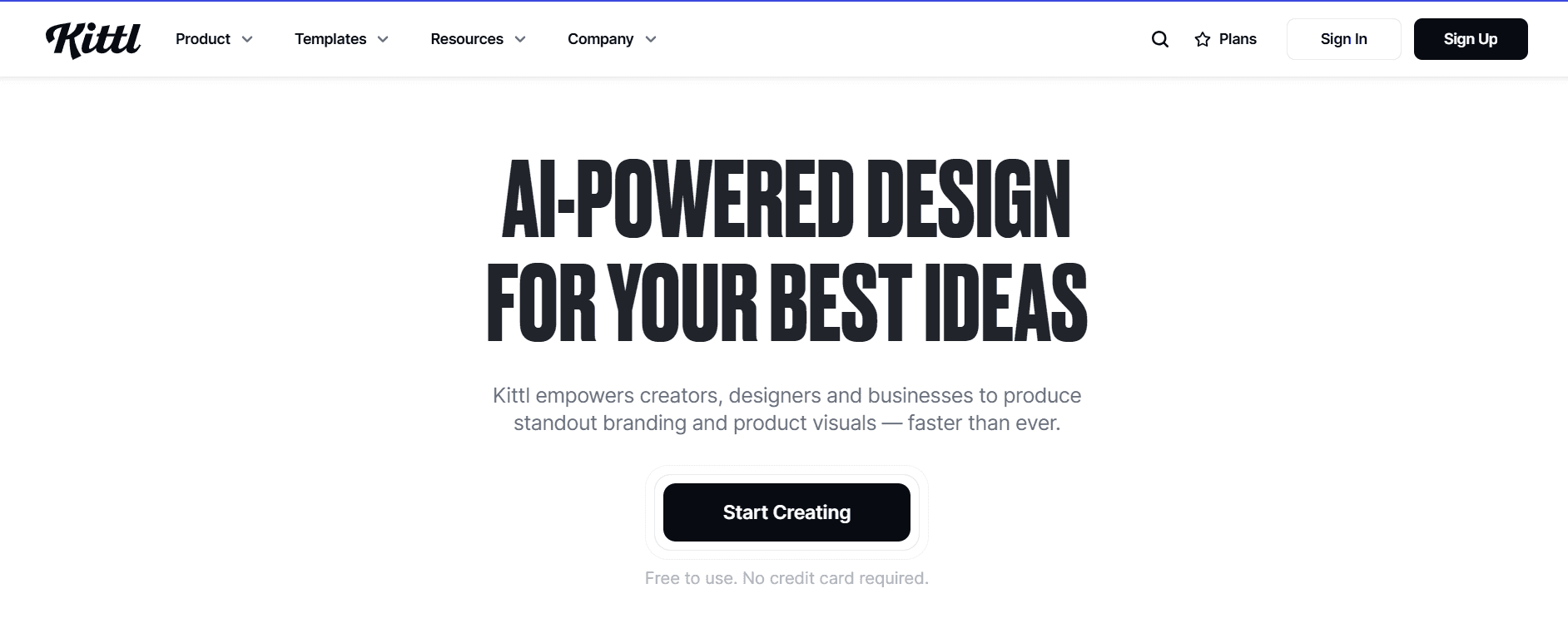
Kittl is an “AI-first design platform” that combines graphic design tools with AI generation features, and it recently introduced a Mockup Generator into its arsenal.
Kittl is primarily known for its user-friendly interface for creating logos, typography designs, and illustrations, enhanced by AI tools.
Kittl’s mockups aren’t AI-generated from scratch like Mockey’s, but rather a library of mockup styles where your design is superimposed. Combined with their AI art tools and a large template library, Kittl is like a hybrid of Canva and Illustrator tailored for the needs of print-on-demand and branding creatives.
| Pros | Cons |
| All-in-one design+mockup | Currently limited product types for mockups |
| AI features help non-designers create cool graphics and patterns easily | Still a relatively new player; some advanced features are lacking as of now |
| High-quality output and templates – great for print-ready designs and POD use | Free plan has fairly tight limits so serious use requires a paid plan |
| Excellent user interface and community support – lots of tutorials, active Facebook group, etc. | Mockup feature is static images only at the moment |
Kittl’s plans include a Free tier. The paid plans are Pro at $15/month (or $10/month if billed yearly) and Expert at $30/month (or $24/month yearly).
Kittl is perfect for designers, crafters, and POD sellers who create their own graphics and want an easy way to visualize them on products. If you often find yourself in Illustrator or Photoshop making a design, then switching to Placeit to mock it up, Kittl can streamline that workflow.
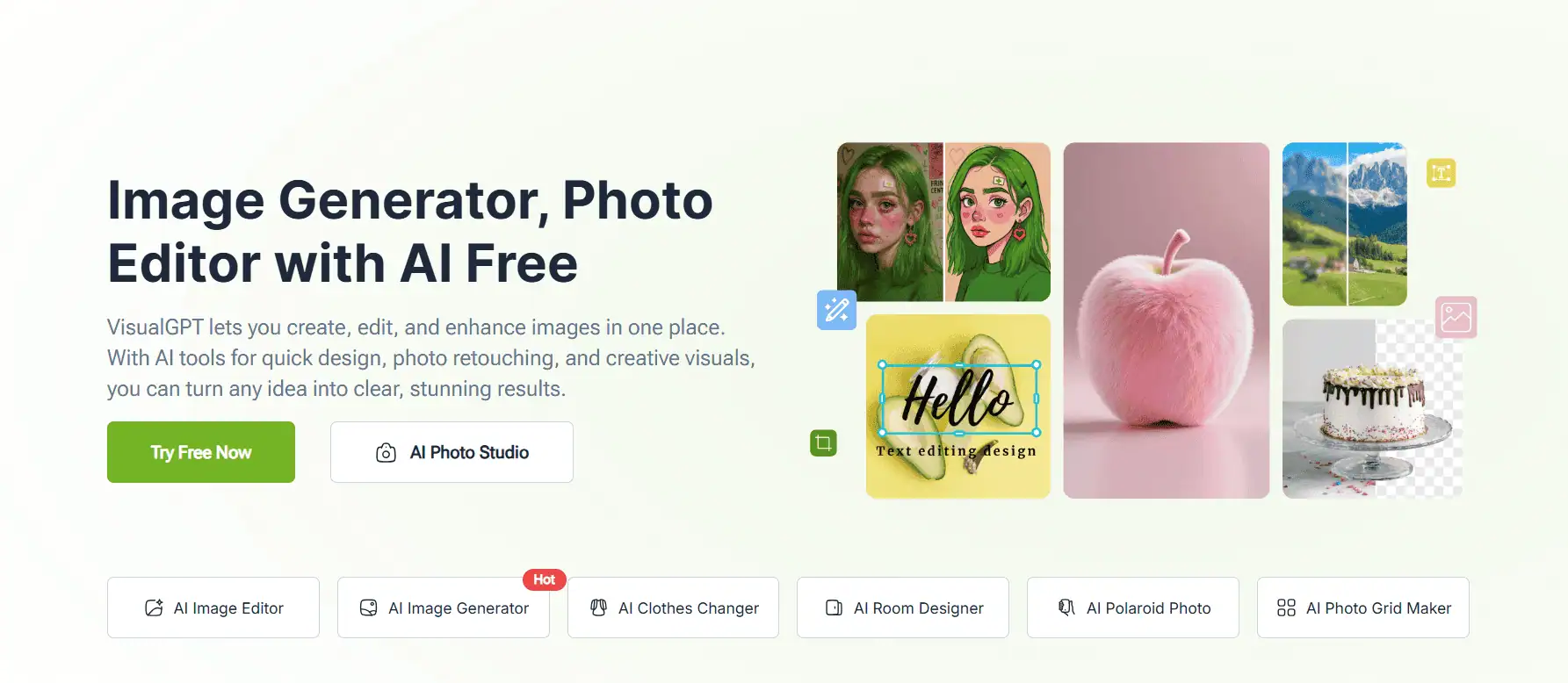
VisualGPT’s AI Mockup Generator is a web tool that lets you create product mockups using AI alone – you don’t even need preset templates. It’s an emerging free service and unique: you upload your design or product image, then the AI will place it into a scene or on a product of your choosing, generating the entire image.
For example, upload a logo and ask to see it on a coffee mug in a cozy kitchen – the AI will generate a mockup of a mug with that logo in a kitchen scene. The results are generated fresh by AI, meaning they’re not pulled from a stock library.
| Pros | Cons |
| Completely free to use – great for students, hobbyists, or initial prototyping | As a free tool, it may have occasional downtime or slower outputs when demand is high |
| No login hassle, quick to iterate and play with different ideas | Quality can be hit-or-miss; some results might look less polished than professional photo mockups. |
It’s free! This is VisualGPT’s standout point. There’s no harm in trying it out.
For anyone curious about AI mockups and on a zero budget, this is a gift. It’s a fun tool to experiment with how AI can place designs in real-world contexts. For instance, a t-shirt designer can quickly see their design on different backgrounds by just uploading the PNG once and trying various prompts – all for free.
| Rating: 4.6/5 (G2) |
Simplified is a unified content creation platform that combines design, video editing, copywriting, and social media publishing, all with a dose of AI assistance. While it’s not a dedicated mockup generator like others on this list, it does offer features relevant to making product visuals.
For mockups specifically, Simplified provides templates and design assets that can mimic mockups. It also integrates with stock image libraries and background removal, so you can create your own mockup-style images. And with its AI image generation (still in beta), you can even try generating product scenes by describing them.
| Pros | Cons |
| Multifunctional – covers many needs in one tool. | Not specialized for mockups, so lacks a large mockup template library or 3D capabilities. |
| Real-time collaboration and commenting. | The interface can feel overwhelming due to the many features |
| Continual addition of AI features to stay up-to-date. | Paid plans can be pricier than single-purpose tools |
| Saves money vs subscribing to multiple separate services. | Some features in “all-in-one” might not be as deep as standalone specialized tools. |
Having reviewed these 15 AI-powered mockup tools, it’s clear that we’re entering a new era of design and product showcasing. AI is accelerating and automating the mockup process, whether through bulk processing, intelligent background generation, or entirely new image creation.
A high-volume Etsy seller might opt for Dynamic Mockups for automation; a solo designer might prefer the creative control of Artboard Studio or Kittl; a lean startup could leverage free AI tools like Mockey.ai or VisualGPT.
Ultimately, better mockups mean better first impressions on your audience. With these AI tools, you can create professional, eye-catching visuals without the frustration of manual editing or costly photoshoots.
Join 5,000+ POD sellers who’ve eliminated manual mockup creation. Get unlimited mockups, install on 2 devices, and access our incredible support team.
An AI mockup generator is a tool that uses artificial intelligence to automate or enhance the creation of product mockups. Traditional mockup tools usually rely on pre-made templates or manual placement of designs into scenes.
In contrast, AI-driven tools can do smart things like automatically applying your design to any scene, adjusting lighting/perspective, or creating entirely new backgrounds.
For POD sellers, a few recommendations:
1. Bulk Mockup is excellent if you have Photoshop and want to churn out dozens of product images in one go. It’s built with Etsy sellers in mind.
2. Placeit is very popular for its sheer variety of apparel and merchandise templates – you can find models that match your style and demographic easily.
3. MockupMark offers free basic apparel mockups and might be enough if you’re just starting or need a specific garment model.
4. MyDesigns.io is an all-in-one that can generate mockups and directly publish to Etsy – great if you want to streamline listing creation.
5. Kittl now has mockups integrated, which is handy if you designed your shirt graphic there.
They can be surprisingly close, but it varies. If done well, many customers can’t tell the difference at a glance.
AI tools like Booth AI or Dynamic Mockups pride themselves on studio-quality results with correct lighting, shadows, and users report significant improvements in their listings’ appeal.
For best automation and speed: Bulk Mockup (if you have Photoshop) or Dynamic Mockups (cloud, no Photoshop) are top.
For best AI innovation: Booth AI for product photography, Mockey.ai for budget AI variety, and VisualGPT since it’s free to try.
For the best all-in-one solution: MyDesigns for POD business process, Simplified or Canva for multi-purpose content creation.
For best professional control: Artboard Studio if you’re design-savvy and want perfect mockups your way.
Canva (Smartmockups) if you want the fastest “design → mockup” workflow in one place.
Yes, Canva has built-in mockups/Smartmockups and a dedicated mockup generator flow.
Canva’s free mockup generator is the cleanest “free + easy + broad templates” option.
Generally, yes, under Canva’s Content Licence terms (including merch), but you can’t resell Canva content as standalone stock/clipart—follow their CLA rules.