Renderforest for POD mockup generation is a good choice for starters. However, it lacks photorealistic or lifestyle-oriented presentations. Seeking Renderforest alternatives becomes mandatory when you want your POD listings to stand out.
In this guide, we’ll introduce eight top Renderforest alternatives for POD mockup design. For each, you’ll get an honest rundown of features, pricing, pros, cons, and who it’s best for – all based on hands-on experience.
Tired of manual mockup creation?
See how 5,000+ POD sellers automate their entire mockup workflow
Renderforest is an all-in-one platform for videos, logos, websites, and mockups. While versatile, it may not excel in the specific needs of a POD seller. Here are a few reasons you might seek an alternative:
Deeper Mockup Libraries
Renderforest’s mockup selection is fairly basic. Many of its templates feel generic or overused, which can limit your brand’s uniqueness.
Free Plan Limitations
Renderforest’s free tier is restrictive – exports are watermarked and low-resolution (max 720p for videos). For truly professional-looking mockup images, you’d need to upgrade.
Bulk and Automation Needs
POD sellers often create many product images. Renderforest doesn’t support bulk mockup generation, meaning you must make each image one by one.
This is time-consuming if you have dozens of designs. Tools like Bulk Mockup or Dynamic Mockups fill this gap by automating repetitive mockup tasks.
Specialization
Renderforest’s mockup generator offers limited mockup editing features. Its strength is video and graphics, not POD product visuals. If your focus is showcasing T-shirts, mugs, art prints, etc., you might prefer a tool built specifically for product mockups.
Features like 3D previews, better apparel positioning, or direct e-commerce integration will help you select a proper Renderforest alternative. Below, we dive into the top options so you can find the right fit.
Bulk Mockup: Best For Batch Mockup Generation Automation
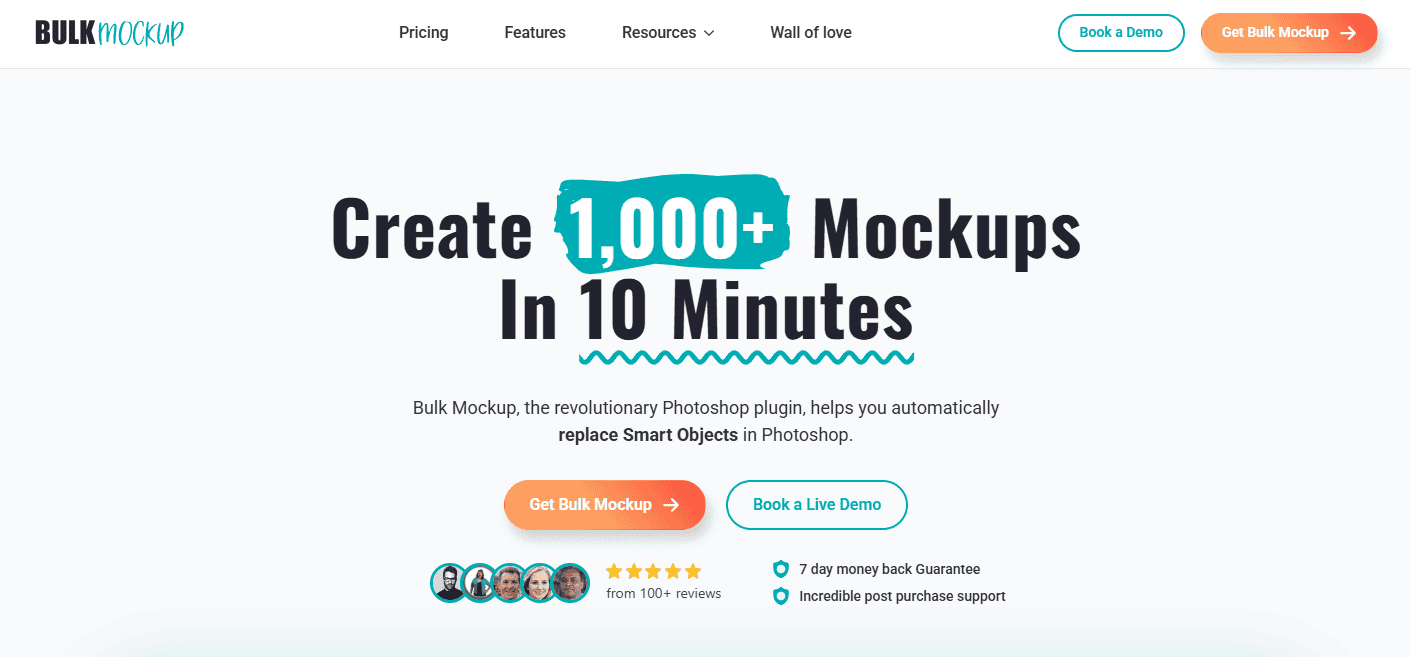
Bulk Mockup, a Photoshop plugin, is designed to automate bulk mockup creation. It can generate hundreds of product images in one go. Advanced POD sellers use Bulk Mockup to save hours of mockup creation workflow.
It works by automatically replacing smart object layers in your Photoshop templates with your designs. You can batch 1000+ mockups in just 10 minutes to scale your POD listings on Etsy, Shopify, Amazon, and more.
Carrie, a POD seller, says, “This is the best software if you are a person who needs to make mockups. It has cut my time down to 1/10 of what is was. Their customer support is fabulous, they are super nice and everything works perfectly.”
Align, auto-resize and apply designs to single or multiple smart object layers
Rename and export mockups in well-organized files and folders
Supports video and animated mockups
Pricing
Monthly: $15/month for two devices (7-day money back guarantee)
Yearly: $77 for two devices (7-day money-back guarantee)
Ideal Use Cases
Large Catalog or Product Listing Volume: Sellers with large catalogs of designs for t-shirt businesses, art print sellers, digital designers, etc., who need to generate dozens or hundreds of mockups at once.
POD automation for Mockup Generation: Etsy or Shopify store owners doing seasonal launches – e.g. quickly creating images for a new 50 product listings with this POD automation.
Mockup Variant and Style Consistency: Situations requiring maintaining the same image style while swapping the design for brand consistency.
Limitations
Not for single mockup edits
Photoshop (2022 or higher) required
Best for: High-volume POD operations, and those who want to automate repetitive tasks. It’s perfect for power sellers on Etsy/Shopify or anyone with a backlog of designs to visualize.
💡
Pro tip: Skip the manual work
Thousands of POD sellers automate mockup generations in batches.
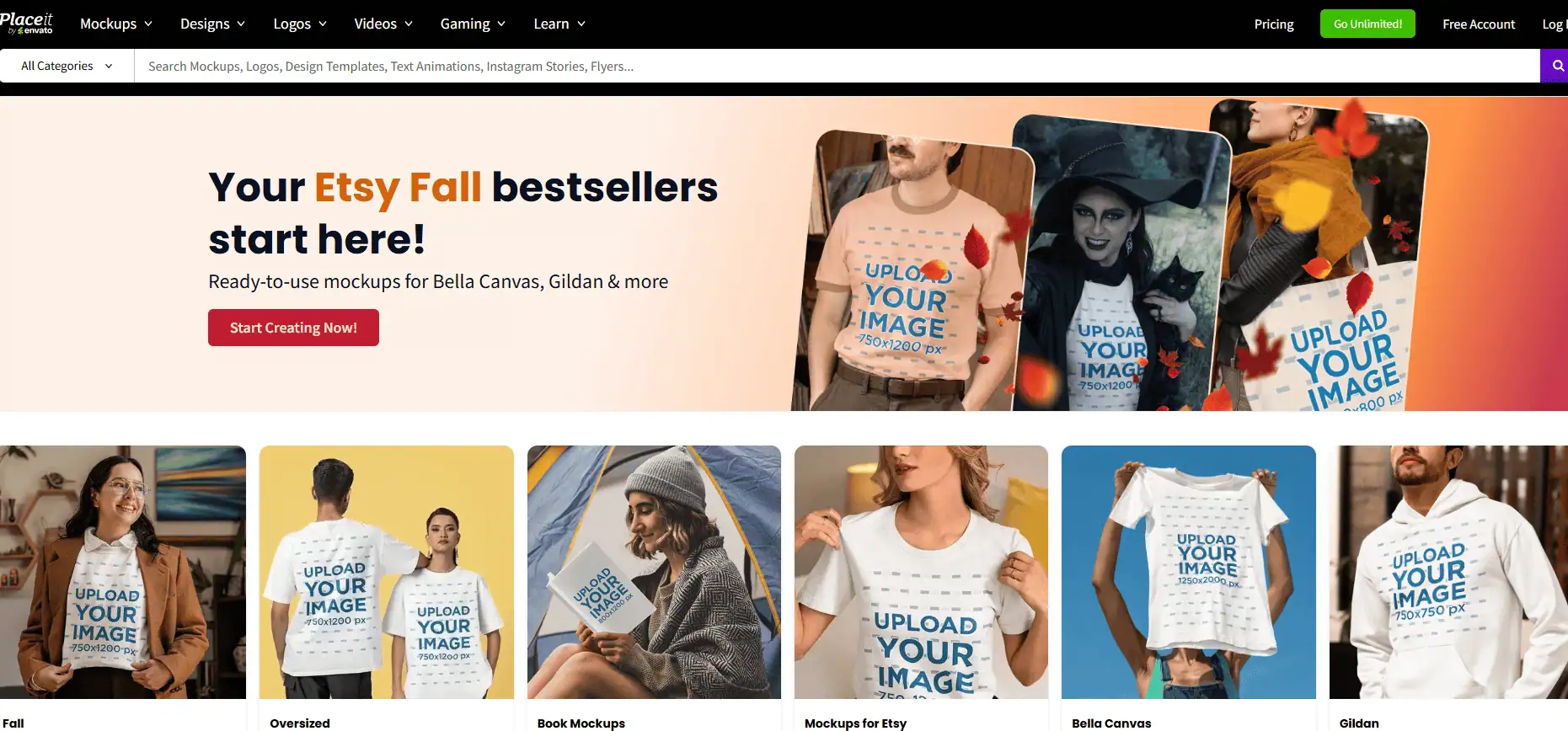
Placeit by Envato is one of the most popular online mockup generators – I’ve used it extensively for quick, professional-looking product images. The biggest draw of Placeit is its massive library of ready-made mockup templates and the ease of use.
When I first tried Placeit, I was impressed by the variety. From apparel on models, to digital device screens, to lifestyle scenes – over 95,000+ templates are available. It’s essentially a “mockup superstore”, plus it offers logo makers and video templates as a bonus.
Ada, a graphic artist, said, “Placeit is an amazing leader in graphic design. With wonderful templates and several vector arts, it makes graphic design possible for everybody. It also provides mockups so you can show your potential buyers how your designs will look like on apparel, accessories, on the wall and more.”
Key Features
Vast template library with more than 95,000 templates segmented into categories
No software or photo-editing skills needed
Video mockups and design templates for social media, business cards, banners, etc
Integrated design tools
Commercial usage license for mockups
Pricing
Unlimited Subscription: $1.99/month for unlimited downloads
Pay-per-item plan available
Monthly: $14.95/month for full access
Yearly: $89.69/year for full access
Ideal Use Cases
General POD Sellers: If you need a wide array of POD product images, Placeit is ideal. It’s great for A/B testing product photos or refreshing your storefront with new imagery.
Marketing & Branding: Social media managers and marketers use Placeit to create not just product shots but also promo graphics, YouTube intros, etc.
Quick One-off Mockups: Placeit shines for single mockups done in seconds. There’s zero setup – perfect for those who don’t want to fiddle with software.
Non-Designers: Placeit offers drag-and-drop or click-to-insert features. It’s designed so that anyone can get pro-looking results.
Limitations
One-at-a-time workflow
Repetitiveness for bulk mockup creation
Mockup design limitations
No advanced editing or control over template designs
Best for: Quick, polished mockups for a wide range of products, especially when you need just a handful of images and want them hassle-free.
Canva: Best For Small Businesses Needing General Design Mockups
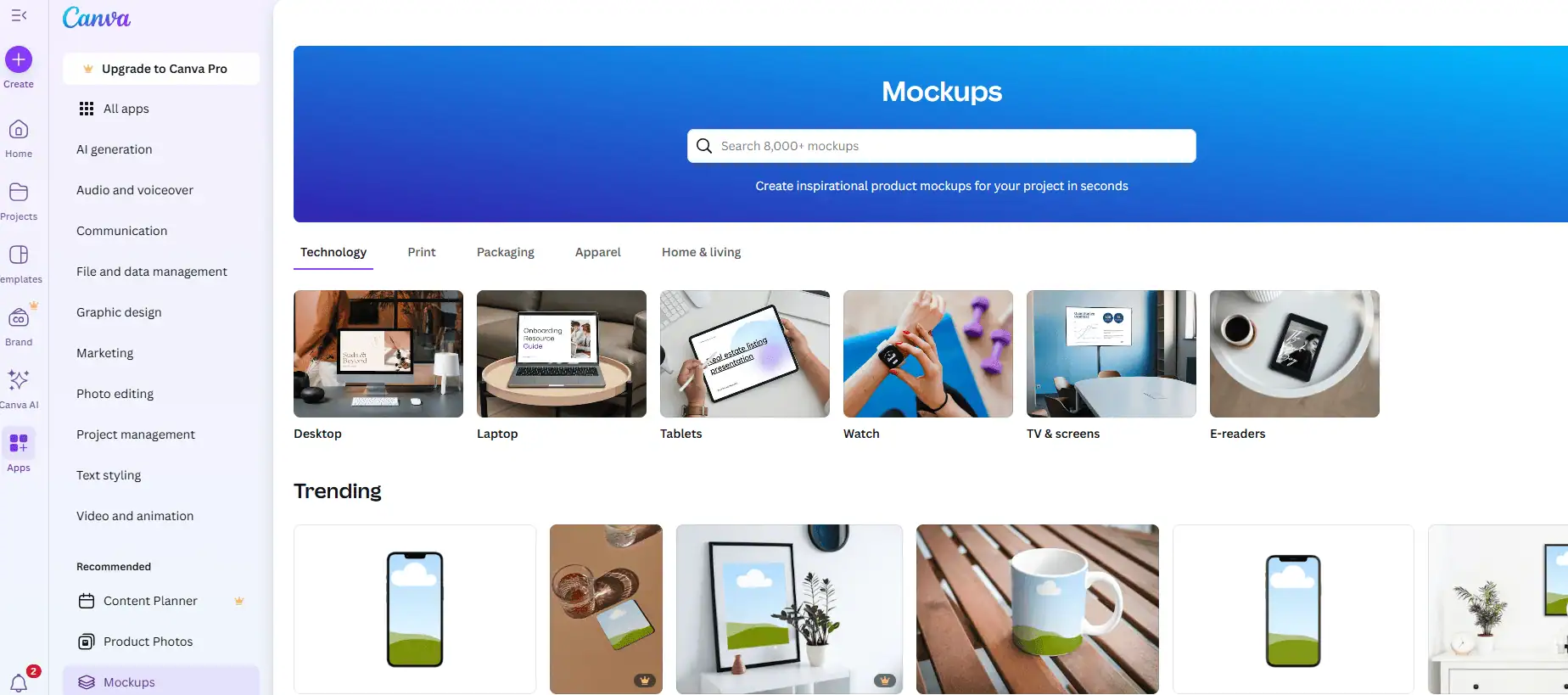
Canva serves as an interesting Renderforest alternative for mockups and designs. I frequently use Canva for designing logos, website mockups, and social media posts. With its integration of the Mockups library, you can generate Canva mockups too.
You can create a T-shirt design, drop it into a mockup, and even design a Facebook ad for that shirt, all within Canva. If you compare Canva with Photoshop, you will find out what matters for POD sellers.
Deneth P. commented, “The drag-and-drop interface, huge template library, and access to stock photos, icons, and fonts make it quick to create professional-quality designs. Some advanced features, such as brand kits, premium templates, and certain stock images, are only available in the Pro version.”
Key Features
All-in-one design platform
Dedicated Mockups app for mockup design
Easy customization of simple mockups
Background remover, AI image generator, fonts, elements, etc
Cloud storage
Collaborative platform for teams
Pricing
Free: Mockup generation available
Canva Pro: $12.99/month for full access to premium assets
Canva for Teams: $14.99/user/month
Ideal Use Cases
POD Sellers Who Design in Canva: If you’re already using Canva to create your t-shirt graphics or art prints, it’s very convenient to generate mockups in the same workflow.
Content Creators and Bloggers: You can design a banner showing your product in use, etc., using a mix of mockups and graphic elements.
Small Brands/Startups: You can create a logo, then see it on business cards and merchandise mockups, then use those images in a brochure – all via Canva.
Anyone Needing Basic Mockups Quickly: You only need a simple product shot like your artwork on a canvas print mockup, and maybe don’t want to fiddle with specialized software, Canva can do it in a pinch.
Limitations
No bulk mockup creation capability
Lacks mockup variety and realism
Best templates require a Pro subscription
Not a specialized medium for POD design needs
Best for: Entrepreneurs and creators who want an all-in-one design + mockup solution. It’s good for lightweight mockup needs. When you want to scale or stand out, compare Canva mockups with PSD mockups to choose the right option.
I tried Dynamic Mockups when searching for ways to automate mockup creation without using Photoshop. It positions itself as a fast, conversion-focused mockup generator for e-commerce.
It allowed me to upload my design and generate multiple product mockups from a web app, along with some unique twists like bulk downloads and custom PSD support.
Hayley Brook explained, “It allows me to set up my listing and edit/create photos in bulk!! I save so much time with this tool. Their customer service is fantastic. You can chat and get answers super fast.”
Key Features
Extensive mockup library of 1000+ readymade templates
Bulk mockup creation with credits
Custom PSD mockups
AI backgrounds and variant automation
API integrations for POD and e-commerce
Web-based editor
Pricing
Free: No bulk mockup download, images with watermarks
Pro: $19/month with bulk mockup downloads
Custom/Enterprise plans available
Ideal Use Cases
Shop Owners with Large Variant Sets: Your store offers the same design on apparel, mugs, phone cases, etc, and you want images for all.
Those Without Photoshop Skills: Great for sellers who want high-end results but don’t want to use PSD templates manually.
Automation Fans: If you love automating workflows or are a developer, the API/integrations mean you could auto-create mockups whenever you add a new product, etc.
Packaging and 3D Products: If your POD venture extends to boxes or complex products, it’s worth a look.
Scaling Businesses: Dynamic Mockups can scale with you, given the enterprise options.
Limitations
Credit system for bulk mockup downloads
Less community content, as it is quite new
Learning curve for advanced features
Best for: Serious POD sellers and e-commerce pros who want speed, scalability, and high quality without Photoshop automation.
Printify: Best For Beginner POD Store And Free Mockups
Printify is a complete POD fulfillment platform. It doubles as a free mockup generator for its users. It’s a very practical alternative to Renderforest for sellers because it’s purpose-built for POD.
Essentially, if you sign up for Printify (free), you can choose from over 900 blank products like various t-shirt brands, hoodies, mugs, phone cases, etc. Apply your design and check the previews easily. For someone starting a POD business, Printify’s generator covers the whole journey: design -> mockup -> publish.
Caroline Nelson, an Etsy seller, said, “I am able to upload my designs quickly and made a sale with in 48 hours of my first design on Etsy.”
Key Features
Huge product catalog with 1000+ product categories
Easy design editor
Multiple mockup views
Direct store integration
Mockups match after printing or production
Pricing
Free: 5 stores per account, unlimited designs
Premium: $29/month onwards for 10 stores/account
Custom Pricing: Unlimited stores and product designs
Ideal Use Cases
New POD Entrepreneurs: Printify is ideal for a one-stop POD solution. You can play around with design ideas on real products and, if you like them, start selling immediately.
Cost-Conscious Sellers: Printify gives mockups for free. You can theoretically use Printify purely to get mockup images and not even sell through them.
Experimenting with Products: Use Printify to mock it up and see if it fits your brand. Printify’s generator can show you without having to buy samples first.
Shopify/Etsy Sellers: Using Printify means your mockups and product listings creation are merged for Shopify and Etsy sellers.
Non-technical users: If you can drag and drop an image, you can get a decent mockup out of Printify. They also provide guidelines and print area overlays to ensure your design fits well.
Limitations
Limited customization
Product-dependent quality
Simple mockup editor with no advanced features
Cannot add the same design to multiple product variants
Mockups depend on Printify’s catalog
Best for: POD sellers who want an all-in-one solution for designing, testing ideas, and selling in one place. It’s best for those who value simplicity and zero upfront cost.
Printful, like Printify, includes a free mockup generator as part of its service. I’ve used Printful to fulfill products, and its mockup tool is polished and easy. When you create a product in Printful’s Dashboard, you upload your design onto the product, and Printful generates mockups that you can use on your store.
Every product I created came with a set of professional images without doing extra work. You can preview the design and then post it. Printful is a one-stop POD solution, but its comparison explains that it cannot beat PSD mockups’ realism.
Paul N. Chucker, a POD seller, explained, “We’ve been using Printful for over five years with our WooCommerce platform, and the experience has been fantastic. The seamless integration with our storefront is a huge plus, making the process incredibly smooth from start to finish.”
Printful Growth: $24.99/month with product pricing and sample order benefits
Enterprise: Custom pricing
Ideal Use Cases
POD Sellers Using Printful: Obviously, if Printful is your fulfillment choice, using their mockups is a no-brainer. It’s the fastest way to create product listings with minimal effort.
Beginners Testing Products: As with Printify, you can test what a design looks like on a variety of Printful products without any investment. It’s a great sandbox for visualizing product ideas.
Multi-channel Sellers: Printful integrates with not just Shopify/Etsy but also marketplaces like Amazon, eBay, and others. If you push products to those channels, the mockups follow along, ensuring all your channels have proper images.
Need for Speed: If you have an idea and want it in your shop today, Printful’s method (design -> mockup -> publish in one flow) is among the quickest.
Limitations
Mockups lack lifestyle aesthetics and realism
Limited angles
No application of one design to many product varieties
POD product depends on Printful catalog availability
Best for: New and intermediate POD store owners who value reliability and minimal effort. Printful’s mockups are best for quickly populating your store with decent visuals while you focus on getting sales.
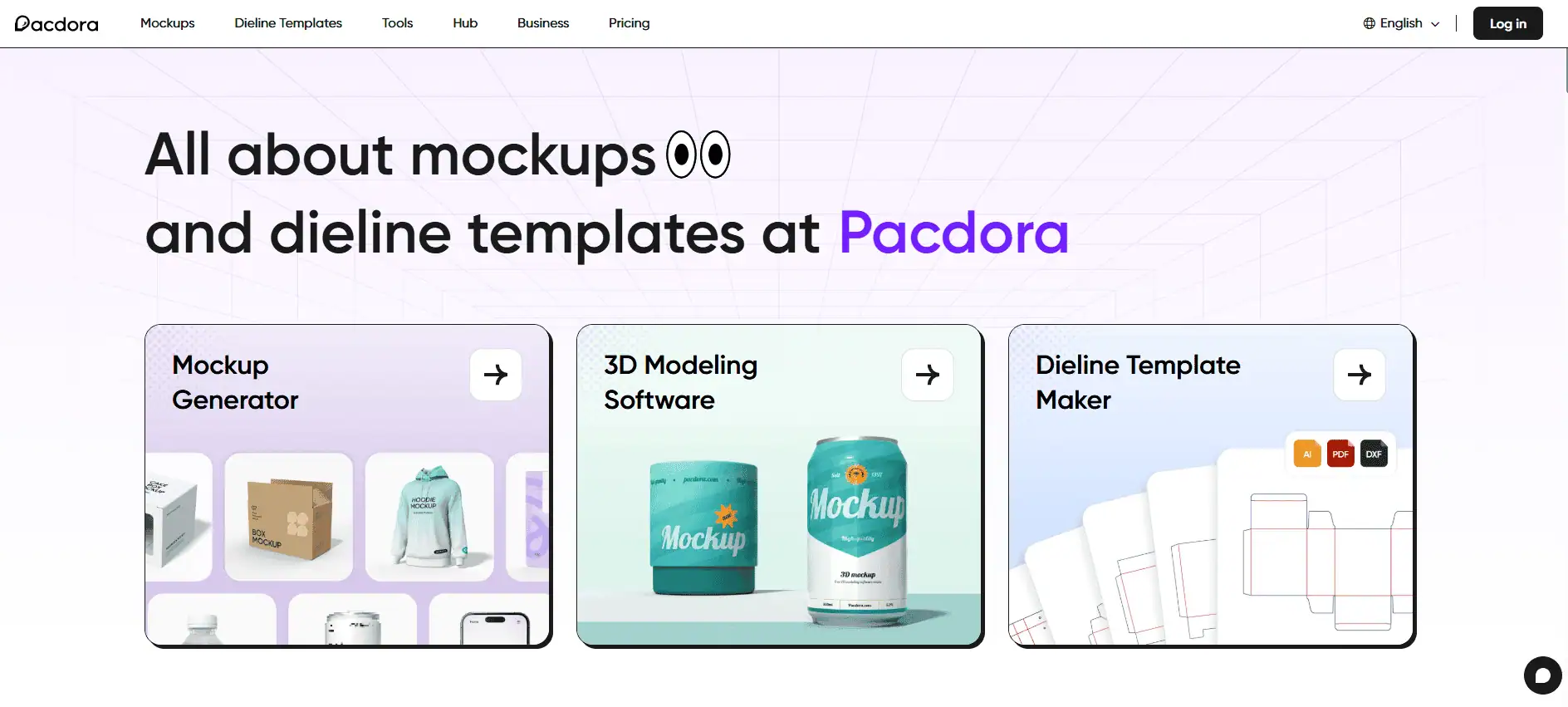
Pacdora specializes in 3D mockups for packaging, POD apparel, book covers, business cards, and dieline design. It offers an extensive library of packaging templates from simple corrugated boxes to cosmetic bottles and flexible pouches. If your POD business involves custom packaging, Pacdora is the best alternative.
I tested Pacdora when I needed realistic box mockups for a custom product line, and it was impressive in handling 3D shapes. It is one of the popular 3D mockup generators preferred by POD sellers for realistic design review.
Rob San expressed, “I really like the mockups you can create/render with Pacdora, the app is easy to use, offer thousands of possibilities, but the real cherry on top is their customer service.”
Key Features
Best packaging dieline library
3D mockup generator for devices, packaging, containers, etc
Augmented Reality (AR) preview of designed mockups
Actual production of the dieline in terms of printing and manufacturing
AI assistance for packaging design
Pricing
Free 3D mockup generator
Lite: $9/month for 300 AI credits, 15 dieline templates, 2K rendered images, etc
Pro: $17/month for 3000 AI credits, unlimited dieline templates, 4K rendered images, etc
Business: $59/month for 10,000 AI credits, advanced dieline templates, 8K rendered images, etc
Ideal Use Cases
Subscription Box Businesses: If you run a subscription box service or any business where the packaging itself is a selling point.
Custom Product Packaging: Anyone needing to design packaging for cosmetics, electronics accessories, food products, etc.
Branding Agencies & Designers: Graphic designers creating packaging for clients can use Pacdora to mockup designs and even output print files.
Etsy or Small Shops Selling Kits: If you sell something like a gift set or craft kit and want to include a custom box or label as part of the product.
Limitations
Ideal for packaging mockups, limited for POD products
Learning curve to use the 3D mockup generator
Watermarks on free renders
Best for: Packaging design and visualization (3D CAD alternative). Best for sellers who want to showcase their product packaging as part of their marketing, like branded boxes, custom labels, etc.
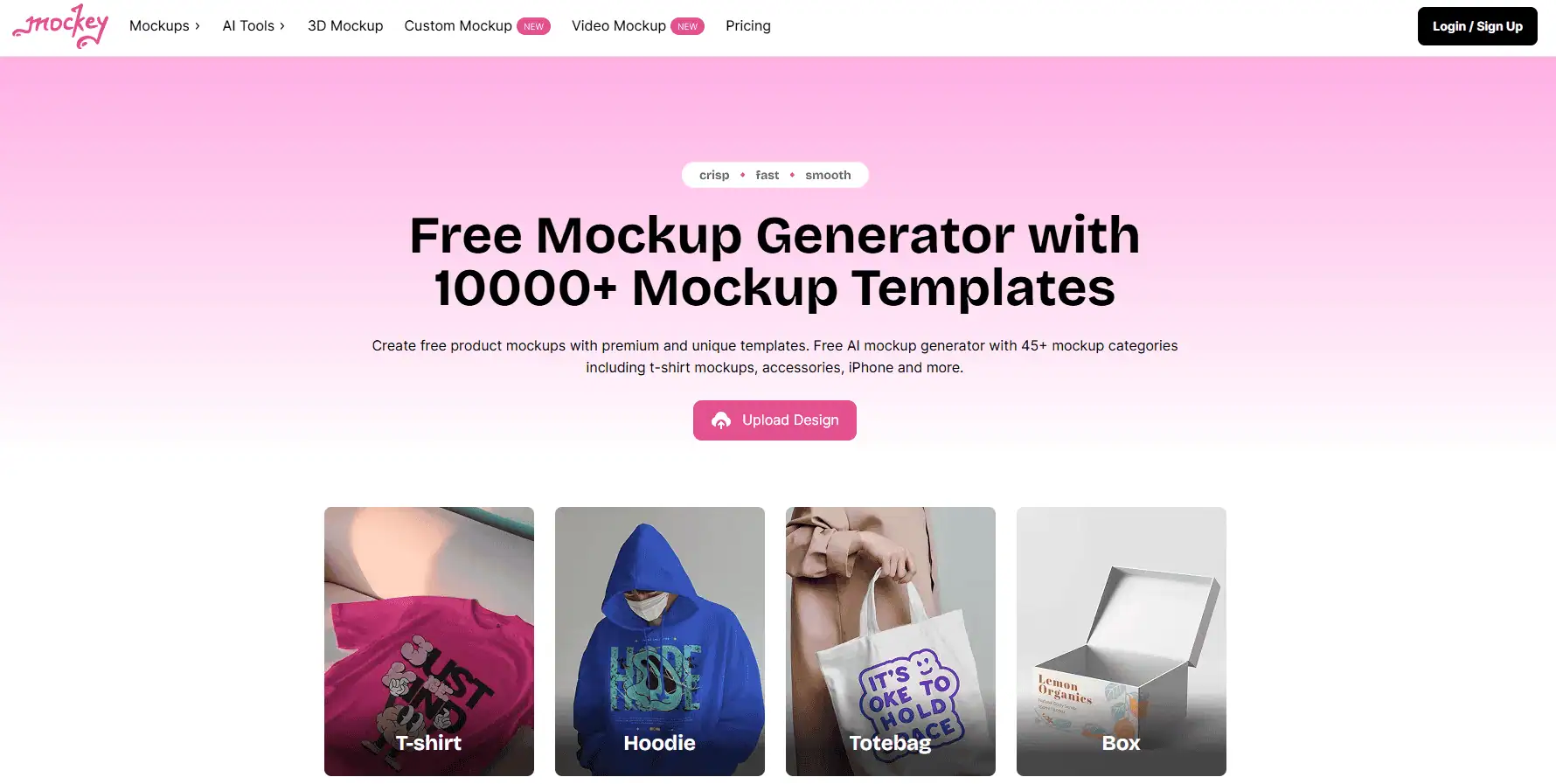
Mockey is one of the popular mockup generators online, known for being completely free to use while still offering a huge template library. I gave Mockey a try when I saw claims that it provides 5,000+ mockups with no watermarks.
You upload a design, choose a category, and it presents a ton of template options. No sign-up or pay to download a decent resolution image without a watermark. It also integrates AI tools like text-to-image and background remover, making it quite feature-rich for a free app.
Nima Pili, a creator, said, “I like the content and tools, its suitable and easy to use. I enjoy this very much compare to other website and apps I’ve tried.”
Key Features
5000+ free mockup templates
High resolution outputs
No watermarks in the free version
AI tools like image generator and background remover
Mobile app and plugin versions available
Pricing
Free: 1000+ free mockups, JPG format
Pro: $4.1/month for free + professional mockups, PNG format. Mockup bundles, etc
Max: $15.2/month for Pro + 200 AI credits, AI animate, AI photoshoot, video mockups, etc
Lifetime: $199 one-time purchase for Pro + Unlimited AI credits and priority support
Ideal Use Cases
Budget-Conscious Sellers: If you have essentially zero budget for tools, Mockey allows you to create professional mockup images for free, which you can then use on Etsy, Shopify, etc.
Those Needing Many Templates: Mockey’s wide range is great if you want to experiment with various looks. For example, you can find multiple lifestyle contexts for a shirt (different models or backgrounds), and it costs nothing to try them all.
Rapid Prototyping: You can whip up a lot of different mockups just to see what your design would look like on, say, 10 different products without worrying about paywalls.
Marketing Images: Mockey likely has a template you can use, like a person using a phone case with your art, etc. Since it has background removal and AI, you could composite things creatively – all within the tool.
Limitations
Templates are quite common, causing overlap or template dump
No bulk mockup automation
Lack of models and lifestyle varieties in mockups
Best for: Anyone who wants a no-cost mockup solution with lots of variety. Specifically best for POD beginners, side-hustlers, or students who need quality mockups without subscriptions.
Selecting The Right Renderforest Alternative
With these 8 alternatives in hand, how do you choose the right one(s) for your needs? It boils down to your workflow, budget, and goals:
If you need speed and bulk: Go for Bulk Mockup + Photoshop. These will save you massive time if you have large design catalogs.
If you’re on a zero budget: Mockey is the clear winner for free, high-quality mockups. Pair it with Printify or Printful’s free tools, and you can launch a POD store with professional images without spending on software.
If you value variety and polish:Placeit offers the most diverse library of lifestyle and digital mockups. However, moving to Photoshop mockups later will help you stand out.
For an all-in-one POD setup: Printify or Printful are excellent if you want to streamline design-to-store.
For packaging and brand experience: Pacdora is the go-to if your product presentation goes beyond the product itself to include beautiful packaging.
Mix and match: Many sellers use multiple tools. For example, you might use Printful’s generator for your basic product shots. Then, use Placeit or Mockey to create some additional lifestyle images for social media.
Remember, the “best” tool is the one that fits your resources and requirements. A solo creator with 2 designs might lean on free Canva and Mockey, whereas a scaling business with 500 designs might invest in Bulk Mockup.
Skip the tool hunting – Get the all-in-one solution
Bulk Mockup automates mockup generation for all POD platforms.
Works with 500+ mockup templates at once• $15/month
FAQs
Is Renderforest good for POD mockups?
Renderforest can create basic mockups with watermarks in the free version. It’s also not specialized for POD sellers. Its strength lies in videos, logos, and websites. Renderforest’s library is limited, and the POD mockups can feel generic.
What is the best free mockup generator for print-on-demand?
Mockey is arguably the best free mockup generator currently. It offers 5,000+ templates for all kinds of products with no watermarks and high-res downloads for free. Printful and Printify’s built-in mockup tools are free if you use those platforms.
How can I create a lot of product mockups quickly?
To generate mockups in bulk, use Bulk Mockup in Photoshop. Bulk Mockup will batch-insert your designs into all templates and export them, creating hundreds of images in minutes.
Can I use these mockup images for commercial purposes like online stores, marketing, etc?
Yes, in most cases, you can use the generated mockup images freely for your business. Services like Placeit and Canva explicitly include a commercial license with your subscription for all templates and downloads.
Other services like Printify, Printful, and Mockey offer watermark-free mockups for commercial use.
Are the mockup generators on POD sites like Printful and Printify really free?
Yes. Printful and Printify’s mockup generators are free to use. You don’t pay to create or download the product images. Both companies make money when you actually sell a product (they charge the base product + print fee), not from the design process.
Vikash is the founder of Bulk Mockup, a specialized plugin that integrates with Photoshop to streamline mockup creation for print-on-demand sellers. Drawing from his experience running Putoos Graphics LLP, an image editing agency serving hundreds of e-commerce entrepreneurs, he recognized the time-consuming challenges of manual mockup production. Bulk Mockup was developed to automate this process, helping sellers save valuable time and resources while professionally presenting their products.