

Choosing a print-on-demand app sounds simple until you start comparing what actually affects a sale.
The product price is only part of it. You also have to think about where orders are produced, how long they take to arrive, what branding you can add, whether the catalog fits your niche, and how much profit is left after fulfillment.
That makes the “best” app a very different answer for a clothing store than it is for a gift shop, art brand, or tech accessories business.
This guide looks at 6 of the best print-on-demand apps for Shopify in 2026 and compares them on pricing, fulfillment, shipping, branding, personalization, mockups, samples, support, and the other details worth checking before you choose one.
Shopify has hundreds of print-on-demand apps, so narrowing the field to six takes more than looking at downloads, catalog size, or brand recognition. We chose these platforms because they serve different types of sellers well.
The shortlist covers merchants who want more supplier choice, tighter control over branding, international production, fashion-focused fulfillment, personalized gifts, or tech accessories. It is not a ranking from first place to sixth. Instead, each app is reviewed using the same criteria, including pricing, production, shipping, branding, product selection, and the limitations you should know about before connecting it to your Shopify store.
Best Shopify Print on Demand Apps Compared
| App | Best for | Pricing model | Production model | Main product strength | Branding | Main consideration |
| Printify | Supplier choice and catalog variety | Free plan, Premium from $39 monthly | Network of independent Print Providers | Broad general merchandise catalog | Moderate | Product quality, price, and shipping can vary by provider |
| Printful | Brand control and managed fulfillment | Free plan, Growth at $24.99 monthly | Primarily managed production and fulfillment | Apparel and broad merchandise range | Strong | Less freedom to choose individual suppliers |
| Gelato | Stores selling internationally | Free plan, Gelato+ from $29.99 monthly | Distributed production across multiple countries | Apparel, wall art, and gifts | Moderate to strong | Production availability differs by product and destination |
| Apliiq | Fashion labels and streetwear | Pay per order, with optional paid programs | Apparel-focused production and fulfillment | Custom and branded apparel | Very strong | Better suited to clothing brands than broad POD catalogs |
| ShineOn | Personalized gifts | Free entry with optional paid subscriptions | Specialist fulfillment | Jewelry and personalized gifts | Product specific | Much narrower catalog than general POD platforms |
| Podbase | Tech accessories | Free to use, pay when orders arrive | Specialist production | Phone cases and device accessories | Product specific | Smaller catalog outside its core categories |
Best for: Shopify merchants who want a large catalog and the freedom to choose printers by price, location, rating, or fulfillment performance.
Printify works as a print provider marketplace rather than a single production company. Its network includes more than 90 Print Providers and over 2,000 products, giving you plenty of room to test apparel, accessories, homeware, and other custom products.
The Free plan supports 5 stores. Premium starts at $39 per month, or $24.99 per month with annual billing, and increases the allowance to ten stores.
The provider network is the main advantage. You can compare manufacturers offering similar products and choose around cost or geography. The tradeoff is consistency. Print quality, stock, shipping, and production times can vary by provider, so sample the exact supplier and SKU you intend to sell. Printify supports Shopify publishing, automatic order import, and automated order routing when enabled.
It suits sellers testing multiple niches or watching margins closely. Merchants wanting one tightly controlled production operation may prefer a more centralized fulfillment model.
Best for: Shopify merchants who want stronger branding options and fewer supplier decisions to manage.
Printful handles much of its production through its own fulfillment network, so the experience is more centralized than a marketplace model. Its Free plan costs $0 and currently includes 548 custom products, unlimited connected stores, the Design Maker, Mockup Generator, and 20 plus ecommerce integrations. Growth costs $24.99 per month with a 14-day trial. It includes discounts of up to 33% on products, 9% on branding, and 25 percent on sample orders. The membership is free for one year after qualifying sellers reach $12,000 in annual Printful sales.
For apparel stores selling T-shirts, hoodies, and other custom products, the branding toolkit is a major draw. Depending on the product and fulfillment location, you can add inside labels, custom packaging, pack-ins, branded packing slips, and a customized tracking page.
Print quality should still be judged by the specific product and decoration method, so samples are worth ordering. Also remember that catalog prices do not represent the complete fulfillment cost. Shipping, taxes, extra print areas, labels, and certain services can increase what you actually pay per order.
Best for: Shopify sellers with customers spread across the US, UK, Europe, Canada, Australia, and other international markets.
Gelato is built around local production. Its network currently produces in 32 countries, which can shorten the distance an order travels instead of sending every purchase through a single central facility. That can improve delivery times for stores serving several regions.
You can start on the Free plan. Gelato+ costs $29.99 per month, or $19.99 per month when billed annually.
The 32-country figure needs context. Not every product, size, printing method, or variant is available for local production everywhere. Check the exact SKU and destination before building your shipping expectations around a nearby facility.
Gelato also suits personalized products. Personalization Studio lets Shopify customers customize text, images, and designs with live previews on supported setups. Its native mockup tools include free product mockups, Magic Mockups, and access to more than 800 premium mockups with Gelato+.
Best for: Shopify merchants building a fashion or streetwear brand and wanting more control over how the clothing is presented.
Apliiq focuses heavily on apparel, with options such as private labels, neck prints, embroidery, woven labels, patches, custom packaging, and pack-ins. On eligible products, its private label service has no minimum and currently costs $2.50 per item.
Those details matter if you want the branding to continue beyond the artwork printed on the garment. Manufacturer tags can be replaced, packaging can be customized, and additional garment branding can make the finished product feel more like merchandise from an established clothing label.
For Shopify dropshipping orders, Apliiq also charges a $1 fulfillment fee per item, on top of the product and shipping cost. Other charges can apply for services such as private labels or embroidery digitization.
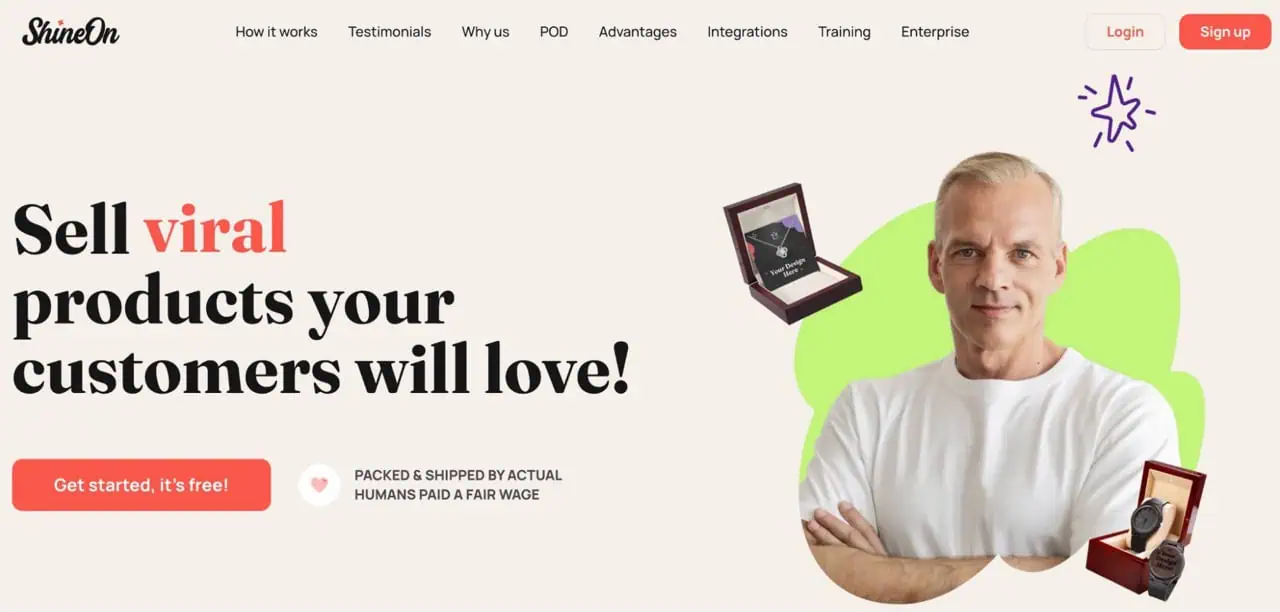
Best for: Shopify stores built around personalized jewelry, message cards, gift occasions, and custom products.
ShineOn is a specialist print-on-demand provider rather than a broad general merchandise platform. Its current catalog includes more than 150 products, with a strong focus on jewelry, personalized gifts, and ready-to-gift presentation. It also supports white labeling and one-click Shopify integration.
For these stores, the buying criteria are different. A personalized necklace depends on accurate customization, gift packaging, message card presentation, and dependable delivery for birthdays, anniversaries, and other occasions. ShineOn handles customization, packing, and shipping through its fulfillment operation, with orders currently advertised as shipping in two to five business days.
It is a strong choice for merchants selling emotionally driven gifts and personalized products. Sellers mainly looking for a huge catalog of unrelated merchandise will find broader POD platforms more suitable.
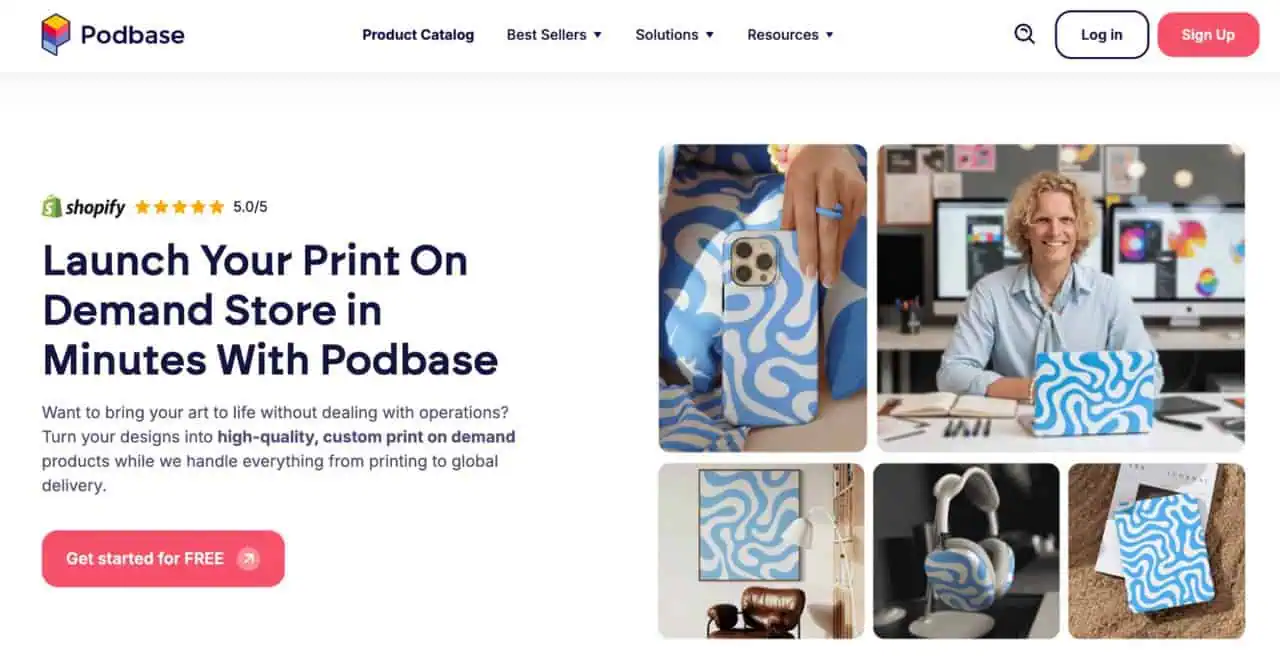
Best for: Shopify stores selling phone cases, tablet cases, laptop sleeves, and related device accessories.
Podbase concentrates on tech rather than general merchandise. Its Shopify integration currently lists 300 plus customizable products, while its phone case range includes more than 2,000 variants across different devices and case styles. There is no subscription fee. You pay when an order is placed.
That depth is useful if your store needs broad device coverage. Podbase also lets you update supported models in bulk, so you do not have to edit every product separately when new phone variants are added.
Shopify integration includes product publishing, automatic order import, tracking updates, and mockup export. Podbase aims to fulfill orders within 24 hours, with delivery time varying by destination and shipping method.
For tech-focused ecommerce stores, the specialist range is the main appeal. Sellers wanting a much broader POD catalog may find it limiting.
Do not choose a POD supplier by catalog size alone. Start with the exact product you want to sell.
Check whether the required blank, colors, sizes, print method, branding options, and stock are available. Production location matters too, especially if most of your customers live in one region. Printify confirms that the same product can differ by provider in price, location, variants, print areas, and printing method.
For broad merchandise, compare Printify, Printful, and Gelato. Streetwear sellers may get more value from Apliiq, while ShineOn suits personalized jewelry and Podbase is stronger for phone cases.
Choose around the product you will actually fulfill, not the size of the supplier’s catalog.
Do not assume a global POD company can produce every product locally.
Check where the exact product variant and printing method can be fulfilled, then compare that location with where most customers live. Printify confirms that provider location, available variants, printing methods, shipping rates, and delivery options can differ between Print Providers.
If most of your sales come from the US or Europe, compare providers using those actual destinations rather than judging international coverage in general.
A low catalog price does not automatically mean a better profit margin. Printful, for example, separates shipping, taxes, extra print placements, labels, and other optional services from its base product price. Gelato likewise charges product and shipping costs separately.
For each POD app, compare the same SKU using the full landed cost: printing, shipping, branding, subscription allocation, applicable taxes, and a reasonable allowance for replacements or reprints.
Use that final per-order figure when comparing suppliers. It gives you a much clearer view of what you will actually spend and how much margin remains.
Do not treat production time and delivery time as the same thing. A POD order must first be printed and prepared, then handed to a carrier for transit. Estimated delivery usually combines both stages.
When comparing suppliers, check:
A claim such as “ships in 3 days” may describe production, dispatch, or the full delivery window, so read the provider’s definition carefully.
A Shopify app can say it supports branding, but that tells you very little about what your customer will actually receive.
Check the individual options instead: inside labels, sleeve prints, inserts, stickers, custom packaging, packing slips, branded tracking, and return address settings. For clothing brands, details such as neck labels, woven labels, and retail-ready presentation can matter as much as the printed design itself. Shopify’s POD category includes apps built specifically around branded and retail-ready products, which shows how much these features can differ between providers.
If you are only testing designs, you may not need all of them. But if you want customers to remember the brand after opening the parcel, compare these features carefully.
A built-in mockup generator is useful, but it may not give you the scenes or control your store needs.
Compare lifestyle images, flat lays, download resolution, variant images, artwork placement, custom scenes, bulk output, watermarking, color accuracy, and how easily you can keep hundreds of Shopify listings visually consistent.
If you already use custom PSD templates in Photoshop, Bulk Mockup gives you far more control over large batches of listing images. It can replace Smart Objects automatically, resize and align artwork, process multiple design areas, organize exports, and apply custom file naming across the batch.
That makes it especially useful when the mockups supplied by your POD service do not match the visual style you want for your store.
| Your priority | Recommended app |
| Broad product testing | Printify |
| Supplier and price flexibility | Printify |
| Branding and managed fulfillment | Printful |
| International customer base | Gelato |
| Fashion or streetwear | Apliiq |
| Personalized jewelry and gifts | ShineOn |
| Phone cases and tech accessories | Podbase |
The right choice depends on the exact product you plan to sell, where your customers live, total landed cost, branding needs, and how reliably the provider performs after you test it.
Before publishing hundreds of products or moving an existing catalog, narrow your shortlist to two or three providers and order comparable samples. Check print quality, packaging, production time, tracking, and the final delivered product before committing at scale.
Once your fulfillment setup is ready, the next job is preparing product images for Shopify.
If you work with PSD mockup templates in Photoshop, Bulk Mockup can automate the repetitive part. It replaces Smart Objects in bulk, resizes and aligns artwork, supports multiple Smart Objects, and can organize exported files with custom naming and folder structures.
It is especially useful when you are launching a large collection and need the same visual style across dozens or hundreds of designs. Bulk Mockup also supports compatible video mockup workflows, so you can create static and animated listing assets from Photoshop templates.
Use your POD app for production and fulfillment, then use Bulk Mockup when you need more control over the product imagery customers see in your Shopify store.
The best print on demand app for Shopify is the one that fits what you actually sell. Printify offers more supplier flexibility, Printful gives brands greater control, and Gelato is useful for stores serving customers across several countries. Specialist providers can be a better choice when your catalog centers on apparel, jewelry, or tech accessories.
Before moving a large catalog, compare landed costs and order samples from your shortlist. You can also use more than one POD app if different products are better served by different fulfillment partners.
Printify and Printful are both beginner friendly because you can start without a paid POD subscription and connect directly with Shopify. Printify gives you more choice between Print Providers, while Printful involves fewer supplier decisions. Your better option depends on whether you value flexibility or a simpler fulfillment setup.
For a broad clothing catalog, Printful and Printify cover T-shirts, hoodies, embroidery, and other apparel categories. Apliiq is more relevant when you are building a fashion or streetwear label and need features such as private labeling, woven labels, patches, and stronger garment branding.
ShineOn is especially suited to personalized jewelry, message card products, and gifts. Gelato offers a broader personalization workflow through Personalization Studio, where Shopify customers can add text, dates, images, and other custom details directly on the product page with live previews.
Yes. You can connect both apps to the same Shopify store and assign different products to each fulfillment service. For example, one provider could handle apparel while the other fulfills products where you prefer a particular supplier, price, or production location. Keep order routing clear so each SKU goes to the correct provider.
Yes. Using several POD companies can be useful when no single supplier covers every product well. You might choose separate providers for clothing, jewelry, wall art, or phone cases. The main issue is split fulfillment: products from different suppliers may arrive in separate packages and on different dates, so your shipping information should make that clear to customers.