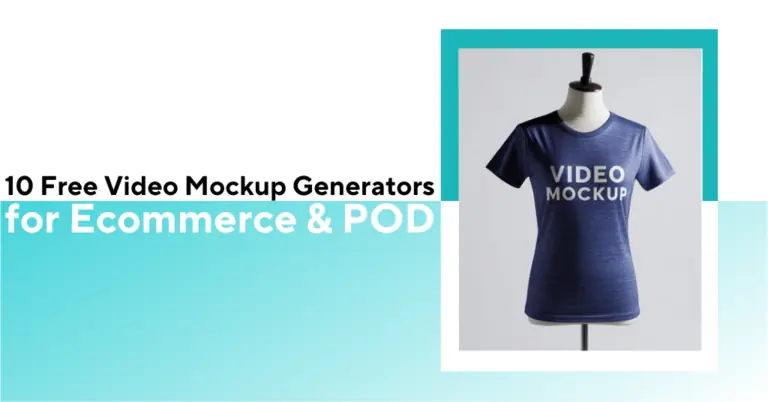
Check out this list of 10 mockup generators to generate exclusive video mockups for your POD and e-commerce products.


You need a fast way to showcase your products in action – video mockup generators are the answer. They let you animate T-shirts, devices, apparel or apps with your design in realistic settings.
Many print-on-demand sellers waste hours editing static mockups or wrestling with complex video editors. Finding a user-friendly video mockup generator with high-quality templates can be overwhelming.
We’ve tested 10 of the best video mockup generators (free and paid) to save you time. You’ll learn which tools excel at apparel, device, and product videos, complete with user ratings and reviews.
By the end, you’ll know exactly which generator is right for your needs – and how to get started.
See how 5,000+ POD sellers automate their entire mockup workflow
Discover the automation advantage| Tool | Key Feature | Price/Rating |
| Bulk Mockup | Photoshop plugin for batch mockups | $15/month onwards |
| Canva | Online design suite with templates | Free tier. $10/month onwards |
| Veed | Web video editor with AI tools | Free tier, $12/user/month onwards |
| Renderforest | Video template platform | Free (watermark), $9/month onwards |
| Placeit | Massive library of product/video templates | Limited free, $14.95/month onwards |
| Previewed | 3D product animation tool | Free (2D only), $9.99 (one-time) onwards |
| Mediamodifier | Mockup editor with video support | Free (Starter), $12.50/month onwards |
| Mockey | AI-powered apparel mockups | Free tier, $4.10/month onwards |
| FlexClip | Intuitive online video maker | Free tier, $11.99/month onwards |
| Viddyoze | Professional logo animation tool | 7-day free trial with unlimited access, $47/month |
Trustpilot: 4.9/5

Bulk Mockup is a Photoshop plugin that speeds up the POD video mockup creation in Photoshop. It works well for products like mugs, phone cases, hoodies, and posters. You can use our plugin to batch-replace smart objects in video PSD templates and generate mockups in bulk.
While prepping 10 T-shirt colorways for a seasonal drop, I loaded 1 tee PSD template with Smart Objects and a folder of 10 designs. Bulk Mockup pushed each design into the template, centered and exported the full set in one pass with no manual swapping. It produced a full collection in minutes, ready for my POD listing images.
For wall art videos, I used a PSD timeline mockup and let the plugin iterate designs while preserving animation layers. The export naming rules made SKU mapping painless when I bulk-uploaded to my shop.
Great tool, I am glad I found it. Customer service is unbelievable, I didn’t see any business who are willing to help so much. Highly recommended! – Moda Vation
Use Bulk Mockup when you already have PSD mockups and need high-volume output fast without sacrificing realism.
Trustpilot: 2.3/5, G2: 4.7/5
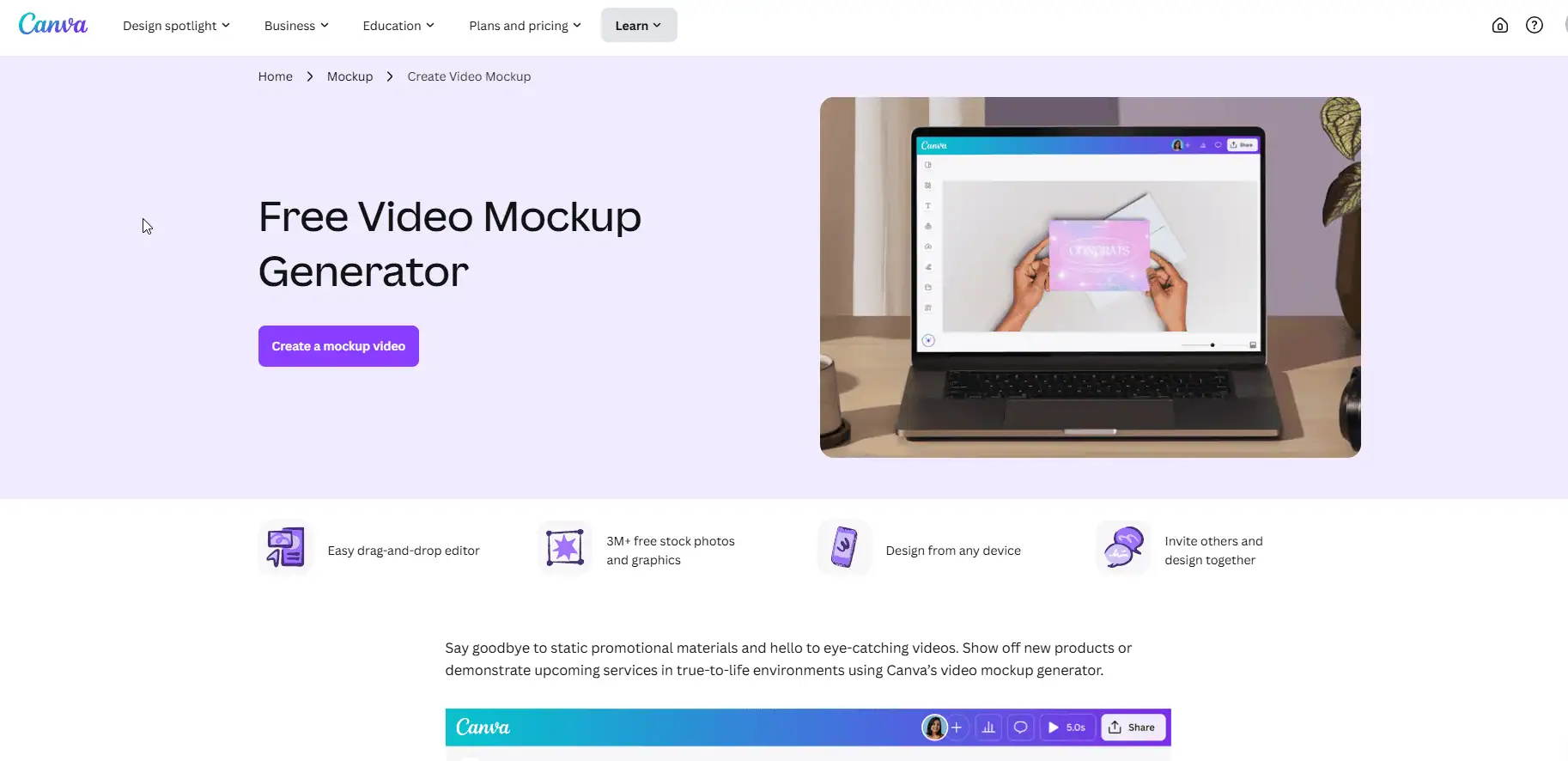
I tested Canva’s free video mockup tool to see how it handles turning static images into animated presentations. The drag-and-drop interface is beginner-friendly, with no design skills needed, making it easy to learn how to use Canva for video mockups.
You pick a mockup, like mugs or phones, adjust your design’s placement, and add basic effects like fades or slides. The animations are limited, but they’re smooth enough for Instagram Reels or client pitch decks.
For a new mug design, I dropped my art into Canva’s video mockup, added a slow zoom, and exported an MP4 for a product page hero. It took under 5 minutes from template to download.
For a quick Instagram loop, I exported vertical (1080×1920), added auto-captions and a callout, perfect for testing creatives before I commit to higher-end production, too.
For bulk mockups, advanced POD sellers switch to Photoshop and combine Bulk Mockup for faster and better results.
Canva is a simple and easy-to-use graphic design app. It offers thousands of elements and pre-built customizable templates that anyone can choose from to create their own designs. – Nihal Sayyad
Choose Canva when you want speed + polished results for social/product videos without leaving the browser.
Trustpilot: 4.0/5
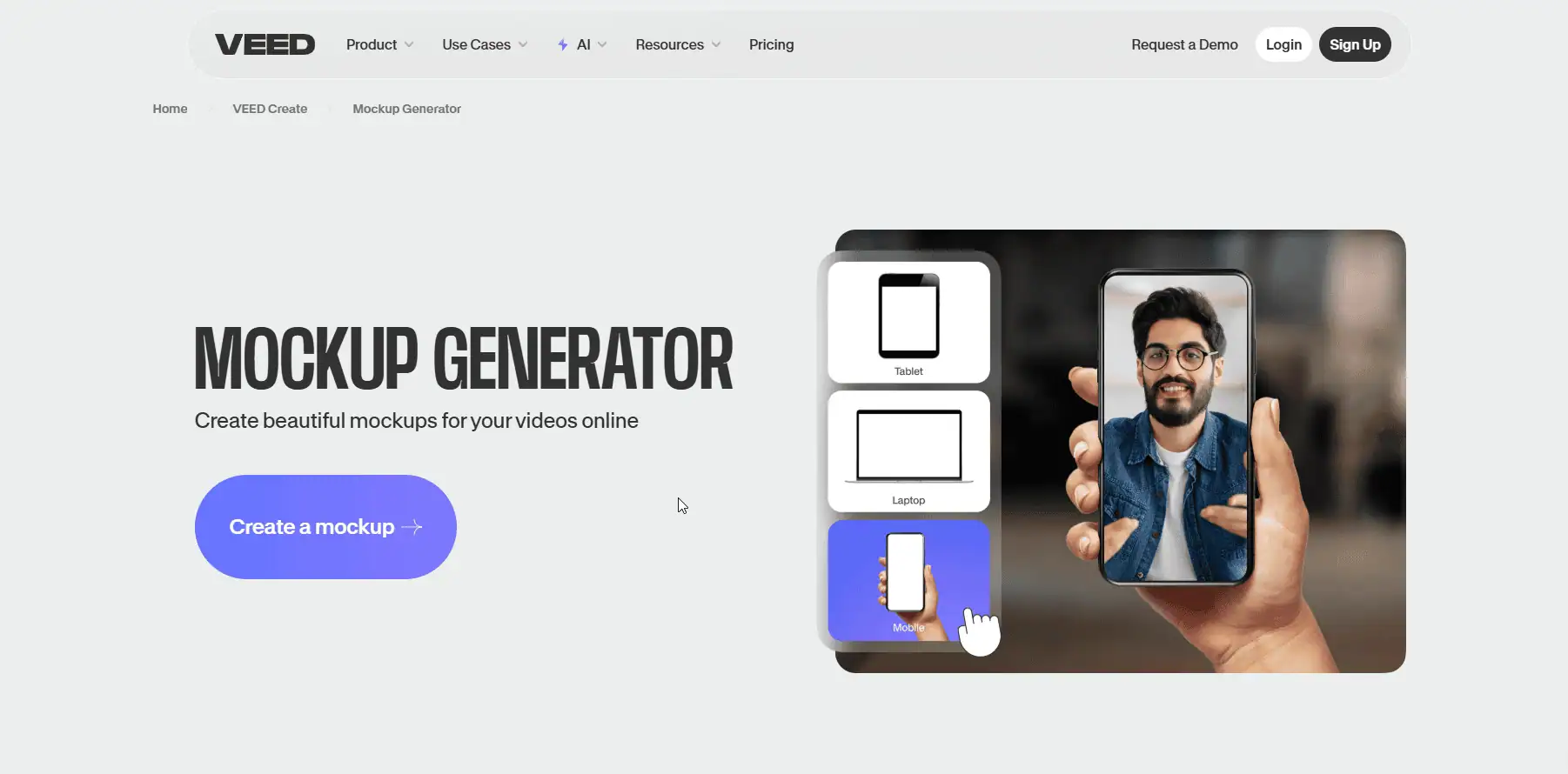
VEED is a web video editor with strong AI tools for auto-subtitles, text-to-video, dubbing and a clean UI.
You start by uploading your clip or creating one from scratch. I recorded a quick demo using their webcam tool and dragged it into the editor with no technical hiccups.
Their template library has basic mockups: I added my app design to a phone screen and put a logo onto a coffee mug in seconds. It’s fast, but don’t expect fancy 3D angles or animations.
The editor lets you tweak brightness and saturation to match your design to the mockup background. The background remover worked well for isolating products, which is handy for clean demos. Auto-subtitles saved me time for social media clips, though I had to fix a few typos. Voice cloning is an option, but it still sounds robotic.
I do really enjoy using Veed as a video maker. It is much better than so many others on the market. It is easy to use. Characters are animate and the colors are wonderful. Everybody would appreciate if you could give us a chance to make longer videos for free. – Lhoussine Asserraji
Use VEED when you need captioned, social-ready videos with AI assists and minimal setup.
Trustpilot: 4.1/5
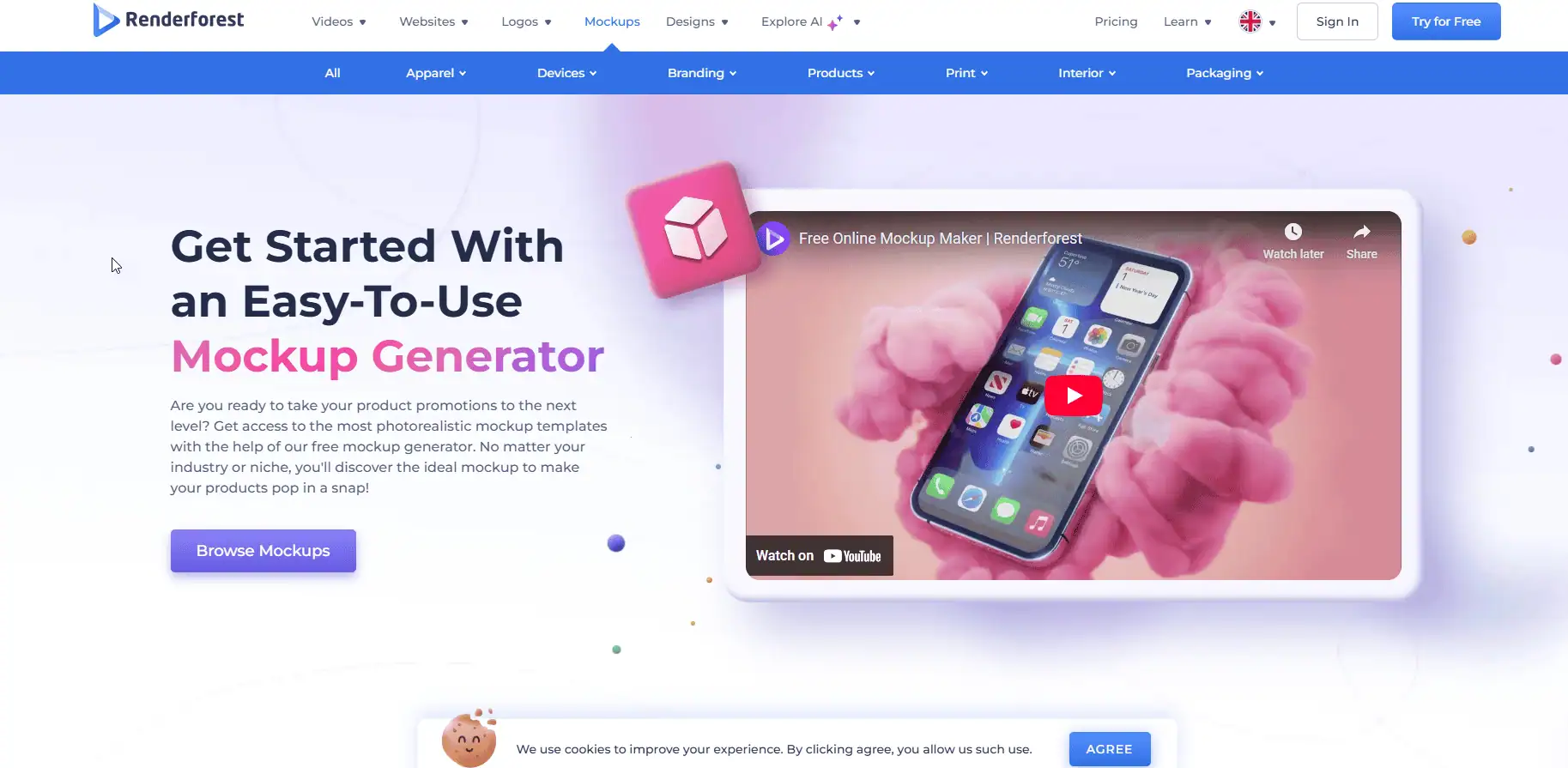
Renderforest is a template-driven video maker for quick promos, intros, slideshows, and product clips. It offers a free tier (watermarked) and paid plans for higher quality/no watermark.
You pick a template, upload your design, and adjust colors to match your brand. The platform offers realistic mockups for T-shirts, mugs, phone cases, and wall art. One feature I liked is the one-click download.
When I launched a seasonal T-shirt mini-drop, I grabbed a 20-second promo template, put in 6 mockup stills, added price tags and a discount bumper, and had a clean MP4 for Reels within minutes.
Once done customizing, you can quickly save and use your mockups without extra steps. The color palette options also help maintain brand consistency across different product visuals.
However, POD sellers often switch to Renderforest alternatives as its features do not target product mockup development directly.
Amazing tool to make videos very easily, specially through the help of AI video generator tools, editing process is also very smooth. It helps me save a lot of time for making videos. – Chirag Bisht
Choose Renderforest when you need polished, on-brand promos quickly to validate creatives before deeper production.
Capterra: 4.3/5
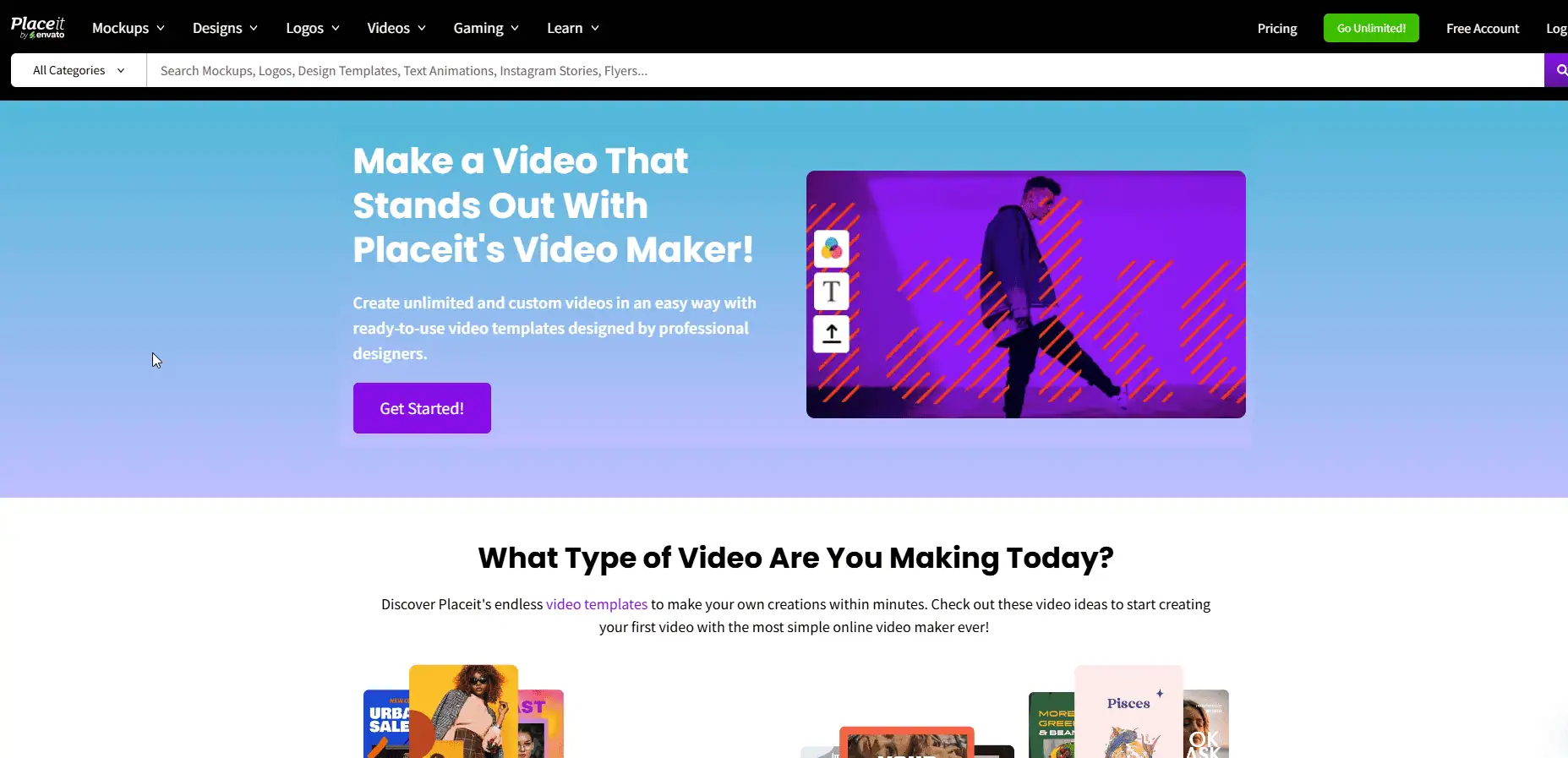
Placeit (by Envato) is known for a huge library of apparel/product video mockups using real models and lifestyle scenes, great when you want human-in-context clips without a shoot. Public feedback is mixed, with users seeking Placeit alternatives, but the breadth and speed are undeniable.
Their massive library of video templates covers everything from t-shirt showcases to fitness gear presentations, making it incredibly easy to bring my designs to life. I can generate videos for Instagram stories, Facebook Reels, Etsy, and other platforms with just a few clicks.
Its “Express Video Maker” feature helps businesses to create a quick mockup. For a hoodie line, I tested three model videos with different backgrounds and exported 6–8 second loops. Those outperform stills on socials for scroll-stopping.
On Etsy, I used short, muted videos as the first gallery slot. The real-person motion helped convey fit and fabric drape, boosting clicks from search.
Advanced POD sellers, on the other hand, might find its library monotonous. They switch to Photoshop mockups for better impressions and conversions.
I like the free templates available on this platform that allows for branding and logo creation with so much ease. These templates have successfully cut my design creation time in half since I only have to make a few personalized changes when branding and creating logos. I also like that the text editing option on this platform are varied with a variety of fonts, sizes and colours for a more custom look and feel. – Becky
Use Placeit when you want realistic, model-based product videos at speed—especially for apparel where lifestyle context matters.
Trustpilot: 2.8/5
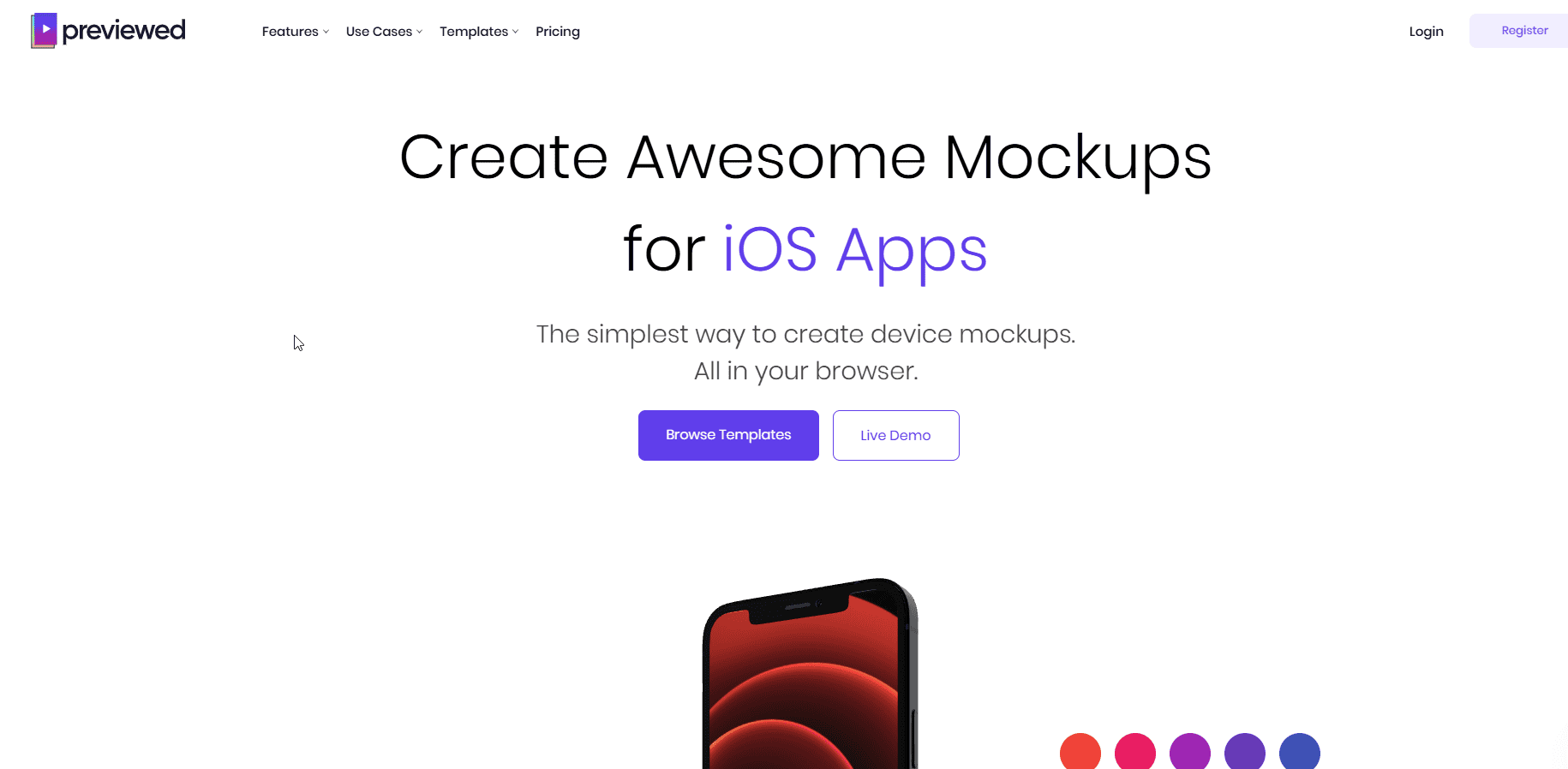
Previewed focuses on device/app mockups (phones, laptops, tablets), including simple 3D angles and short animations. It is handy for UI demos, wallpapers, planners, and digital goods. Public ratings are modest, but it fills a clear niche.
I tested Previewed specifically for its 3D rendering features, geared toward app store previews, device mockups, and promo videos. I showcased a mobile wallpaper bundle by animating a swipe through 4 screens inside an iPhone frame. It exported a snappy 10-second product clip that more or less looked on-brand.
Reviewers, over the years, have mixed feelings about the mockups and customer support.
The site/service itself is neat, and you can get a long with the the free package. But I need more so I purchased their PLUS package. Then I ran out of download credits, and was unable to purchase more – only to find out (through a blog post several months before) that they retire the PLUS plan… too bad it was still available for purchasing then. – Klaus T
Pick Previewed to show your UI in motion without learning heavy 3D or motion tools.
Trustpilot: 2.7/5
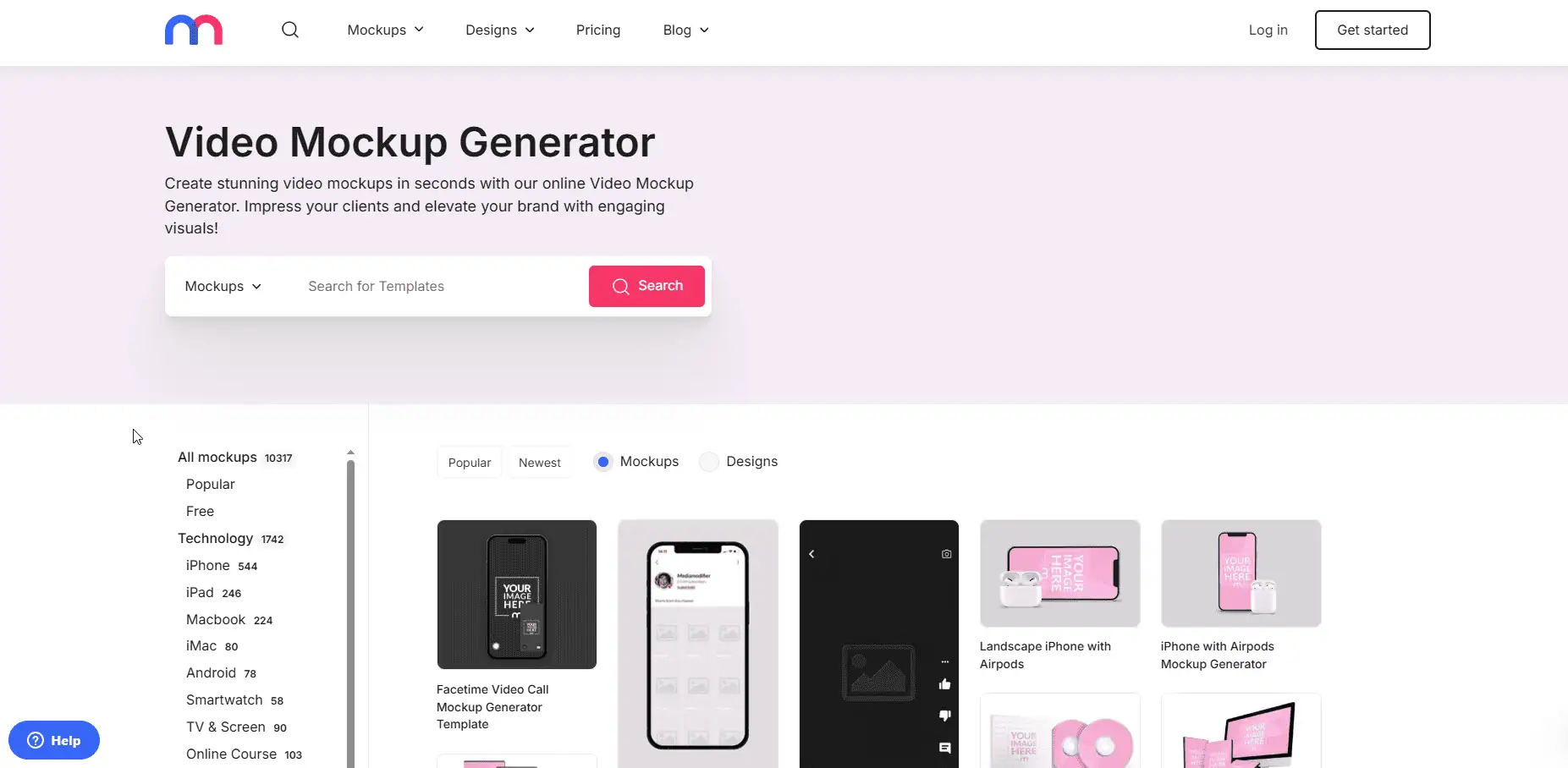
Mediamodifier is a web mockup tool that adds light video/animated scenes; it covers apparel, mugs, books, and packaging. It has a huge library of over 10,000 mockup templates, including a video mockup generator. It is a web-based tool designed for creating mockups for social media, technology, products, and branding.
I tested its free starter account, which gives access to basic tools and features. While it’s a good way to try the platform, some advanced features require a paid plan. It offers 1300+ Google fonts along with Unsplash and GIPHY integration for resources.
I needed animated listings to validate a new tote/mug niche. I used Mediamodifier’s rotating scenes to produce 6–8s loops for Pinterest and Etsy. Quality isn’t cinema-grade, but the time-to-first-creative was minutes, so I could test demand before investing in heavier production.
The Mock-up Generator works great! The MM team even went above and beyond and made three additional model designs for me for free so my mock-ups would be exactly as I needed them to be. – Mark
Use Mediamodifier when you need quick motion tests and broad product coverage to validate ideas fast before you commit to higher-fidelity workflows.
Trustpilot: 4/5
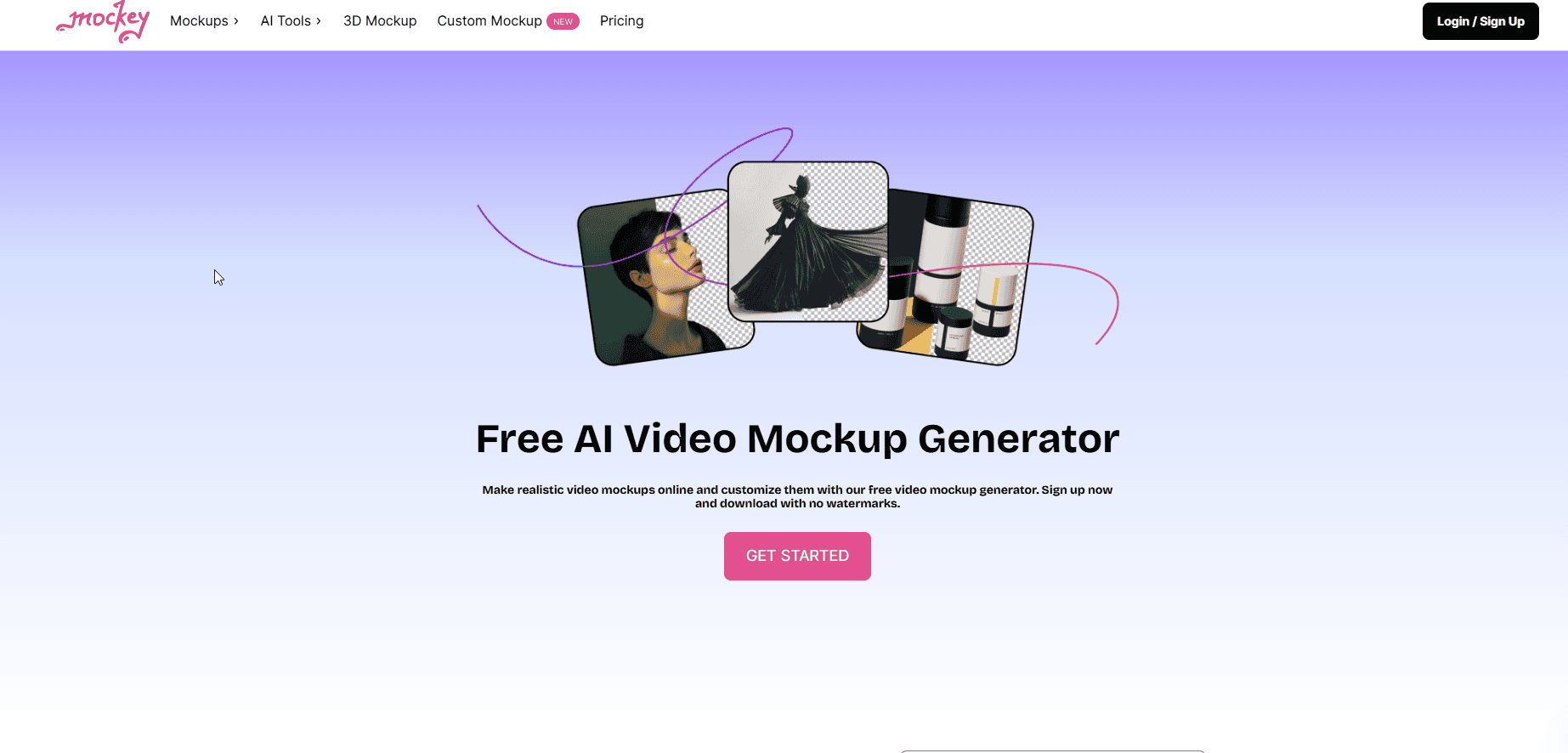
Mockey is an AI-powered apparel mockup generator focused on tees, hoodies, caps, and more. It provides a large (12,500+) template library and simple placement/background controls, with affordable paid tiers for higher quality and “Pro” mockups.
When I had ~30 new tee designs, I ran them through Mockey to build consistent front-on hero shots and short square/4:5 loops for PDPs and Instagram. Fabric/fold simulation was convincing enough to launch quickly and start collecting performance data.
For hoodies, I themed backgrounds to seasonal palettes (fall/winter) and exported ad-ready cuts per colorway. The workflow was frictionless for small drops where speed matters more than pixel-perfect compositing.
Beginners can create a polished mockup in minutes, but advanced users might feel boxed in. You can’t tweak shadows or lighting depth, and the template animations are basic (think subtle zooms or rotations). Still, for free, it’s surprisingly capable.
It is easy to use, and navigation is so easy to learn, it is less complex, so while I started the first time a few months ago it gives me quick guidance, the preview part is amazing, as it is important after creating any design, I can also easily implemented my previous design with it, I am using this since last 7 months and I am enjoying, their support docs are also help full, I also integrated few of my software with it. – Karansinh Jadeja
Pick Mockey when you want fast, good-looking apparel visuals without Photoshop, ideal for validating new designs and running quick ad/PDP experiments.
Trustpilot: 4.4/5
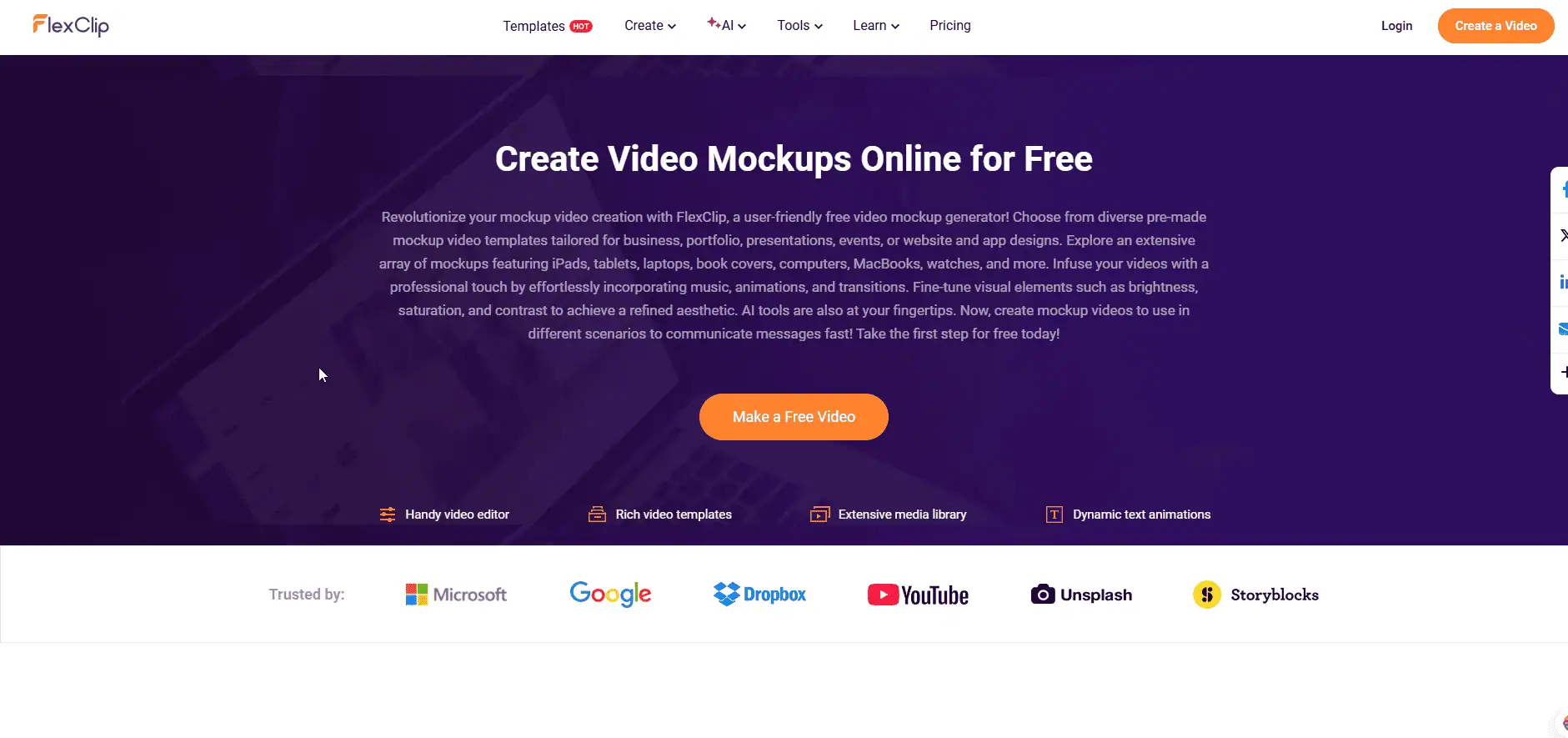
FlexClip is a browser video maker with a large marketing-first template library plus helpful AI utilities like auto-captions, text-to-speech, etc. Its AI tools are what I liked the most. You can remove backgrounds, generate voiceovers, and fine-tune details without much effort. It streamlines the process, almost like having an assistant who speeds up your workflow.
To launch a candle line, I dropped still mockups into a product-reel template, used AI captions to speed accessibility, and exported 9:16 and 1:1 in a single session. This workflow is ideal for rapid ad-creative iteration.
For seasonal collections, I cloned the project and swapped assets, keeping fonts/colors locked with a mini brand kit. I batch-rendered variants for PDP videos, Reels, and Stories with consistent pacing.
Very intuitive interface. I easily find everything I need when I need it. The templates have allowed me to make deadlines with no sweat! I can quickly make a logo reveal or a sales video in just a few moments! – Arthur Zepeda
Use FlexClip for fast, scalable ad/listing videos across sizes when you need to test creatives quickly without heavy software.
Trustpilot: 4.1/5
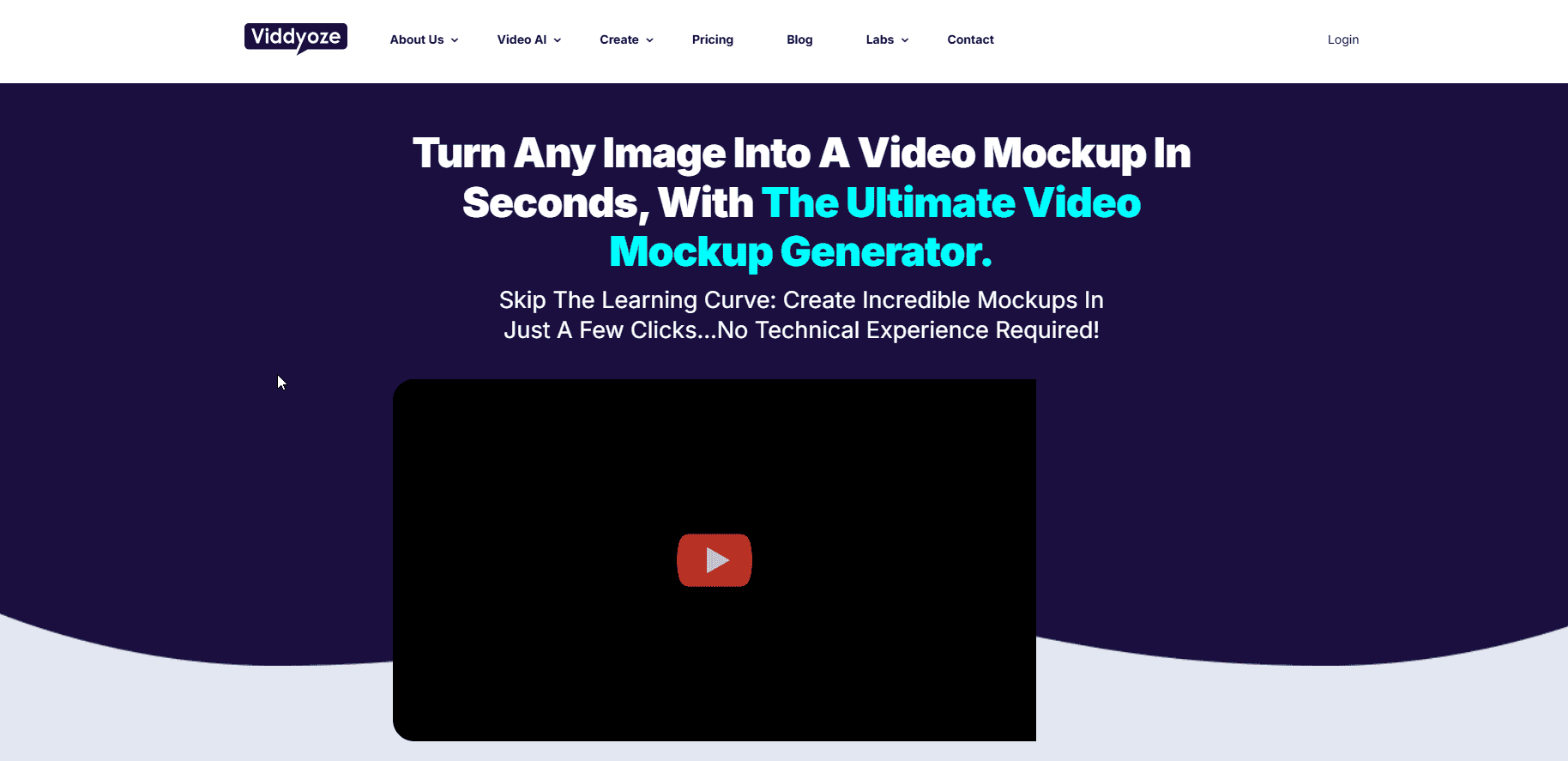
Viddyoze is a web-based animation/branding platform for logo stings, intros/outros, titles, and overlays. Its AI-driven features are quite simple for entrepreneurs, marketers, and creators to use.
You can turn a t-shirt design, app screenshot, or book cover into a professional video showcase in just 3 clicks. Upload your brand assets and designs by following the simple steps, and you are done.
I created a 6-second brand intro/outro in store colors and appended it to otherwise simple mockup clips. The perceived production value jumped immediately on marketplace videos and ads.
For bundle promos, I used animated lower-thirds to call out pricing and limited-time codes over existing mockup footage, then exported variants for A/B tests across collections, no After Effects required.
I LOVE Viddyoze. Excellent quality and ease of use. The integrity of the owners and the team always shows. The customer service is always outstanding.- HOF
Use Viddyoze to wrap your mockup clips with polished intros/outros and branded overlays, boosting perceived quality with minimal effort.
Match the tool to your workflow and the result you need.
The best video mockup generator is the one that matches your workflow, speed, and realism needs. Start with Bulk Mockup for Photoshop scalability, layer in tool-specific strengths, test quickly, and iterate. Better demos mean higher clicks, stronger engagement, and conversions.
Join 5,000+ POD sellers who’ve eliminated manual mockup creation. Get unlimited mockups, install on 2 devices, and access our incredible support team.