Learn how to create a smart object in Photoshop effortlessly. Follow our step-by-step guide to make stunning mockups with ease.


Making a smart object in Photoshop will be really easy after you follow through with the step by step process we’re about to show you.
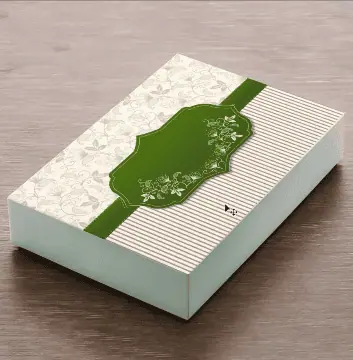
In this article, we’ll show you how to make a gift box mockup like this by creating a smart object in Photoshop.
First, you need to take the image you want to make the smart object on and the image you want to use on the smart object.
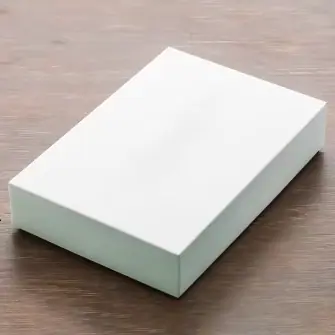
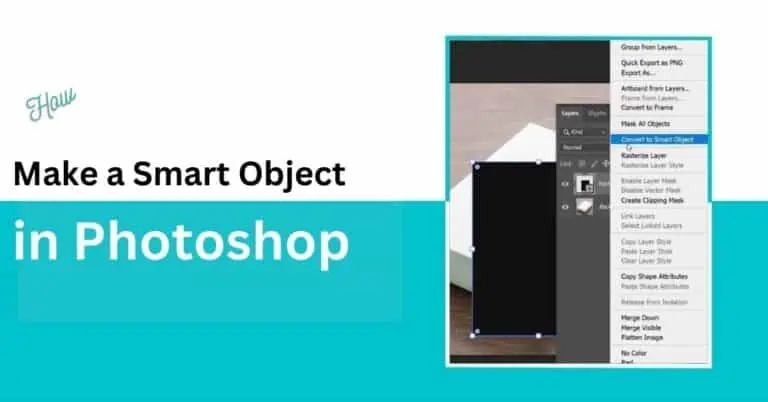
For this box, first we will make a rectangle by using the “Rectangle Tool” in photoshop. It will be added in as a layer in the Layers panel.
Right-click on the rectangle layer and choose the option “Convert To Smart Layer”
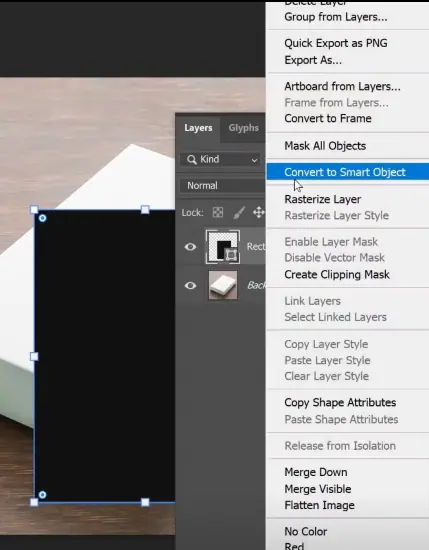
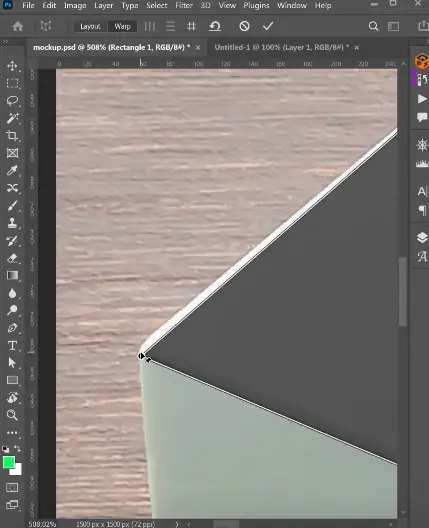
Then right click on the rectangle and choose “Distort” or press Ctrl+T“. After this, try to match the four corners of the article with the four corners of the box like this.
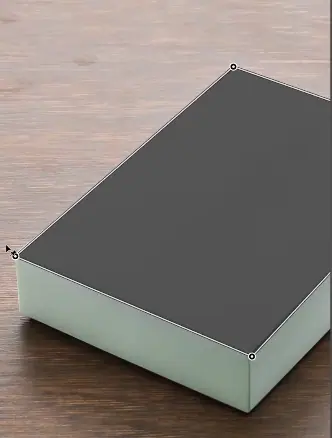
Be very careful when connecting the corners. The closer it is to perfection, the prettier end result we can get.
Zoom in to match the corners perfectly like this.
After this step, just open the smart object layer and the .PSB file will get open in another Photoshop window.
Open or drag and drop your design there and resize to fit how you want it to be shown.
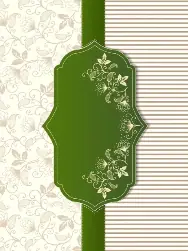
Now hit save and check the main file.
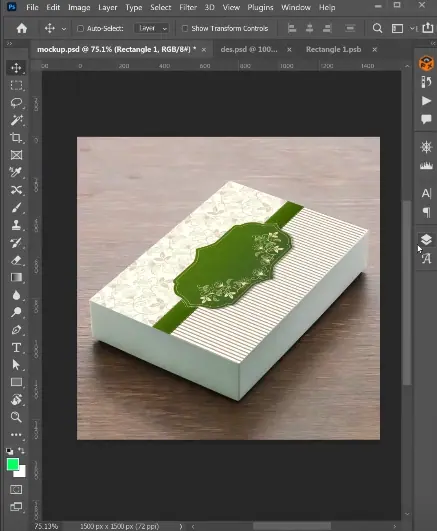
This is a very easy step by step process of making a Smart Object in Photoshop. Please don’t hesitate to contact us if you have questions.