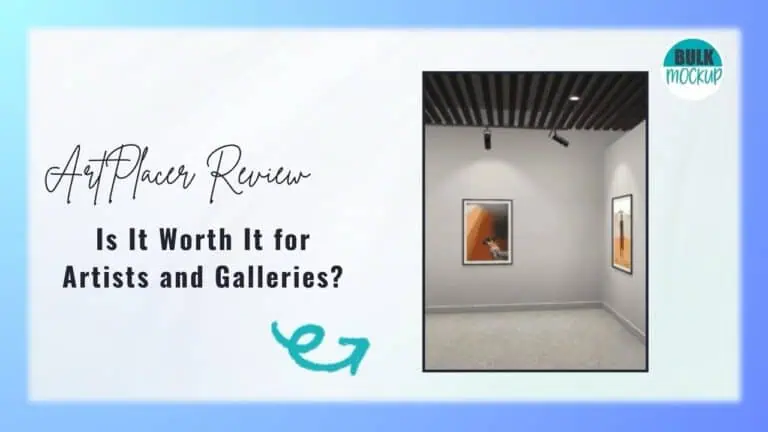
ArtPlacer offers AR and 3D galleries for artists and photographers. Find out if it’ll be helpful for you in 2026.


Selling art online gets harder when buyers cannot picture the piece on their own wall. ArtPlacer promises to solve that with room mockups, augmented reality, virtual exhibitions, and presentation tools built specifically for the art market.
But does that extra functionality actually help artists and galleries present work more convincingly, or does it add cost and complexity without enough return?
In this ArtPlacer Review, we examine its core features, pricing, integrations, mobile app feedback, user reviews, and alternatives to see who will get real value from the platform and who may be better served by a simpler tool.
| Category | Verdict |
| Overall | A strong specialist platform for presenting, visualizing, and selling art |
| Best for | Galleries, professional artists, art advisors, and photographers selling wall art |
| Less suitable for | Sellers who mainly need large volumes of simple product mockups |
| Starting price | $9 per month |
| Free trial | 14 days |
| Key strength | A connected ecosystem for room mockups, AR visualization, presentations, and virtual exhibitions |
| Main concern | Costs rise as you add larger catalogs, website widgets, Personal Spaces, or extra credits |
| Important caveat | Mobile AR feedback is mixed, especially on Android |
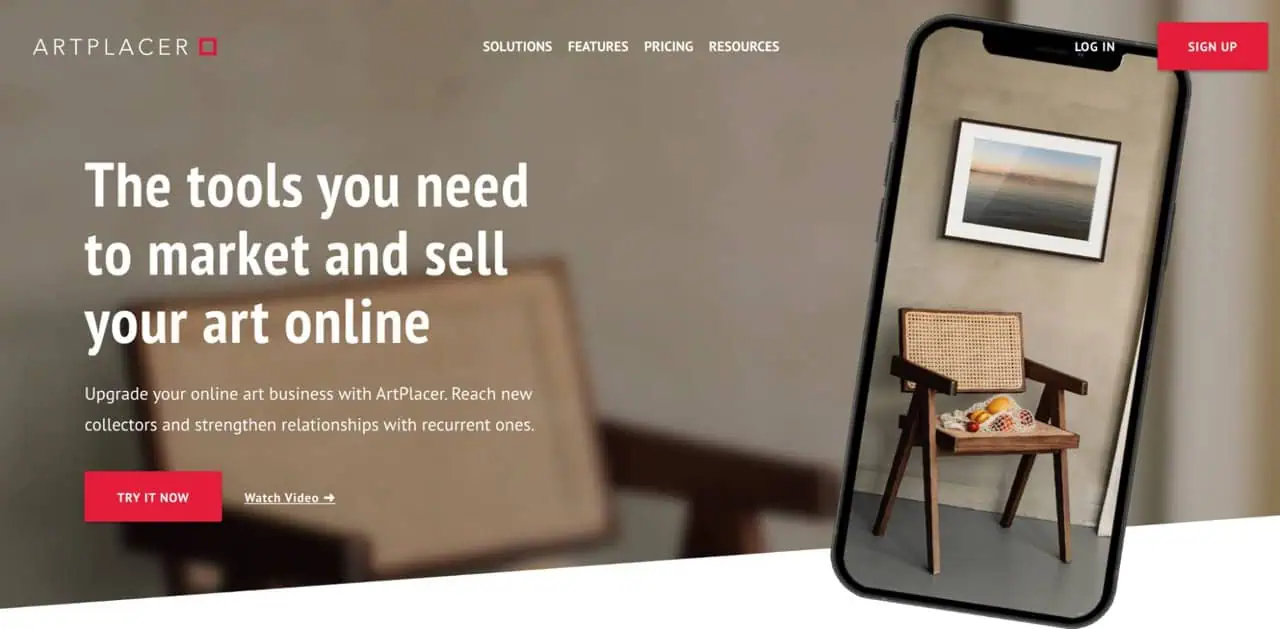
ArtPlacer is an art-focused visualization, presentation, marketing, and sales platform for artists, galleries, art dealers, curators, and art advisors.
Uploaded artwork becomes part of a reusable catalog that can feed room mockups, AR previews, presentations, Personal Spaces, Discover profiles, and virtual exhibitions. It supports paintings, prints, photography, digital art, and additional media in 3D exhibitions.
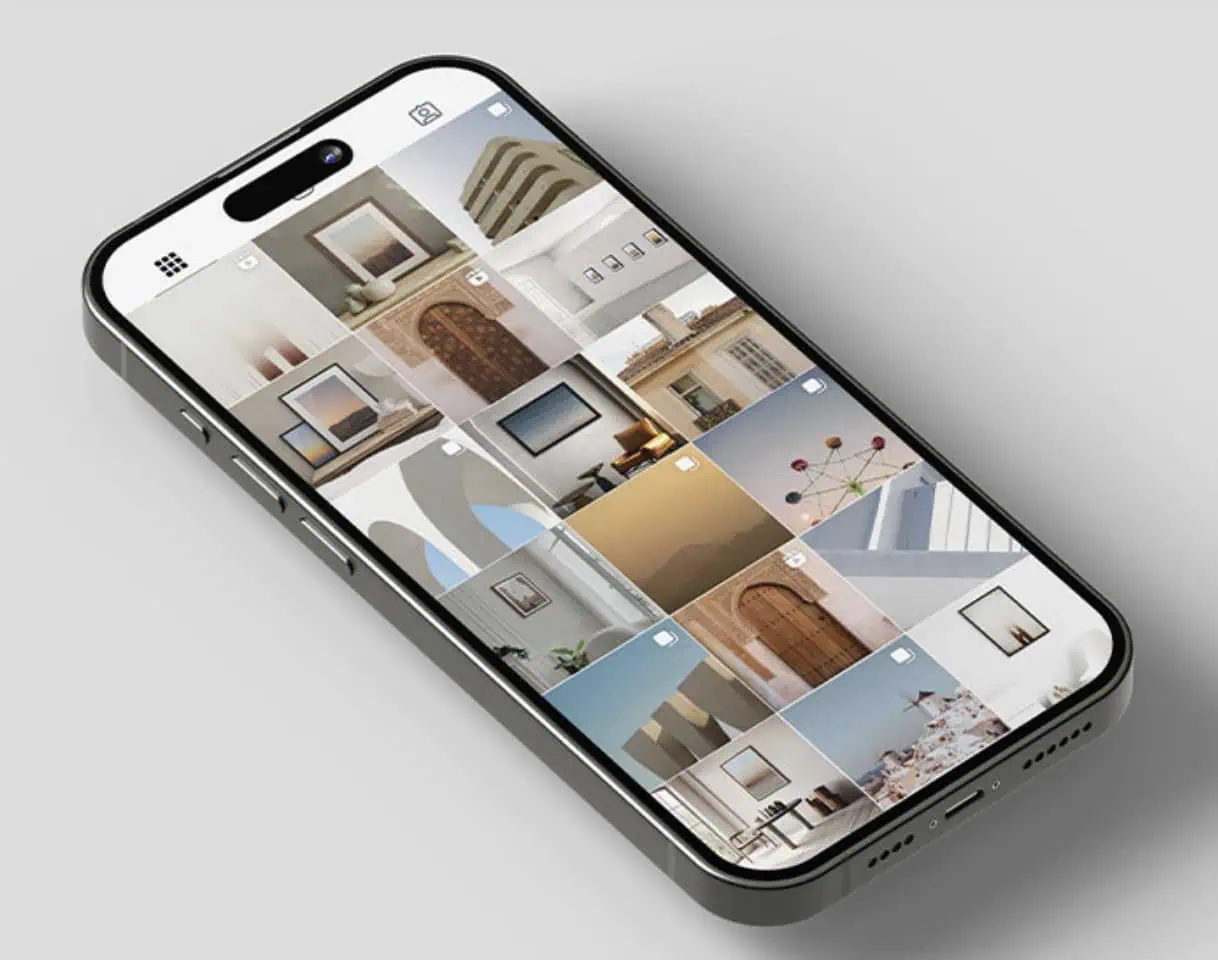
ArtPlacer room mockups let you place artwork into more than 2,900 prepared interiors while keeping the piece displayed to scale. You select an artwork, choose a room, adjust its placement and framing, then download the visualization.
Accurate sizing makes these mockups especially useful for sales. A collector comparing a 12×16-inch print with a 40×60-inch piece can see how differently each one occupies a wall. The broad room library also helps you present the same artwork across different interior styles rather than relying on a single generic setting.
A static room scene can now become a short promotional clip. ArtPlacer turns Room Mockups, Personal Spaces, and Art Show Planner scenes into five second 1080p videos with gentle camera movement toward the artwork.
One generation uses one credit, while repeat downloads do not. The feature suits social posts, ads, portfolios, and product pages, though it is not designed for complex video editing.
Personal Spaces are most useful when a buyer wants to picture an artwork in their own home. Start with a photograph of the room, define the wall, correct perspective, set its dimensions, and position the artwork at scale.
Presentation and framing can then be adjusted before sharing the result. For galleries and art advisors, this creates a far more personal sales conversation than a generic mockup.
With ArtPlacer AR, a collector can point a compatible device at a wall and preview artwork using its saved dimensions. It is useful for judging scale beside furniture or discussing placement with a remote client.
Still, results should be tested across real devices. Wall detection, lighting, angled surfaces, positioning, vertical works, and app stability can all influence the experience, particularly across iPhone and Android devices.
Instead of showing collectors a sequence of isolated mockups, you can build a navigable exhibition where several works appear together inside a 3D gallery. ArtPlacer provides ready made gallery environments and supports different media, including paintings, photography, sculpture, video, GIFs, and text.
The feature works well for remote exhibitions, collection launches, and extending a physical show to people who cannot attend in person.
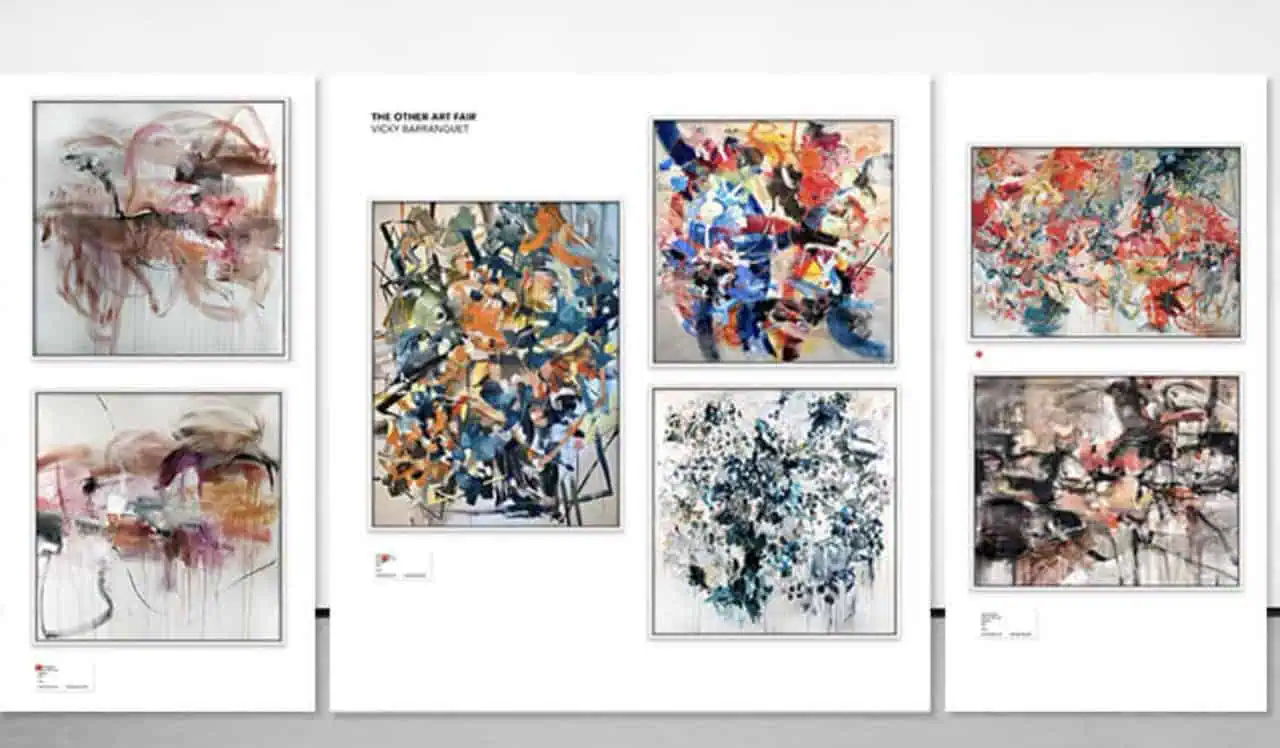
Preparing a physical exhibition often involves making layout decisions before you can see the finished wall. Art Show Planner lets you enter real wall measurements, adjust wall color, and experiment with artwork size, spacing, and arrangement digitally.
That can help with fairs, booths, gallery installations, and temporary shows before anything is transported or hung. Artists who rarely exhibit offline may find this tool less essential.
ArtPlacer keeps your artwork inside one reusable catalog, so you do not have to upload the same piece whenever you build another visualization. You can add works individually, select multiple files at once, or import larger collections through CSV.
That structure becomes especially useful for galleries and established art businesses managing hundreds of works across exhibitions, presentations, widgets, and client requests.
For galleries repeatedly matching artwork with individual collectors, the catalog becomes more useful when client information sits beside it. ArtPlacer combines Contacts and Inbox with Portfolio Presentations, Viewing Rooms, artwork labels, and inventory reports.
You can organize inquiries, prepare selected works, and share tailored presentations without separating the client conversation from your inventory. It is art specific CRM functionality rather than a full enterprise CRM suite.
Discover gives eligible users another place to present their work beyond a personal website or gallery page. A profile can include contact information, website and Instagram links, selected artwork, a virtual exhibition, and a sample room experience.
Visitors can browse public pieces and, where enabled, inquire or try visualization tools. Treat it as supplementary exposure, since credible public data does not establish typical traffic, lead, or sales results.
Analytics becomes relevant once your art marketing includes interactive exhibitions or website integration. Virtual Exhibition reports show visits, activity over time, popular exhibitions, and visitor geography. Widget reporting tracks clicks, widget type engagement, frequently selected artwork, and countries generating interactions.
For an artist or curator running several digital experiences, those signals can reveal which presentations attract attention and deserve further promotion.
The $9 starting price can be misleading if you need more than basic visualization. Your real ArtPlacer cost depends on artwork capacity, client tools, Personal Spaces, virtual exhibitions, website widgets, analytics, and team access. Annual pricing is displayed as a lower monthly equivalent but billed yearly.
| Plan | Monthly | Annual equivalent | Artwork limit | Main use case |
| Basic | $9 | $8 per month | 50 | Basic room visualization |
| Standard | $16 | $14 per month | 100 | Artists needing client and presentation tools |
| Plus | $27 | $23 per month | 500 | Professional artists using broader exhibition tools |
The meaningful differences are:
| Plan | Monthly | Annual equivalent | Artwork limit | Users |
| Professional | $45 | $40 per month | 250 | 1 |
| Growth | $89 | $77 per month | 2,000 | 3 |
| Premium | $169 | $144 per month | 10,000 | 15 |
Business plans are built around gallery operations rather than a simple increase in storage.
Choose Basic if you have 50 artworks or fewer and mainly need room mockups. It suits artists testing visualization without paying for Personal Spaces, CRM tools, virtual exhibitions, or website integrations.
Standard works better if you need occasional collector room previews, contact tools, and presentations for up to 100 artworks. If website widgets matter, the total becomes $41 per month, so compare it with Professional before choosing.
Plus fits professional independent artists who will actively use virtual exhibitions, Art Show Planner, analytics, advanced presentations, and more Personal Spaces. Adding website widgets brings the total to $52 per month.
Professional makes sense when website visualization is central to your business. At $45 per month, it may offer better value than Standard with Widgets at $41 or Plus with Widgets at $52, depending on the features you need.
Choose Growth or Premium if several users manage a large catalog, multiple artists, exhibitions, presentations, and website integrations. Premium is best reserved for larger galleries and established art businesses with significantly higher capacity needs.
ArtPlacer’s billing terms deserve attention before you commit, especially if you choose annual billing.
Key conditions include:
The annual option may offer a lower monthly equivalent, but you are committing more money upfront. If your needs change after a few months, cancelling does not mean receiving the unused portion of that yearly payment back.
Public ArtPlacer reviews also include complaints from users who missed renewal or trial cutoffs and were unable to obtain refunds. Those experiences align with the published policy rather than proving improper billing, but they show how little room there may be for error once a renewal is processed.
Public feedback is mixed, but several reviews raise concerns around billing, refunds, AR accuracy, room placement, and mobile usability. These comments are better treated as individual warning signals rather than proof of widespread problems.
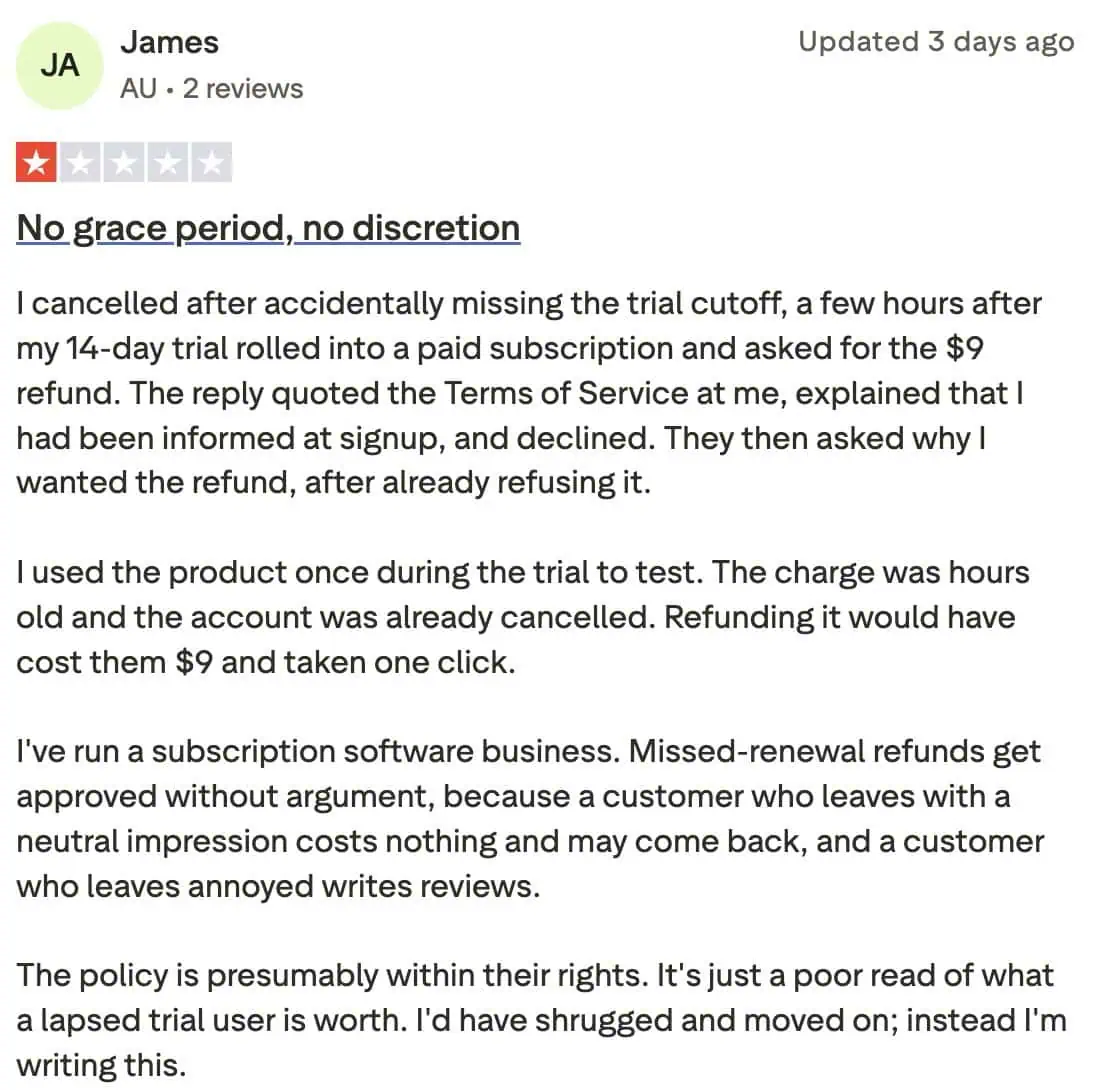
There are negative Trustpilot reviews about trial renewals and refund refusals, particularly when users cancel shortly after a charge has already been processed.
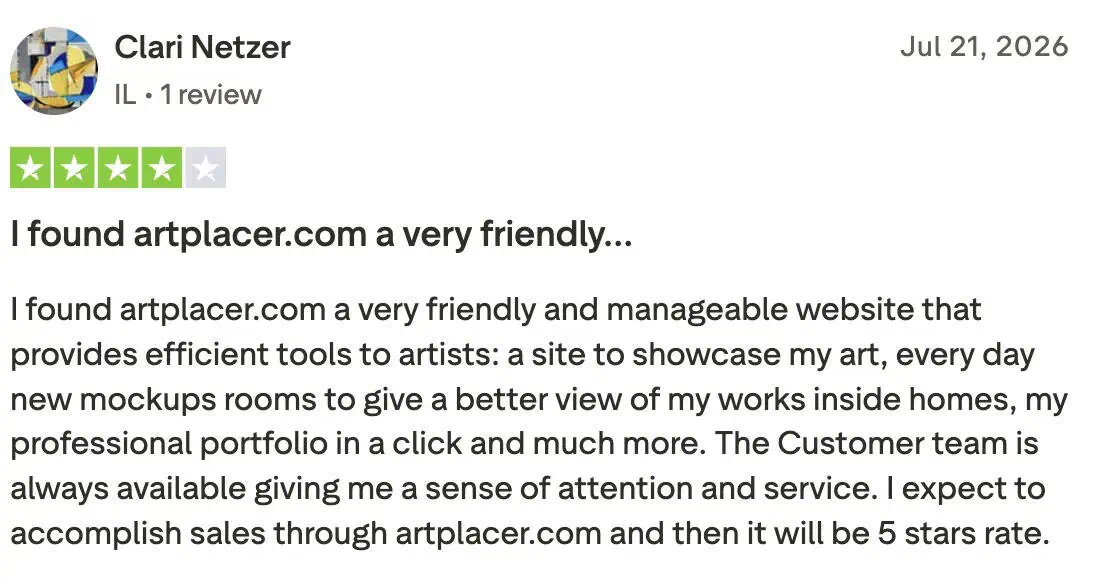
There are also positive reviews from artists who find ArtPlacer useful for presenting artwork professionally and helping collectors understand scale.
Some Shopify users have reported room placement bugs, integration frustrations, and dissatisfaction with refunds on annual subscriptions.
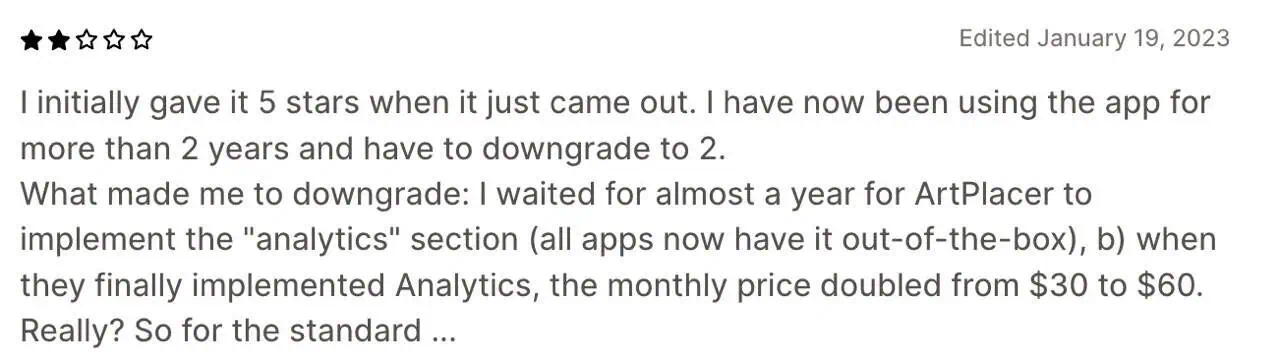
Negative Android reviews raise concerns about AR accuracy, awkward handling of vertical artwork, limited placement flexibility, and overall app usability.


| Tool | Strongest use case | Key distinction from ArtPlacer |
| Bulk Mockup | High volume mockup creation | Helps automate repetitive mockup creation and produce large batches of product visuals faster |
| Kunstmatrix | Virtual exhibitions | More focused on digital exhibition creation |
| Smartist | Mobile art visualization | Simpler mobile first visualization workflow |
| Canvy | Artwork room mockups | More streamlined for basic wall mockups |
| Placeit | General marketing mockups | Broader mockup library across many product categories |
Bulk Mockup is a stronger fit when your main goal is creating large volumes of mockups, reducing repetitive production work, and producing product visuals faster. ArtPlacer is better suited to AR, Personal Spaces, virtual exhibitions, presentations, and gallery workflows. The better choice depends on whether you need scalable mockup creation or a broader art presentation ecosystem.
For some sellers, the biggest challenge is not artwork presentation. It is the time spent producing the same type of mockup again and again across a growing catalog.
Bulk Mockup is built for workflows where speed, scale, and repeatable output matter. Its solutions help automate repetitive mockup creation, process large groups of designs, manage more complex mockup setups, and keep exported files organized.
ArtPlacer is better suited to collector visualization, virtual exhibitions, and gallery workflows. If your priority is producing large volumes of mockup assets efficiently, Bulk Mockup is the more relevant option to evaluate.
ArtPlacer costs from $9 to $169 per month, depending on the plan. Your actual monthly spend can be higher if you add website widgets, extra artwork capacity, Personal Spaces, or additional video credits.
Yes. ArtPlacer can generate five second 1080p Room Mockup Videos with subtle camera movement toward the artwork. Each new generation uses one credit, and the number of included credits depends on your subscription plan.
Yes. Depending on your setup, customers can visualize artwork through Personal Spaces, website widgets, or AR on compatible devices. ArtPlacer uses saved artwork dimensions to display the piece at real scale.
ArtPlacer’s published subscription terms state that subscription payments are non refundable. Cancelling stops future renewals, while access generally continues through the end of the billing period you have already paid for.
It can be useful if you sell art and want realistic room visualization, accurate scale, or stronger buyer presentation. For sellers who mainly need large quantities of straightforward listing mockups, ArtPlacer’s wider gallery features may be unnecessary.
It depends on your workflow. Kunstmatrix suits virtual exhibitions, Smartist and Canvy focus more on straightforward art visualization, and Placeit covers broader marketing mockups. For high-volume mockup production, Bulk Mockup is the more relevant alternative.