Easily enhance your mockups by adding GIFs with these simple steps. Follow along for a quick tutorial on creating dynamic visuals!


Putting a GIF in a mockup is really easy if you follow the exact steps shown here. It’s going to be a very short and easy tutorial for video mockups, so follow along.
We are going to put a GIF on a still image like the sample below. You can do the same for any still image mockup.

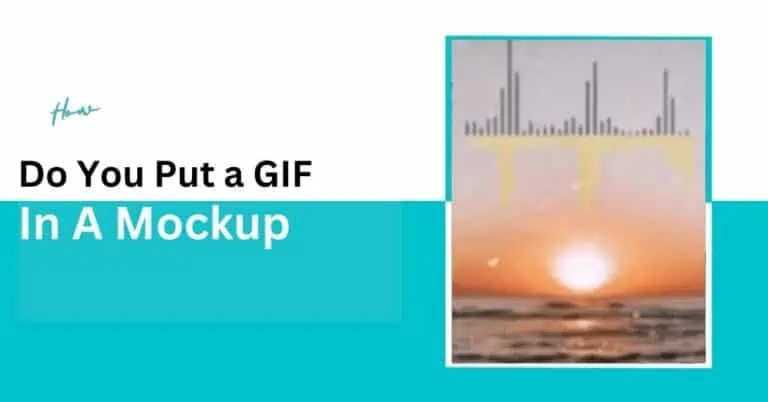
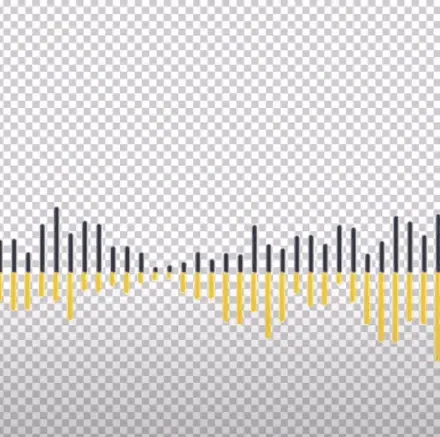
For this example, we will be taking this audio waveform with a transparent background. You can take any GIF that goes with your desired finished product.
And for the mockup we will be taking a static image of sunrise on the beach.

Open the GIF on Photoshop. Go to Windows → Timeline. Then from the timeline choose Select All Frames.
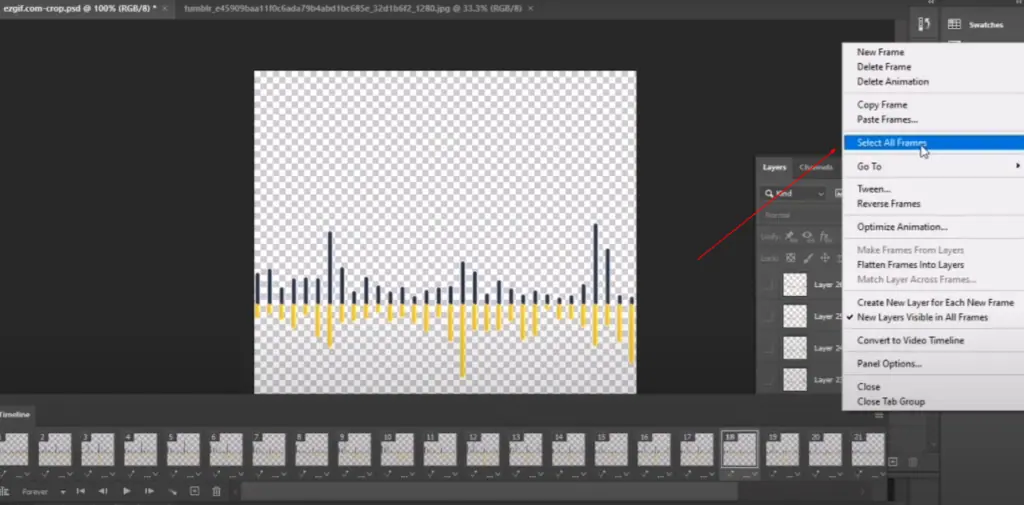
Then click the “Copy Frames” button and then go to the static image opened in Photoshop.
On the timeline of the static image, click the “Create Frame Animation” button.

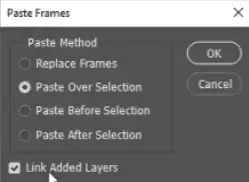
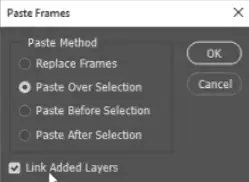
Then paste the frames on the timeline of the static image and make sure to choose the options like the below image.
Resize and reshape the GIF as you like.
Now go to the layer option and click on the Match Layers Across Frames.
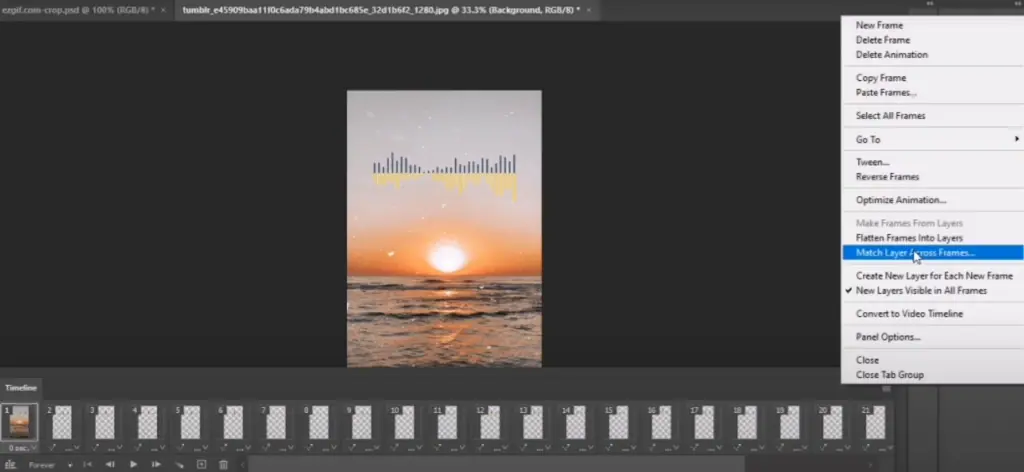
Make sure all the options are chosen.
And Voila!
The process is done. This is the simplest way to put a GIF in a mockup.