

Creating one product mockup is usually easy enough. The trouble starts when your Shopify store has many designs, several colour options, and different product types that all need usable images.
That makes choosing the best Shopify mockup apps more complicated than picking the tool with the biggest template library. Some are good for quick images, some are built around POD products, and others are better suited to publishing or personalization.
We tested each tool with actual catalog work in mind. That meant paying attention to image quality, product accuracy, colour consistency, bulk creation, variant handling, custom templates, Shopify publishing, and what the pricing looks like once you are producing more than a few products.
A mockup can look polished and still show the wrong fit, print area, colour, or proportions. That is the difference we paid attention to while testing. Some tools were easier to use for regular catalog work, while others felt slow once we started creating more products.
Here is a quick comparison of the 10 tools before getting into the individual tests.
| Tool | Best For | Shopify Workflow | Bulk Generation | Product and Variant Creation | Custom Templates | AI or Lifestyle Mockups | Supplier Independent |
| Bulk Mockup | Large catalogs | Full catalog publishing | Yes | Yes | Yes | Own mockup styles | Yes |
| Mockupify | Bulk product creation | Product export | Yes | Yes | Yes | Limited | Yes |
| Dynamic Mockups | Personalization | Media sync and live preview | Yes | Limited | Yes | Yes | Yes |
| Mockey AI | Lifestyle imagery | Add images to products | Yes | No | Limited | Yes | Yes |
| Printify | Printify sellers | POD product publishing | Yes | Yes | No | Yes | No |
| Printful | Printful sellers | POD product publishing | Limited | Yes | Product templates | Yes | No |
| Gelato | Gelato sellers | POD product publishing | Yes | Yes | Limited | Yes | No |
| Placeit | Lifestyle visuals | Manual upload | No | No | No | Yes | Yes |
| Canva | Small stores | Shopify media connection | No | No | Limited | Yes | Yes |
| Mockupanda | Bulk mockup creation | Add images to products | Yes | Limited | Yes | Yes | __ |
We used the same practical test setup across each tool wherever the features allowed it. The aim was not to see whether an app could make one attractive mockup, but how well it handled the kind of work a Shopify seller deals with when several designs, variants, products, and listings are involved.
That gave us a more useful way to compare the tools. A single image can look fine on its own, yet the process may become slow, inconsistent, or difficult to manage once you repeat it across a larger catalog.
We used the same artwork files wherever possible so each tool had to deal with the same design challenges. The set included a simple black typography PNG, a multicolour illustration, a transparent logo, artwork with small text, and an edge-to-edge design for tools that supported all-over print products.
While testing, we checked whether small text stayed readable, logos kept the correct proportions, transparent areas rendered cleanly, and artwork stayed in the same position across repeated mockups.
We also watched for less obvious problems. Some tools changed colours slightly, softened fine details, or shifted the artwork between variants. With AI based mockup features, we also checked whether the original design itself was altered during generation.
The comparison covers more than apparel. Where available, each tool was tried with a T shirt, hoodie, mug, wall art or poster, and phone case to see how it handled different surfaces and product shapes.
Flat garments are usually easier to render convincingly. Curved items, framed prints, and fitted accessories make positioning errors much easier to spot.
During testing, the focus stayed on whether the artwork sat naturally on the product, followed the correct proportions, and remained believable once applied to very different product formats.
The larger catalog test used 10 designs × 5 colours × 3 mockup styles, producing 150 mockups in total.
For each tool, the comparison recorded:
We built Bulk Mockup for sellers who need to turn a large set of artwork into ready-to-publish Shopify products without repeating the same setup for every design.
You can upload artwork in batches, choose reusable product templates, generate the required product images, prepare listing details, set pricing and variants, organize product media, review everything, and publish the finished products to Shopify. Bulk Mockup can also prepare titles, descriptions, pricing, image names, and mockups as part of the same catalog workflow.
This is useful when the same product structure is being reused across many designs. Instead of rebuilding the listing each time, the repeated information can stay consistent while the artwork changes.
We checked batch artwork upload, product template reuse, listing preparation, pricing, variants, image association, naming, publishing time, corrections, and product updates.
Large Shopify catalogs, regular collection launches, agencies, sellers using several fulfilment providers, and stores that want mockups and product creation handled together.
The first batch needs proper template preparation. Smart Object names, folders, and artwork structure have to be set correctly before processing.
Mockupify combines mockup creation with Shopify product publishing. You upload your design files, create the product setup, and the app merges the artwork with your mockups before exporting the products to your store. It also supports custom mockups, which is useful if you already have your own product images rather than relying on a fixed library.
For testing, we focused on artwork upload, variant and colour setup, image matching, file naming, reusable product settings, existing product updates, and the amount of cleanup needed after publishing. We also checked whether generated images stayed connected to the correct Shopify variants.
Artwork upload, custom mockups, bulk product creation, variant assignment, image association, product updates, file naming, and post publishing cleanup.
Shopify sellers who mainly want to turn many designs into products rather than create lifestyle focused marketing graphics.
The Basic plan is limited to 10 products and 150 graphic designs, so larger catalogs will quickly need the $50 per month Unlimited plan. The app also has only three Shopify reviews at present, which is too small a sample to draw wider conclusions about user experience.
Dynamic Mockups covers two different Shopify needs. You can create product galleries before publishing, or let shoppers upload their own artwork and preview a personalized product directly on the product page.
The app includes more than 1,000 templates and can generate several mockups from one artwork upload. Those images can sync with Shopify media, including product variants, which cuts out a separate upload step. For personalized orders, it can also create print ready files with sizing and bleed applied.
We checked artwork upload, gallery creation, Shopify media sync, colour variants, personalization previews, bulk generation, and the number of manual steps needed before a product was ready.
Stores that want a Shopify mockup generator and live product personalization in the same setup, especially POD sellers offering custom products.
The free plan is mainly useful for testing. It includes 50 starter credits, while broader batch export, integrations, print files, and the embedded product editor sit behind Pro. The Shopify listing shows Pro at $19 per month or $182 per year.
Mockey AI is mainly useful when you want more choice in how a product is presented. It advertises more than 30,000 templates for apparel, mugs, packaging, and other products, along with Multi Shoot, AI background tools, and video mockups.
During testing, we paid more attention to consistency than the size of the library. The same artwork was placed on different garment colours to check design position, shadows, seams, collars, sleeves, and whether the AI changed any part of the original design.
Finished mockups can be added to Shopify products in one click. That saves an upload step, but it does not create the full product setup with pricing, variants, descriptions, and listing data.
Template search, colour changes, artwork placement, Multi Shoot, AI backgrounds, video mockups, and Shopify image addition.
Sellers who want a print on demand mockup generator for lifestyle scenes, campaign images, and more visual variety.
The main limitation is the workflow depth. Mockey is strong on image creation, but more of the product setup still has to be handled separately in Shopify. For a large catalog, that creates more manual work than a tool built around mockup generation and product creation together.
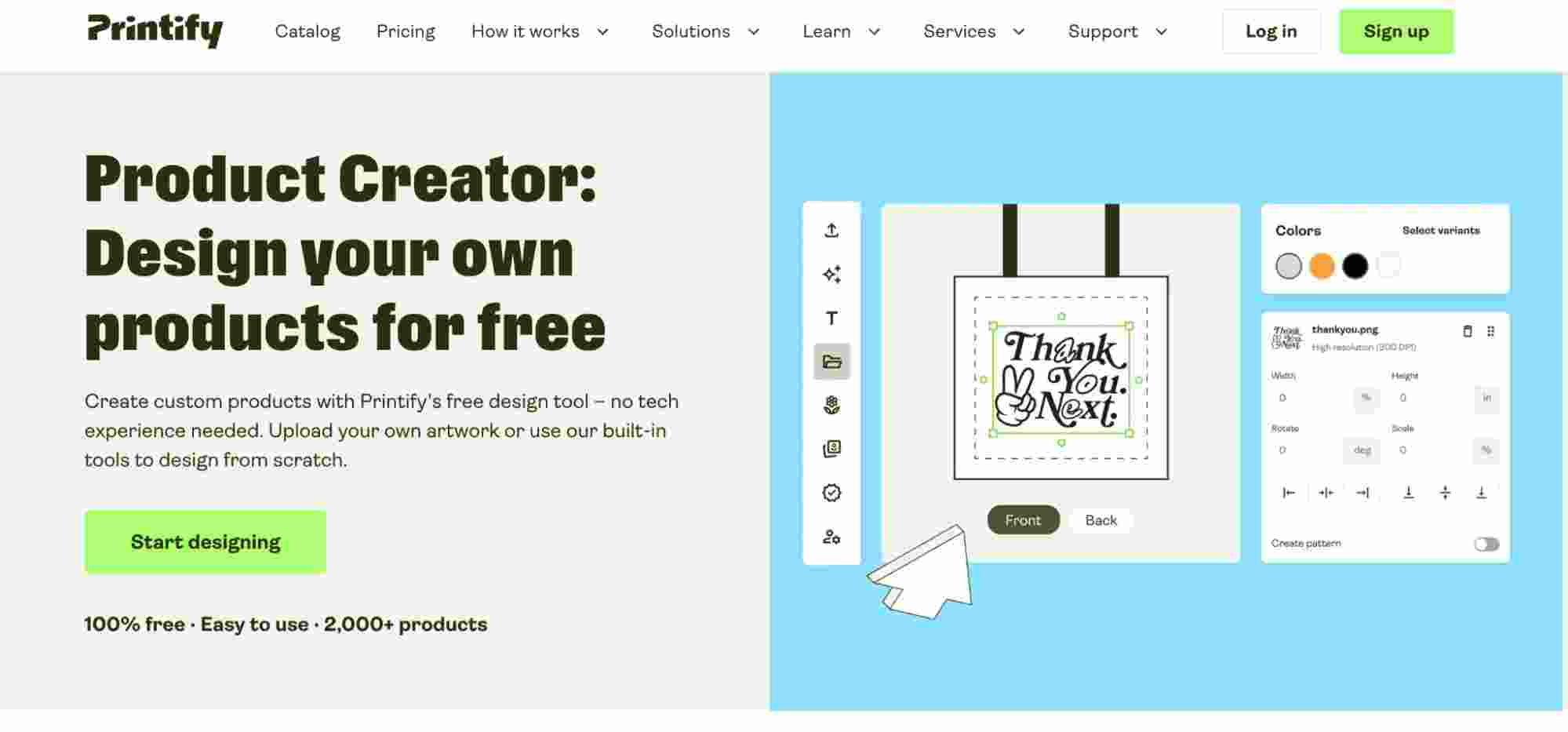
Printify Product Creator works differently from a general Shopify mockup generator because the mockups are tied to products that Printify can actually fulfil. You choose a product and Print Provider, add the artwork, then select from flat lays, lifestyle scenes, and different product angles before publishing to Shopify.
That connection helps with product accuracy. During testing, we checked garment shape, colour, print area, artwork position, and whether the correct images appeared for each variant. Printify also lets you choose different mockups for different colour groups, which is useful when a listing contains several garment colours.
Its catalog now covers more than 2,000 customizable products, and the standard mockups can be generated without watermarks. AI scenes are available as an additional option.
Product selection, artwork placement, colour accuracy, print area, variant images, lifestyle scenes, and Shopify publishing.
Shopify sellers already using Printify for fulfilment.
The mockup workflow stays closely tied to Printify products and Print Providers. That works well when your catalog is already built there, but it gives you less freedom if you use several suppliers or want one mockup system across products fulfilled elsewhere.
Printful makes the most sense when your products are already being fulfilled through Printful. You choose a product, upload the artwork, adjust it inside the available print area, select colours, and then choose the images you want to use for the listing.
During testing, we checked the print area, garment shape, artwork size, colour, and proportions across different mockup styles. The product images are tied to Printful’s own catalog, so it is easier to keep the mockup close to the item being sold.
Product templates are also useful when you want to reuse the same product and artwork setup later. However, pricing and descriptions still need to be added when the product is published to a store.
Standard mockups, lifestyle scenes, product templates, artwork placement, colour options, image downloads, and Shopify publishing.
Stores that already use Printful as their main fulfilment provider.
Printful’s templates are not synced with products after publication. If you edit a saved template later, the existing store product does not update automatically.
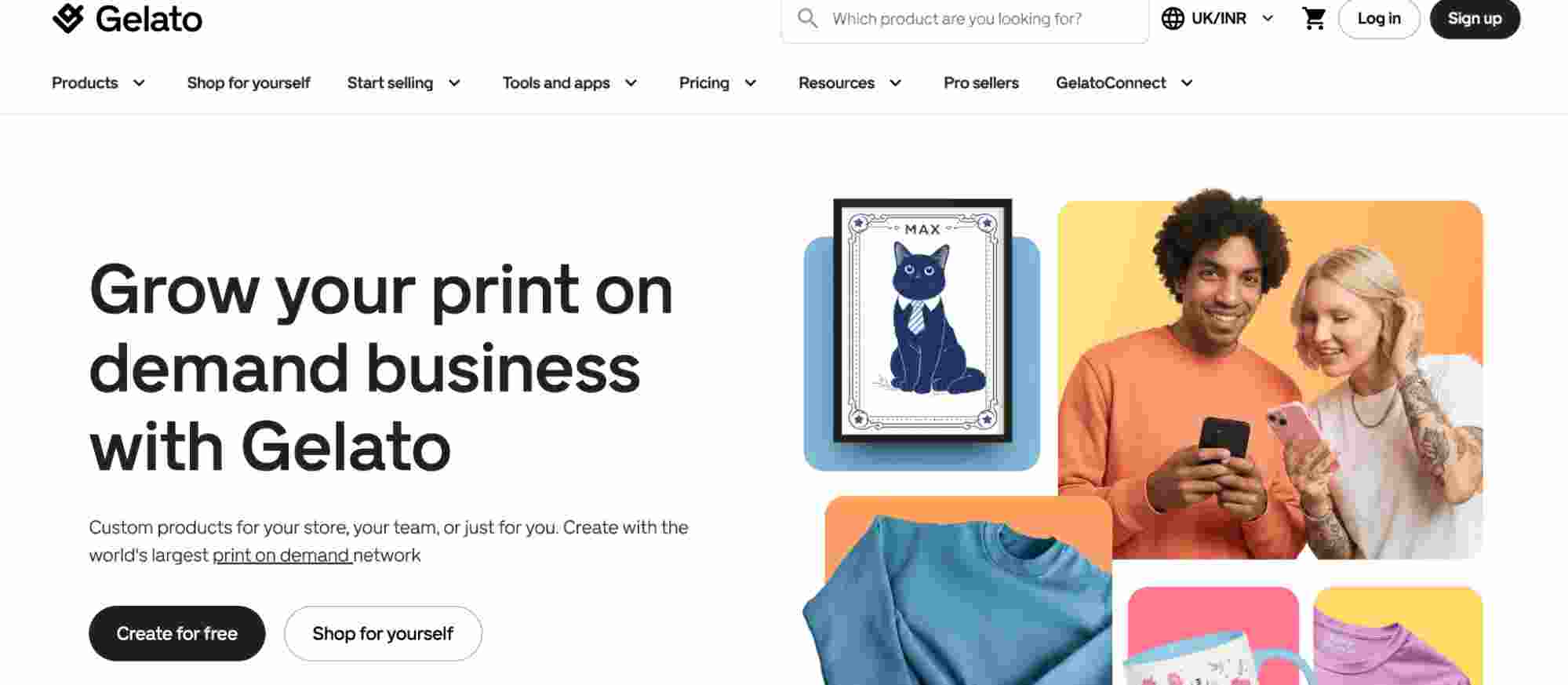
Gelato gives sellers both standard product mockups and more creative scene options. During testing, we used its regular product images, premium apparel and wall art scenes, downloadable files, background removal, and Magic Mockups.
The AI scenes needed closer checking than the standard product images. We compared the artwork, print position, colour, garment shape, and frame proportions after generation. Gelato also recommends reviewing products after publishing to make sure the design still fits correctly, which is especially important when generated imagery is involved.
Instant Collections can also help when the same artwork needs to be applied across several products. Gelato supports this alongside personalization tools and its regular fulfilment workflow.
Standard scenes, premium mockups, wall art, Magic Mockups, downloads, artwork position, colours, proportions, and product publishing.
If your products are already fulfilled through Gelato, keeping the mockups there is convenient. You can create the product, prepare the images, and send it to Shopify without moving between separate tools. The extra lifestyle options are useful for apparel and wall art sellers who want more than the basic product views.
Magic Mockups can produce useful lifestyle scenes, but generated images still need to be checked carefully for product and artwork accuracy before they go live. Gelato+ costs $29.99 per month or $19.99 per month with annual billing.
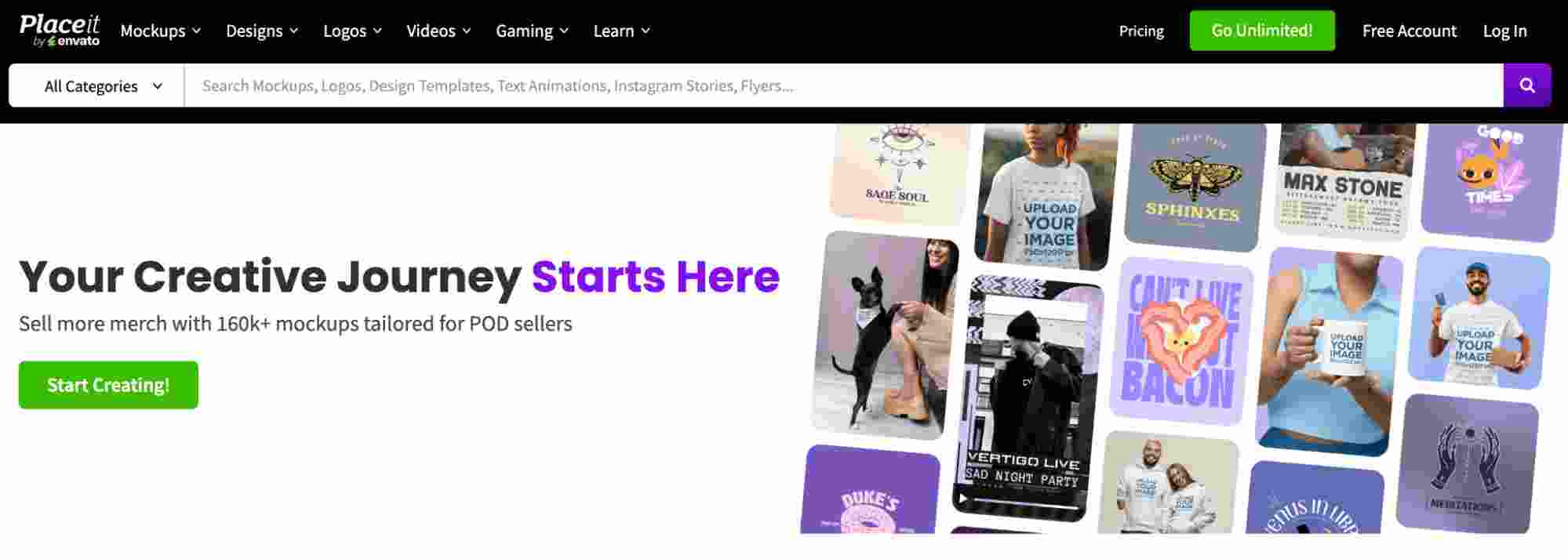
Placeit is mainly about visuals. During testing, the strongest part was the range of models, apparel scenes, product settings, and video mockups. There are also many categories beyond clothing, so it is useful when you want product pages, ads, or campaign graphics to look less repetitive.
The large library sounds impressive, but the useful number is how many scenes actually match your product. We found that browsing and filtering can still take time when you need several images with a similar look. Popular public templates can also make different stores look alike.
The workflow is simple: create the mockup, download the PNG, upload it to Shopify, then arrange the product media yourself. Placeit currently does not appear to have its own Shopify App Store listing, so the process remains manual rather than connected to product publishing.
Template search, model variety, product categories, video mockups, download quality, and the time needed to prepare several usable images.
Placeit suits brands that care more about lifestyle photos, ads, and campaign visuals than catalog automation.
It does not handle product creation, variants, or media publishing inside Shopify. Once the images are downloaded, the rest of the catalog work still has to be done separately.
Canva is worth including because many sellers already use it for banners, social media posts, collection graphics, and other store creatives. Its mockup feature is useful for simple product images, and the editor makes it easy to combine those images with typography, logos, and other branding elements.
For this test, we kept the workload small and focused on the type of job a low volume store would actually do. Creating a few product images was quick, and Canva also made it easy to turn the same assets into promotional layouts.
Shopify Connect now lets you access product images inside Canva and send finished designs back to products or collections. That removes some download and upload work, but it still does not handle deeper catalog tasks such as variant mapping, pricing, or full product creation.
Product mockups, collection graphics, banners, social media creatives, branding layouts, and the Shopify media workflow.
A smaller store launching only a few products each month may not need a separate specialist tool. Canva can cover the visual work while also handling everyday marketing content.
Product imagery and catalog setup remain separate jobs. Once the store grows, managing variants and repeated product creation still requires more work elsewhere.
Mockupanda is a newer option, so we looked more closely at how it behaves when several images need to be created and added to Shopify in one go.
The app can generate mockups in bulk, add them directly to product pages, and work with both built in and custom templates. It also supports text, branding, apparel, wall art, bags, and other print on demand products.
During testing, the main checks were batch stability, image consistency, template flexibility, media assignment, support for existing products, and whether the generated output stayed clean across repeated runs. Custom templates were useful when the built in scenes did not match the look needed for a store.
Batch creation, custom templates, Shopify media addition, existing product support, output consistency, and AI results.
Mockupanda is worth considering if you want a newer app that can create several mockups and place them directly into Shopify products without handling every image one by one.
The app is still new, so there is less long term usage data to judge how it performs at scale. The Starter plan costs $7 per month and includes 700 exports and 40 AI credits, with a 7 day free trial.
Shopify integration can mean anything from sending over one image to handling most of the work needed to build a product listing.
At the simplest level, you create the mockup elsewhere, download it, then upload it to Shopify.
This works fine for a small catalog. You still handle the product, images, variants, pricing, and listing details yourself, so the time adds up once product volume starts growing.
Some tools can send finished images straight to an existing Shopify product.
That removes the download and upload step, but you may still need to:
It saves time, but it does not remove most of the catalog work. Shopify itself treats product media and variant image assignment as separate tasks.
The next level handles more than images. A tool may create products, add listing details, build colour and size variants, attach the right media, and apply pricing.
This becomes much more useful when several designs share the same product setup because there is far less information to enter again manually.
A fuller setup can bring most of the repeated catalog work into one process, including:
Bulk Mockup is built around this broader catalog workflow rather than stopping once the product images are ready.
Personalization is a different type of connection altogether. Here, the shopper interacts with the product page rather than the merchant preparing catalog images beforehand.
Depending on the app, customers may upload an image, enter text, change parts of a design, preview the result, and create the file needed for production.
The right choice depends less on the longest feature list and more on how you actually add products to your store. Shopify treats media, variants, pricing, and product details as separate parts of the catalog, so saving time in one area does not always reduce the rest of the work.
If you only add a few products each month, you probably do not need heavy automation.
Look for:
Canva, a POD provider’s own generator, or a simple browser based option can be enough. Paying more for catalog automation makes little sense if you rarely repeat the same product setup.
Start with the images provided by the company fulfilling the product. Those mockups are usually tied more closely to the actual blank, print area, colours, and available variants.
Lifestyle scenes can still be added from another tool, but check them carefully. A nicer background is not useful if the shirt shape, frame size, or artwork placement no longer matches what the customer will receive.
At higher volume, the slow part is rarely making one image. It is repeating the same product details again and again.
Look for a workflow that can handle:
Bulk Mockup is aimed at this type of catalog work. It lets the same product structure be reused while different artwork moves through mockup creation and Shopify product preparation.
A normal mockup creator may not be enough here. You need features that work on the product page itself, such as customer image uploads, custom text, live previews, correct sizing, bleed controls, and production files created from the customer’s final design.
The important test is whether the preview remains accurate enough to represent what will actually be printed.
For ads, social posts, launch campaigns, and richer product pages, visual choice may matter more than publishing speed.
In that case, focus on:
The right mockup tool depends on the size and type of store you run. A small catalog may only need quick image creation, while a POD store may care more about keeping mockups close to the products being fulfilled. Larger catalogs usually involve more work around variants, product media, pricing, and publishing.
Before paying for a tool, look at how much work it removes from each product you create. Saving only a few minutes may not matter for five listings, but it can make a big difference when you are publishing 100.
Template count alone should not decide the choice. Accurate product images, less repeated setup, and a cleaner route from finished artwork to a live Shopify listing matter much more.
Shopify does not include a full mockup creation tool for placing artwork onto products. Sellers usually use a connected POD platform, a separate app for Shopify, or an external design tool, then add the finished images to their product listings.
The best free option depends on what you need. Printify and Printful work well if you already use them for fulfilment, while Canva is useful for a small number of simple product images and marketing graphics.
Yes. Some tools can process many artwork files at once and create several product images from the same setup. The amount of automation varies, so check whether the tool also handles variants, product data, media assignment, and publishing.
They can be useful, especially for lifestyle scenes, but every generated image should be checked before publishing. Look closely at garment shape, artwork placement, colours, shadows, proportions, and small design details that may have changed during generation.
A mockup generator helps the merchant create product images before listing an item. A product personalizer works on the store itself, letting shoppers add text or images, preview their changes, and prepare a customized order for production.